RAM — Registered Assessment & Delivery People
RAM keeps the register of the people who assess, moderate and facilitate learning: their profiles, qualifications, scope, work experience and documents — plus the facilitator's day-to-day class tools: QR attendance, attendance codes and online classes over Let's Talk.
Demo sign-ins: demo.assessor, demo.moderator, demo.facilitator — shared password Demo@2026
How it flows
A facilitator's class session
Let's Talk access for a learner
1. Facilitator Class Day Process
A facilitator’s day, from allocation to a live online session.
Screen-by-screen
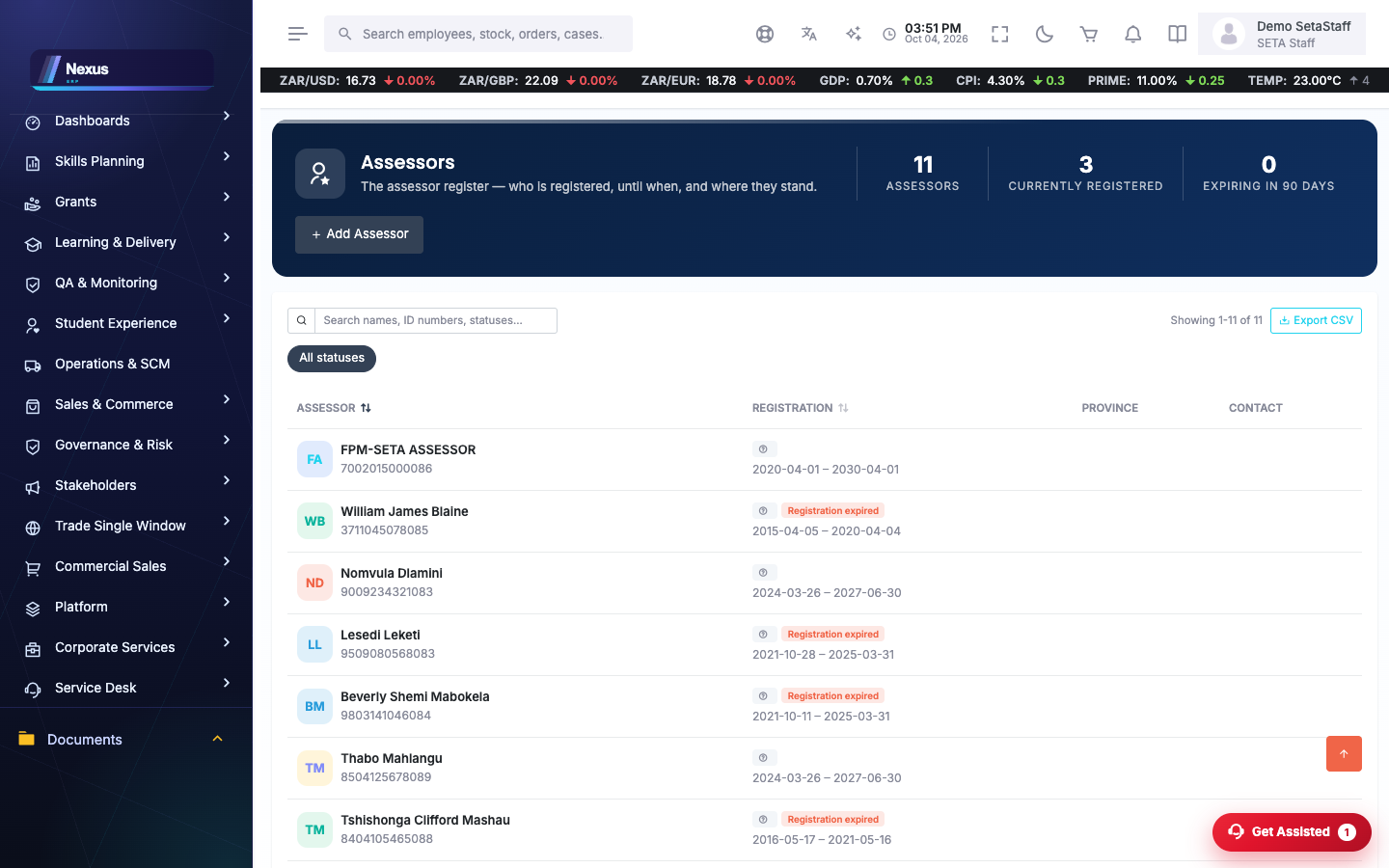
Assessor register
/RAM/Assessor/AssessorOverviewAssessor profiles with qualifications, skills programmes, work experience, documents and linked providers.
- Open or add an assessor profile.
- Link qualifications and skills programmes to their assessment scope.
- Attach registration documents and work experience.
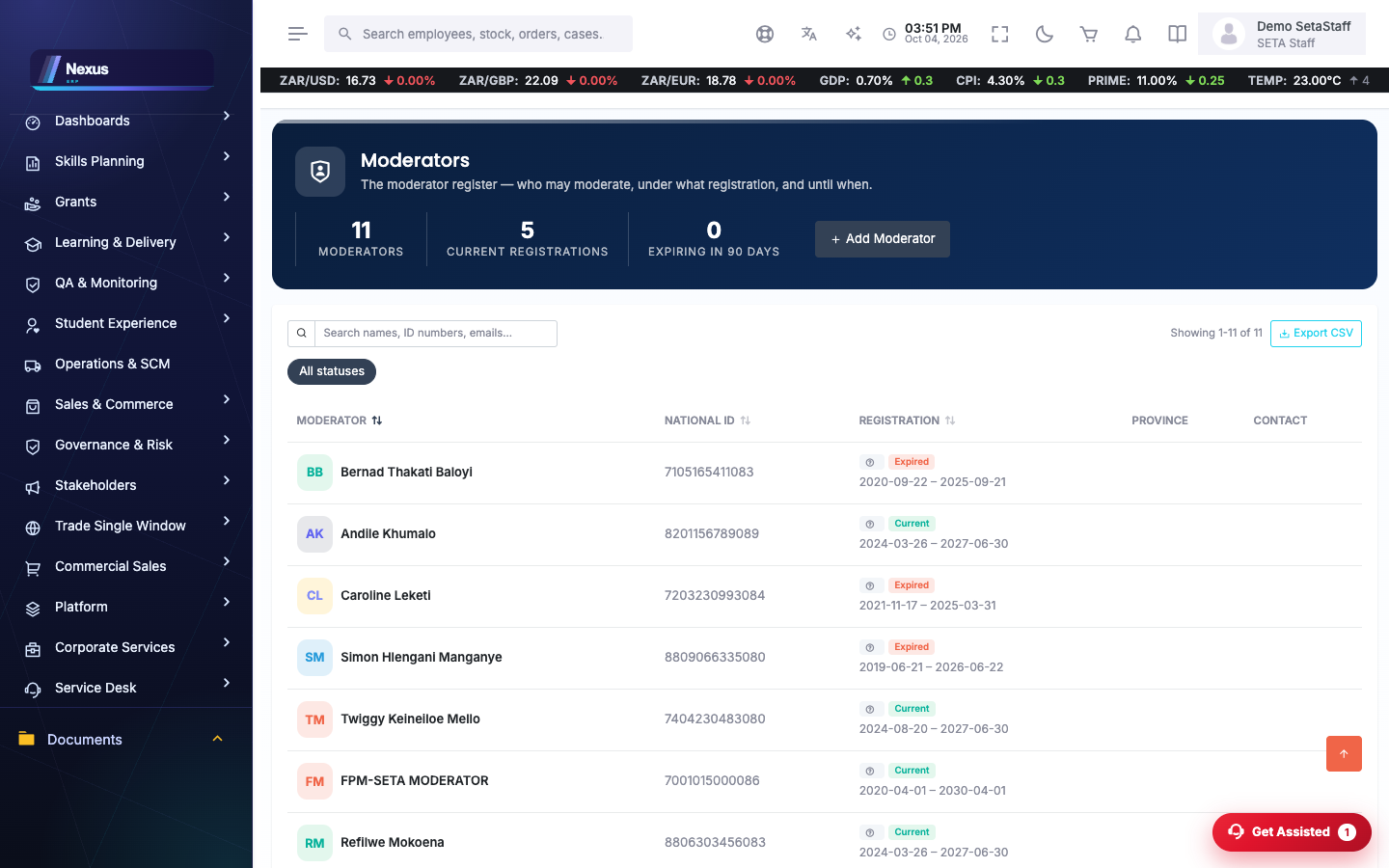
Moderator register
/RAM/Moderator/ModeratorOverviewThe same structure as assessors, for moderators.
- Open or add a moderator profile.
- Maintain scope, documents and work experience.
Facilitator classes
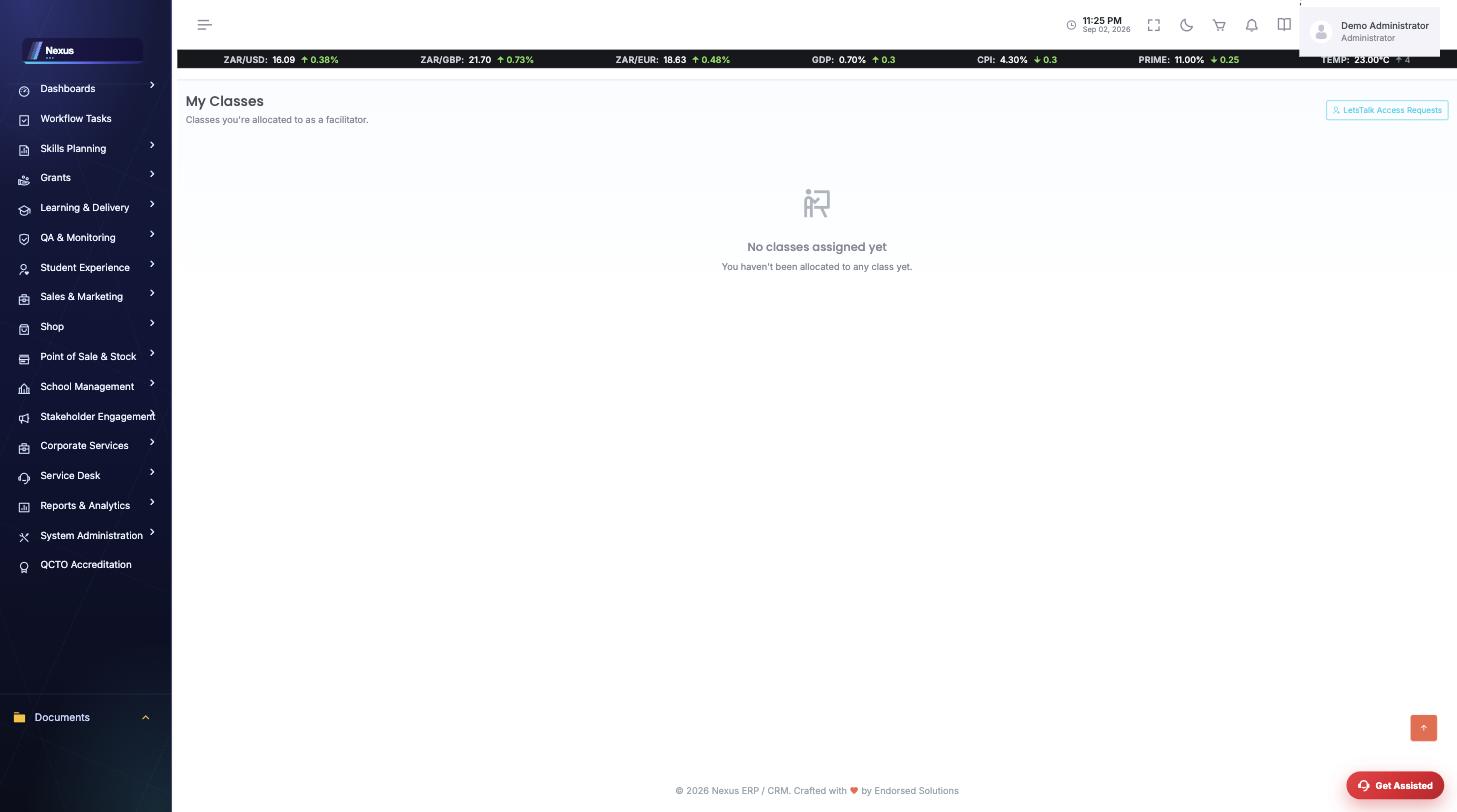
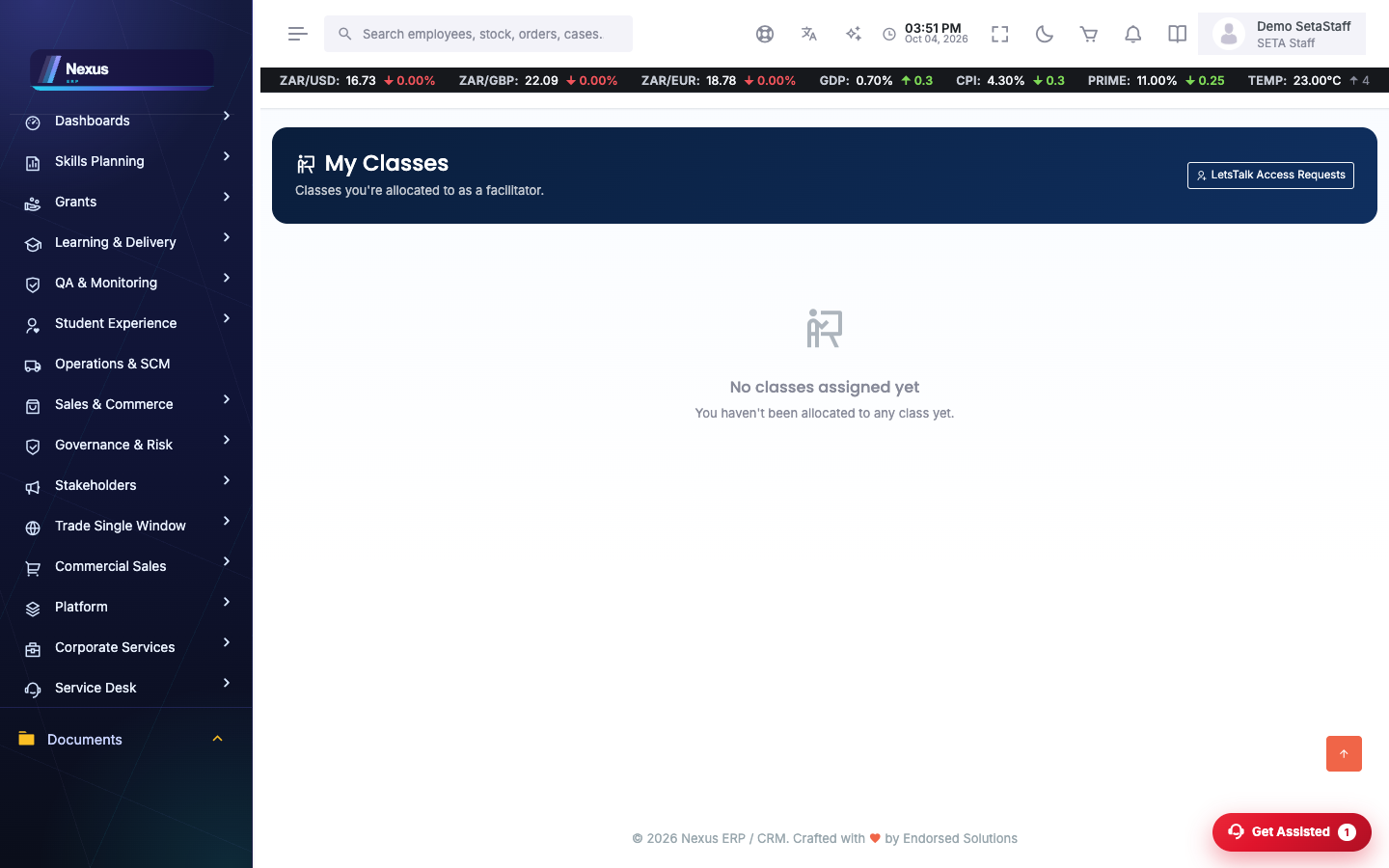
/RAM/Facilitator/FacilitatorClassOverviewThe facilitator's own classes, each opening into a class detail with attendance tools.
- Open a class detail.
- Generate a QR code or send an attendance code for learners to confirm presence.
- Start an online session — the class gets a Let's Talk meeting and join code for the day.
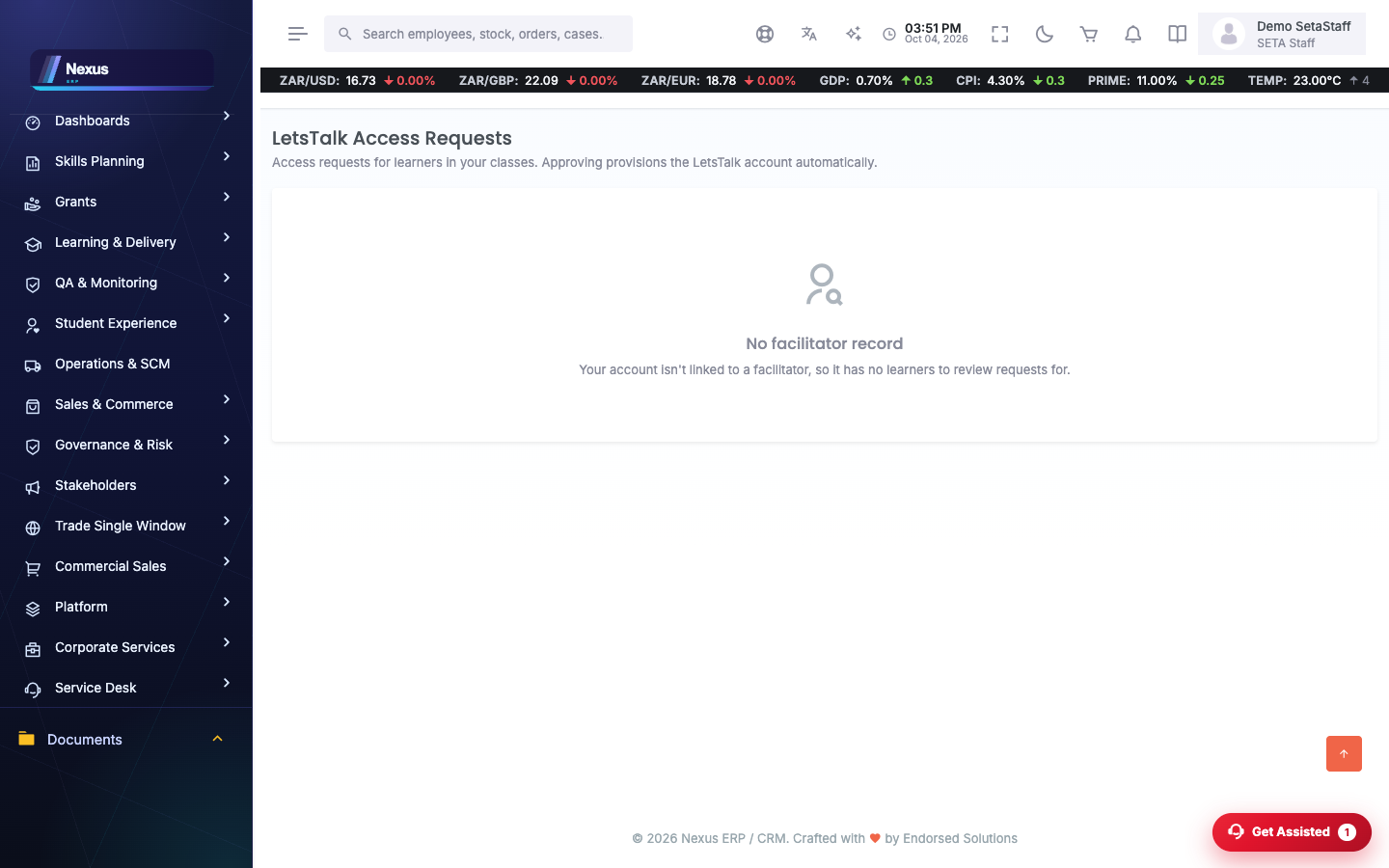
Let's Talk access requests
/RAM/Facilitator/LetsTalkAccessRequestsLearners without a Let's Talk account request access; their facilitator approves or denies.
- Review pending requests — only your own learners appear.
- Approve to provision the account, or deny.
FAQ & troubleshooting
Why can't I approve a request?
Approval is scoped: the request must belong to one of your own learners, and the learner needs a CMIS login before a Let's Talk account can exist.
Where do online classes actually run?
On the Let's Talk platform. Starting a session from the class detail creates the meeting and shares the join code.