Sales & Marketing (CRM)
A full CRM: leads and scoring, opportunities on a pipeline, quotes, activities, accounts, campaigns, audience segments, nurture programmes, public web forms, a shared inbox and cross-cutting insights — with settings for pipelines, stages, scoring rules and custom fields.
Demo sign-ins: demo.sales, demo.staff — shared password Demo@2026
How it flows
Lead to won deal
Campaign to nurtured audience
1. Lead to Won Deal Process
A name becomes a lead, a lead becomes a deal, a deal becomes revenue — and Insights tells you how well the machine ran.
Screen-by-screen
CRM dashboard
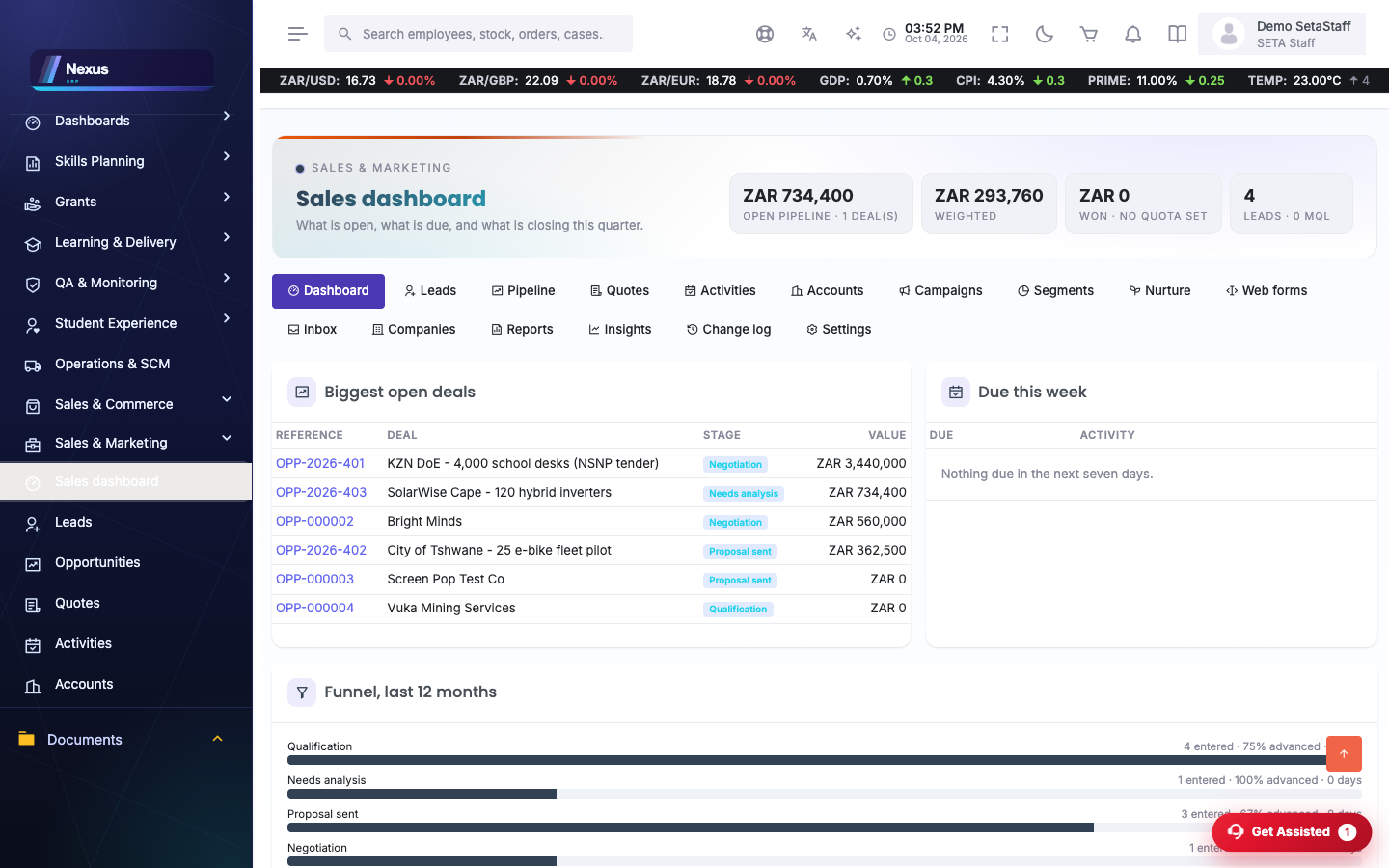
/SalesMarketing/Dashboard/IndexOpen pipeline, weighted value, quota attainment, lead and MQL counts, and the panels behind them.
- Scan the hero for the headline numbers.
- Open any panel's records from its card.
Leads
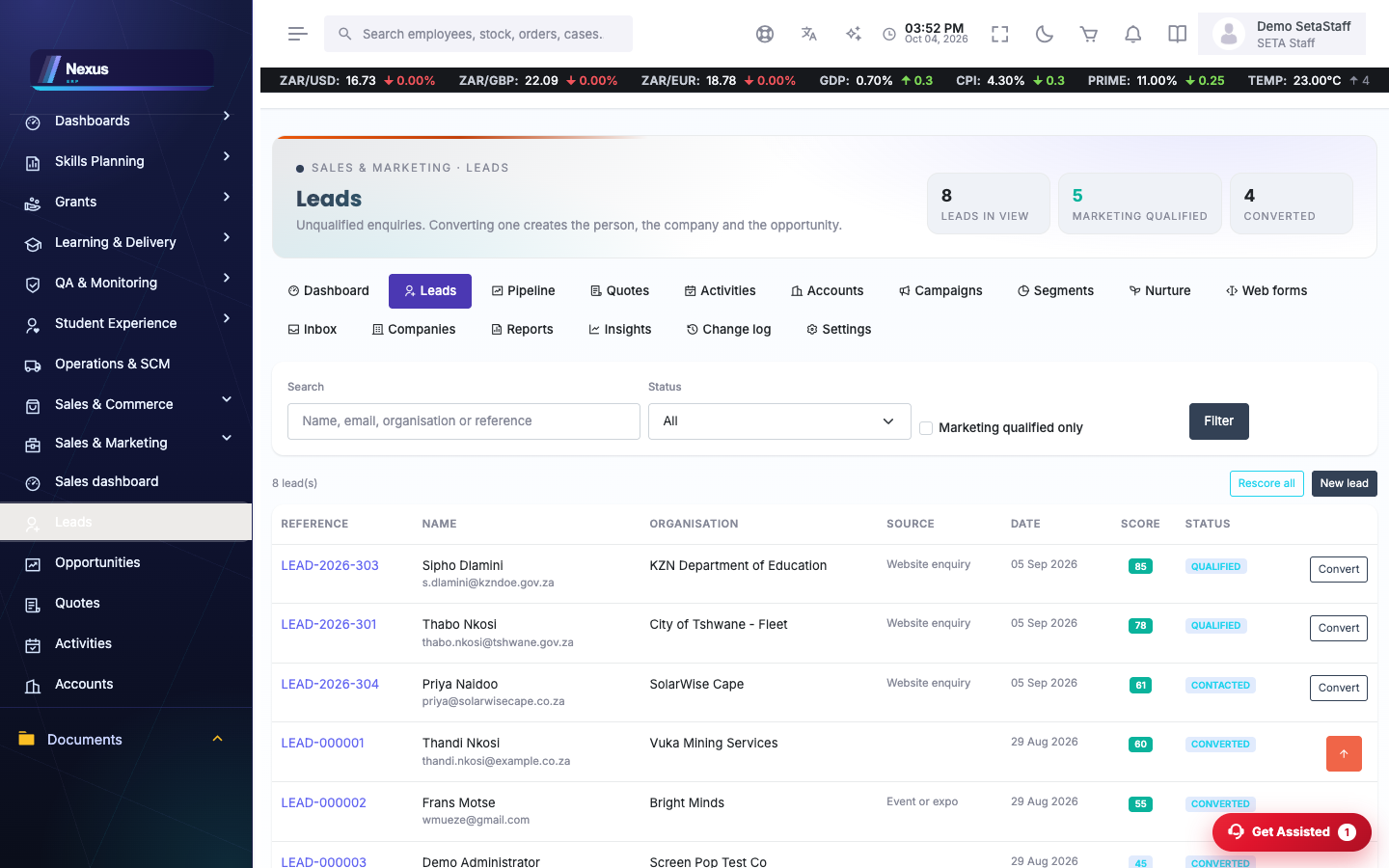
/SalesMarketing/Leads/Index- Capture or import leads; scores update from the scoring rules.
- Open a lead to its detail; convert when qualified.
Opportunities
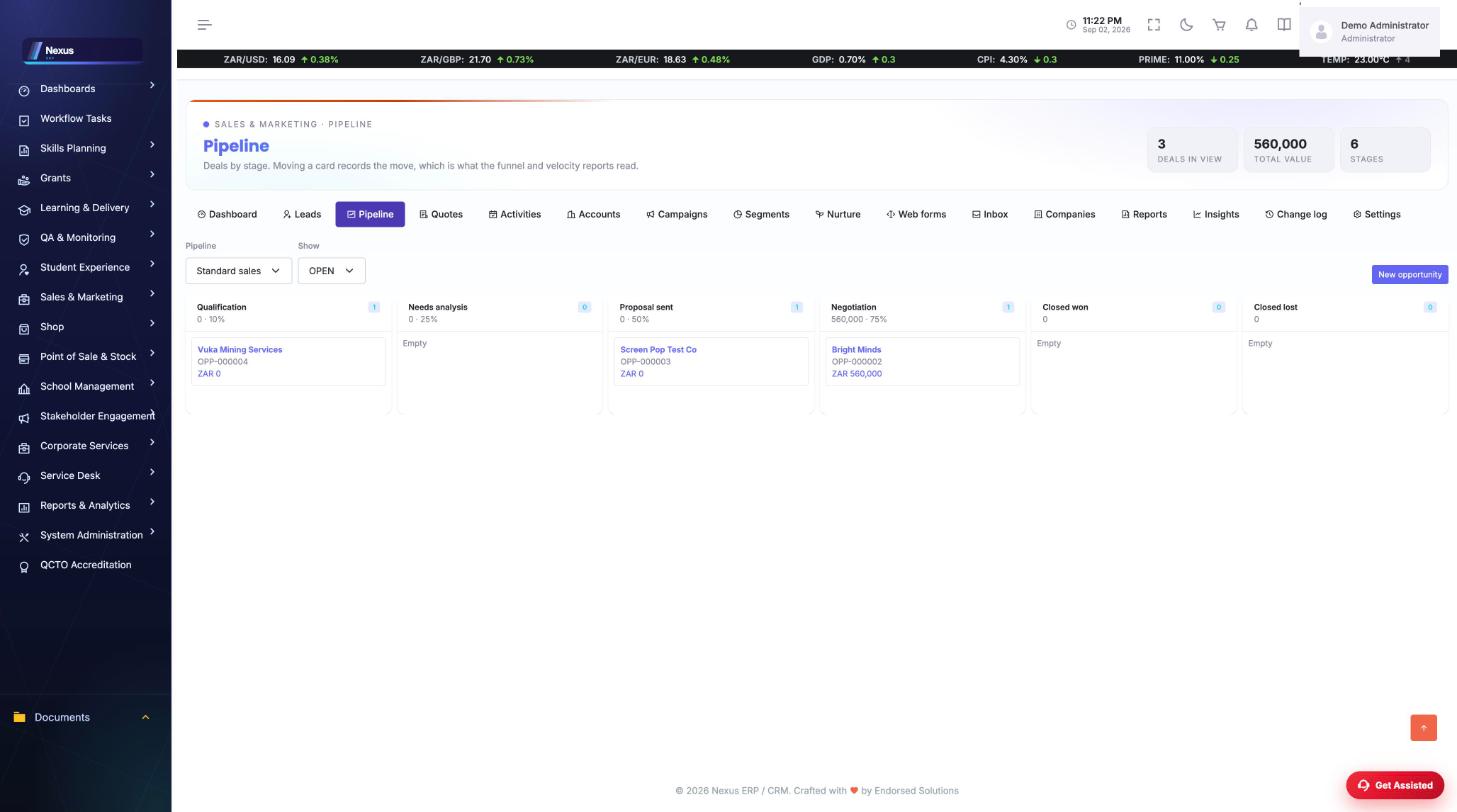
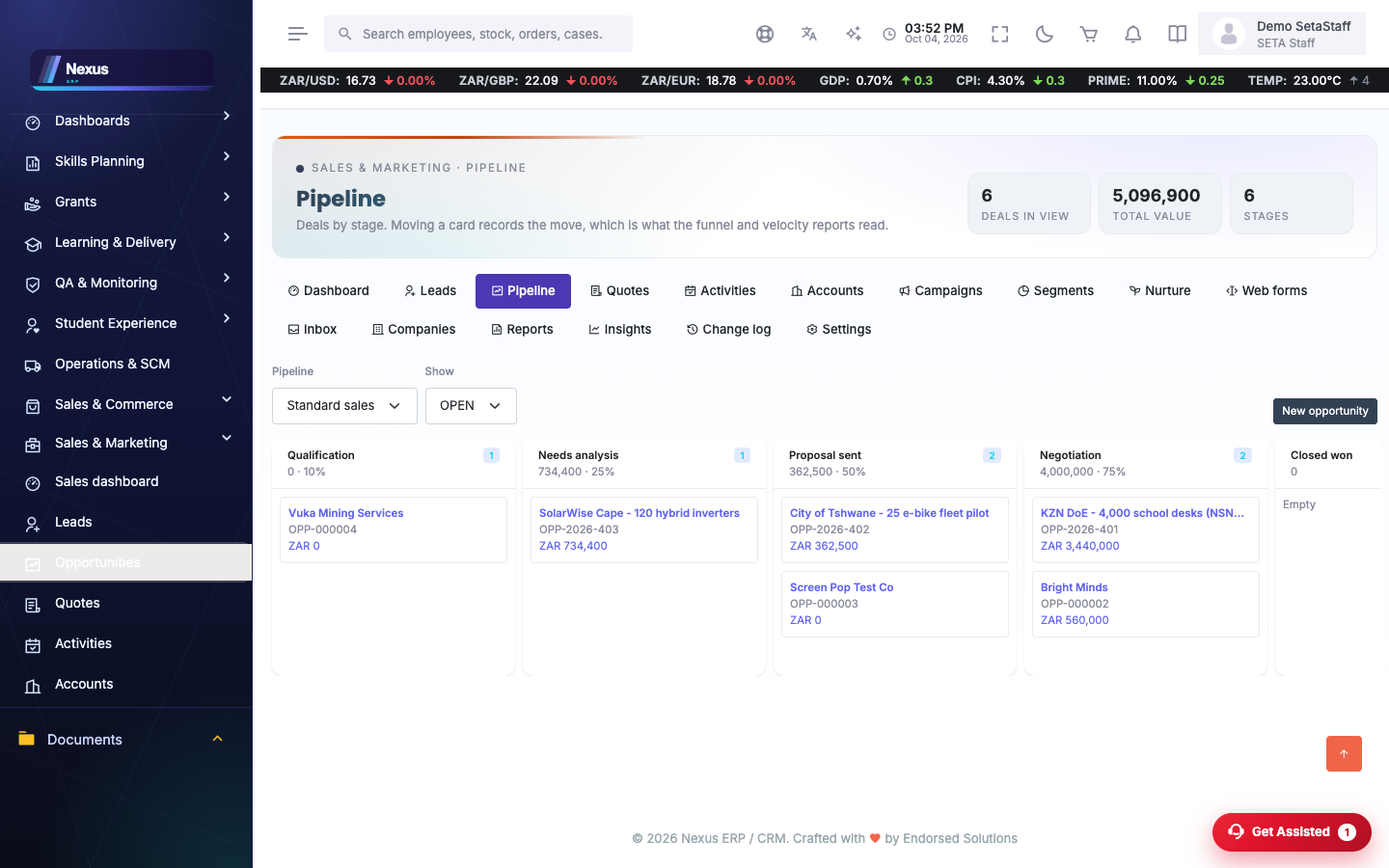
/SalesMarketing/Opportunities/IndexThe pipeline as a kanban, deal cards by stage.
- Drag deals between stages.
- Open a deal for value, probability and quotes.
- Mark Won or Lost with the outcome recorded.
Quotes
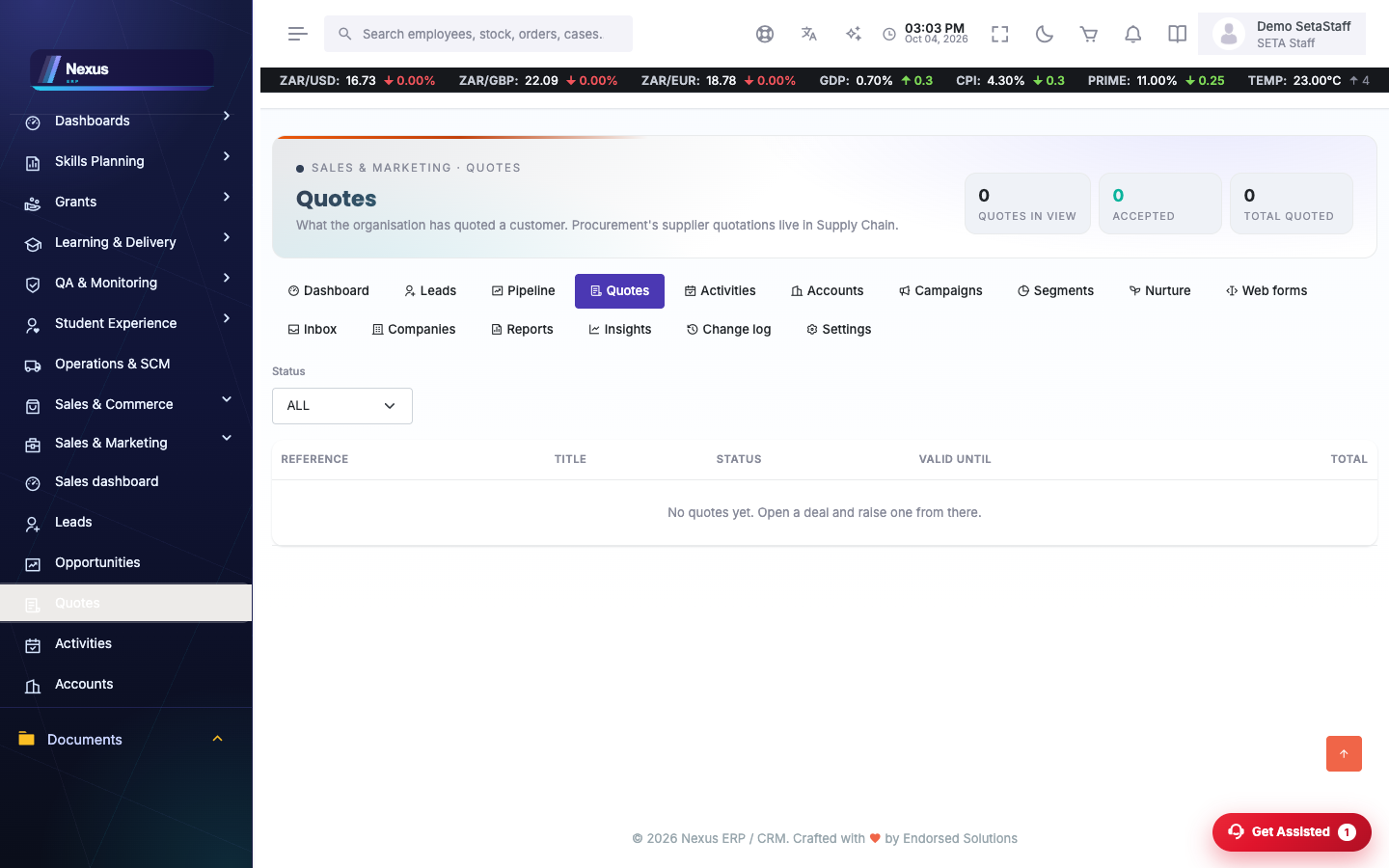
/SalesMarketing/Quotes/Index- Create a quote against a deal.
- Versions are tracked; totals roll up.
- Record acceptance to feed the win.
Campaigns, segments & nurture
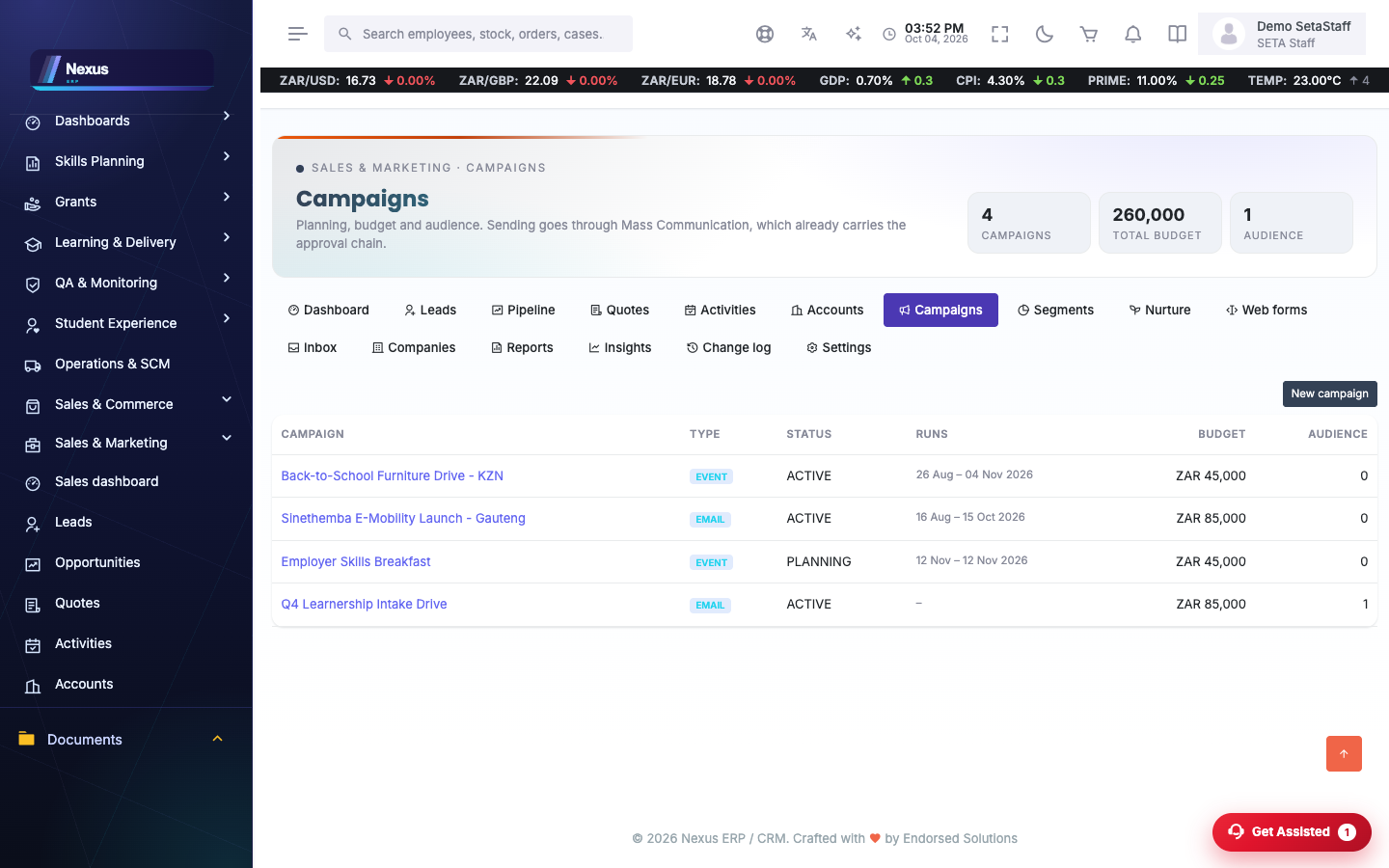
/SalesMarketing/Campaigns/Index- Build a segment from rules.
- Attach it to a campaign with budget and dates.
- Wire a nurture programme so new members get the step sequence.
Web forms
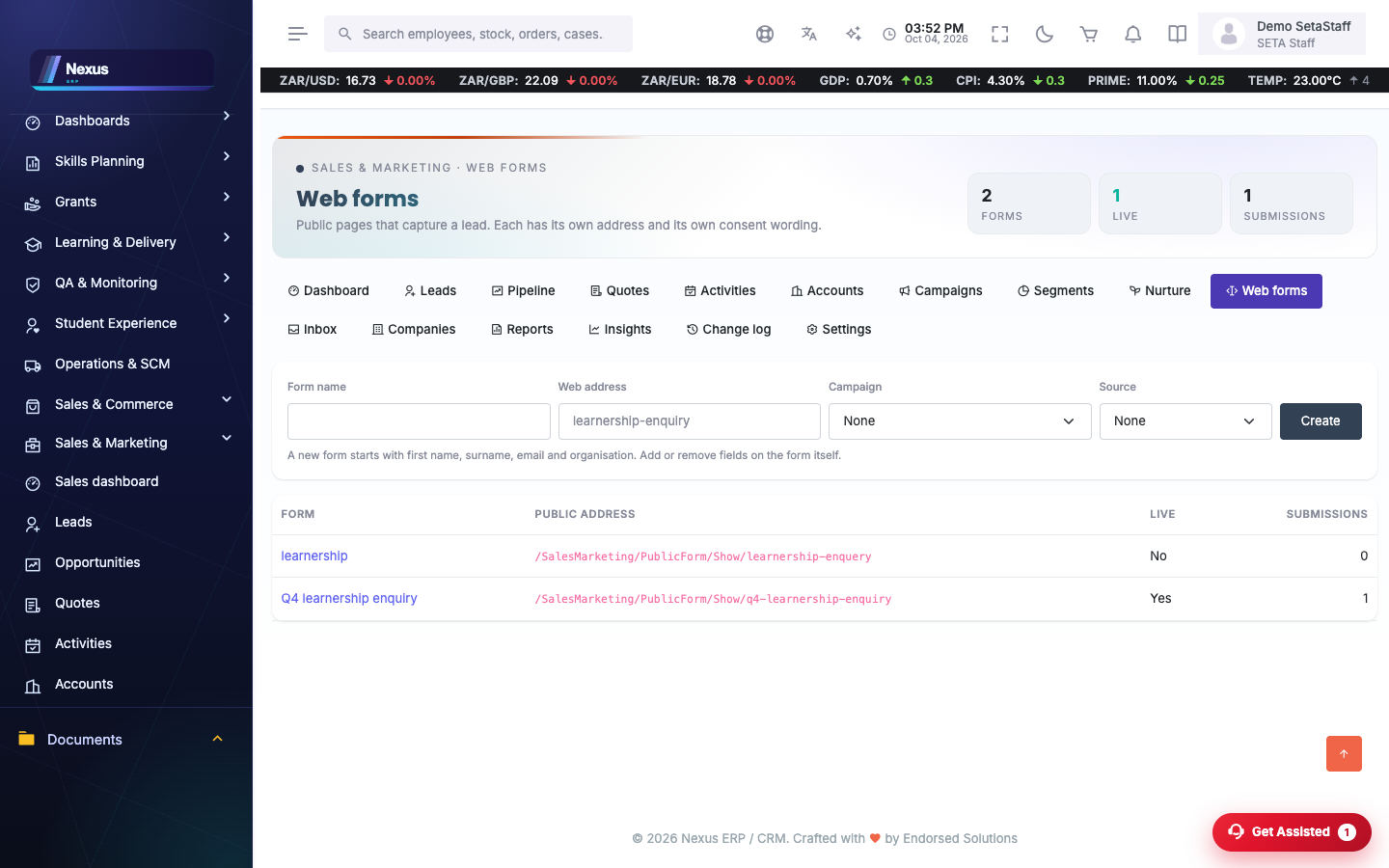
/SalesMarketing/WebForms/IndexPublic capture forms with their own public URL, fields and consent line; submissions become leads.
- Create a form and its fields.
- Share the public URL.
- Watch submissions arrive as leads.
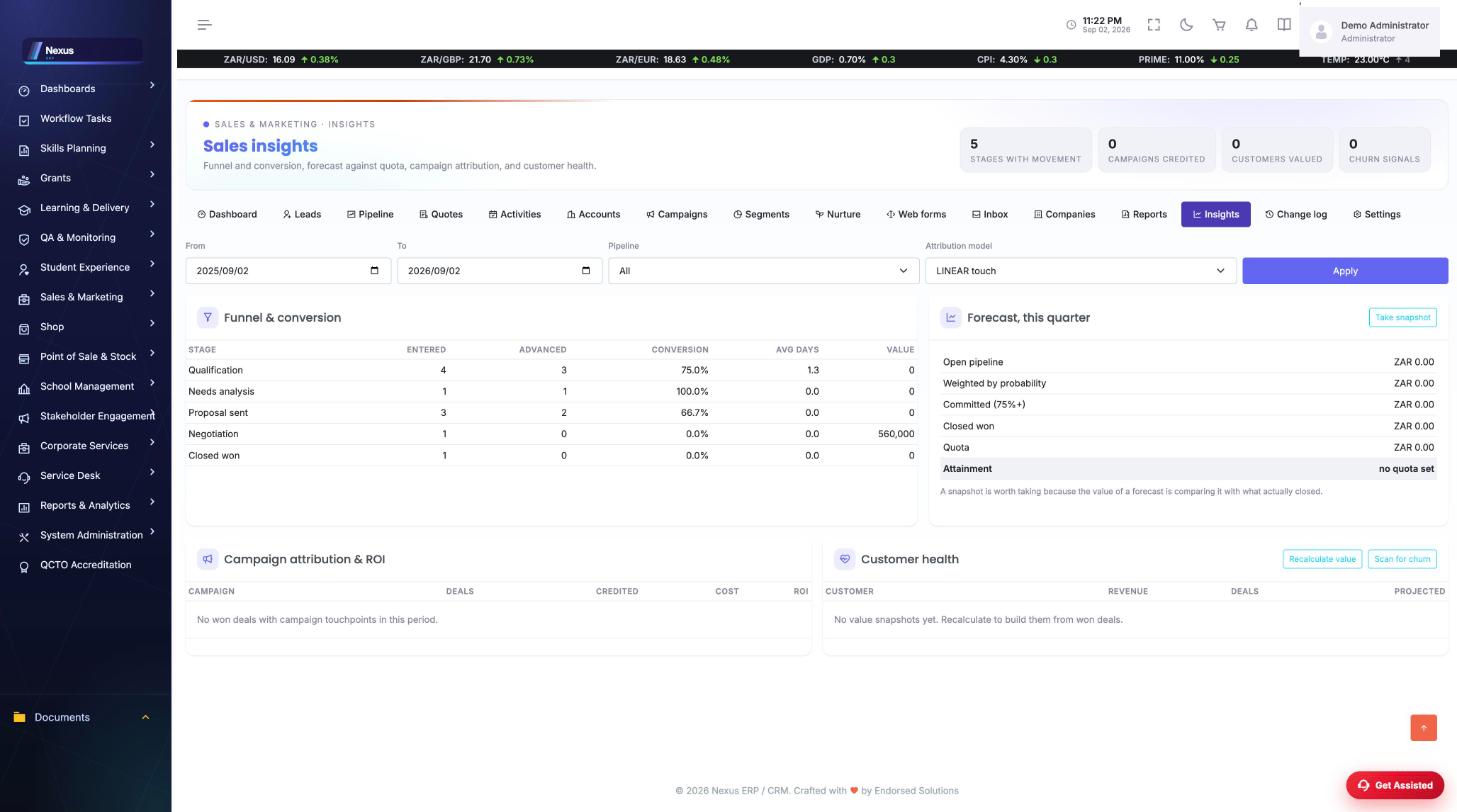
Inbox & insights
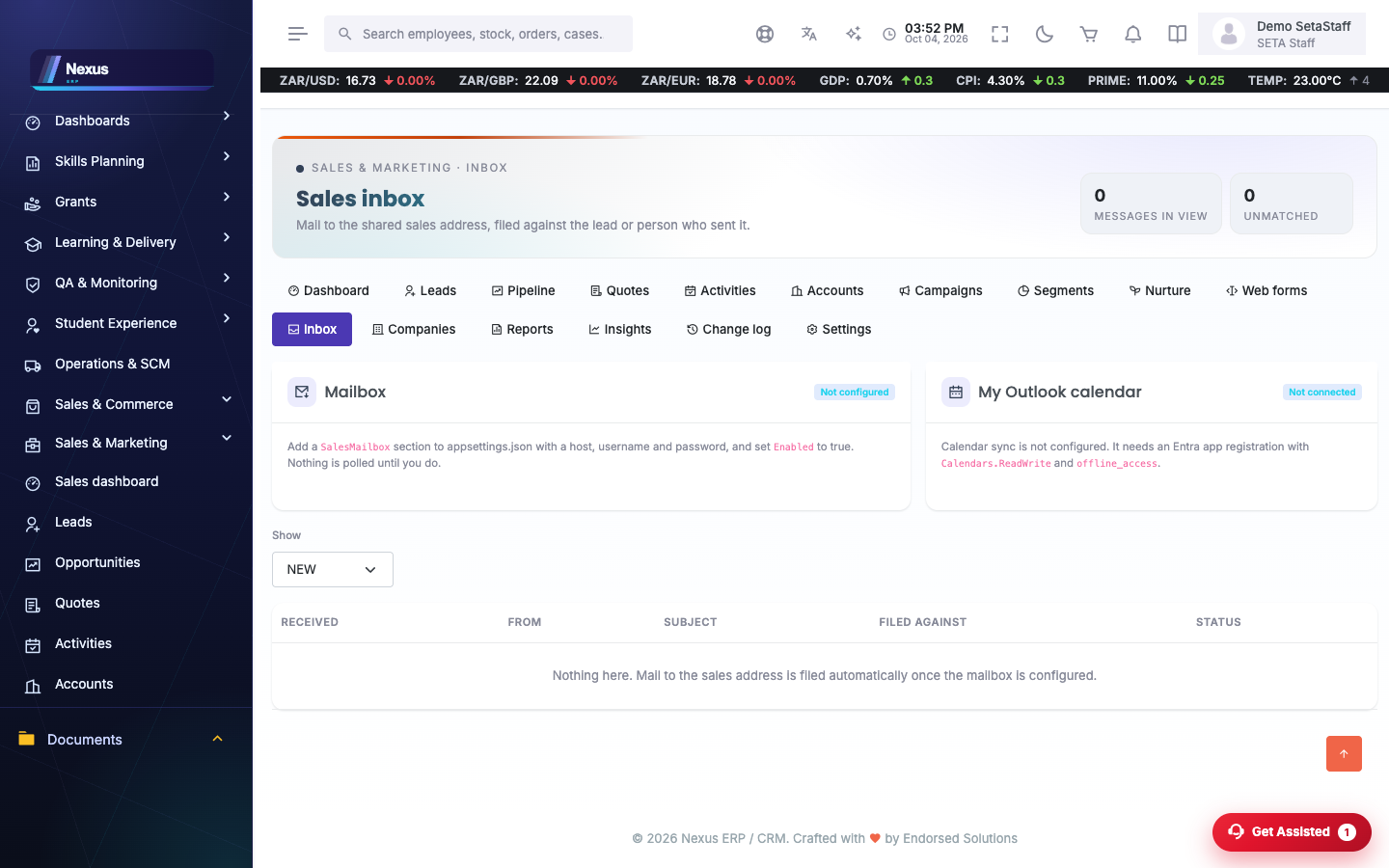
/SalesMarketing/Inbox/Index- Work unmatched messages so every thread is filed against a lead, deal or account.
- Insights (/SalesMarketing/Insights) shows stage movement, campaign credit, customer value and churn signals.
FAQ & troubleshooting
Where do scoring rules live?
CRM Settings — pipelines, stages, score rules and custom fields are all configured there.
Why is a message 'unmatched'?
The inbox could not tie it to a record; open it and file it against the right lead or account.