School Management
The schools register and everything inside a school: particulars, staff, classes, governing body, curriculum, learner conduct, performance dashboards, learner feedback — and one-click Let's Talk account provisioning for a whole school.
Demo sign-ins: demo.staff, demo.admin — shared password Demo@2026
How it flows
Provisioning a school onto Let's Talk
Conduct, incident to resolution
1. School Monitoring Process
Find the school, record what happens in it, watch it roll up — and put its people on Let’s Talk without leaving the register.
Screen-by-screen
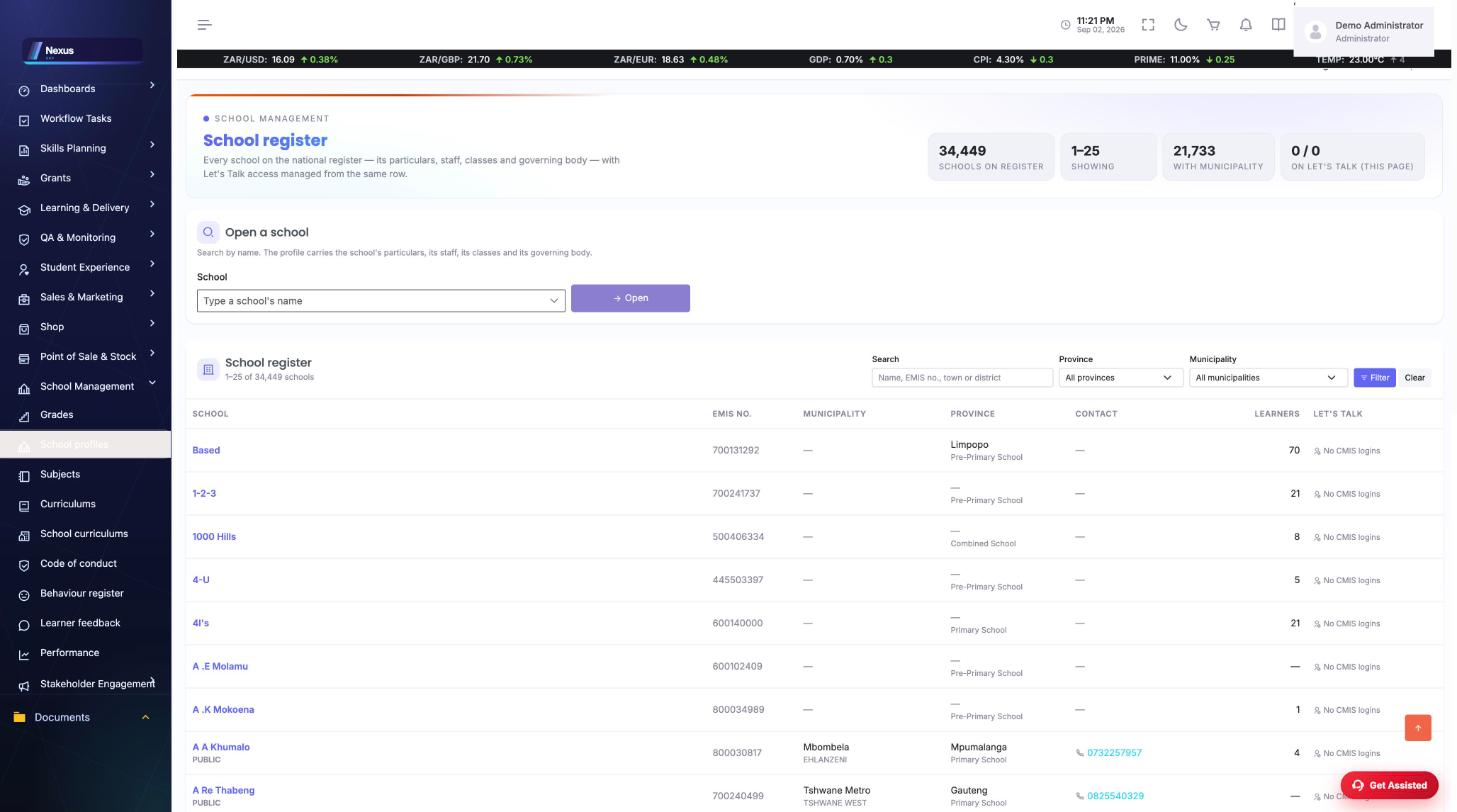
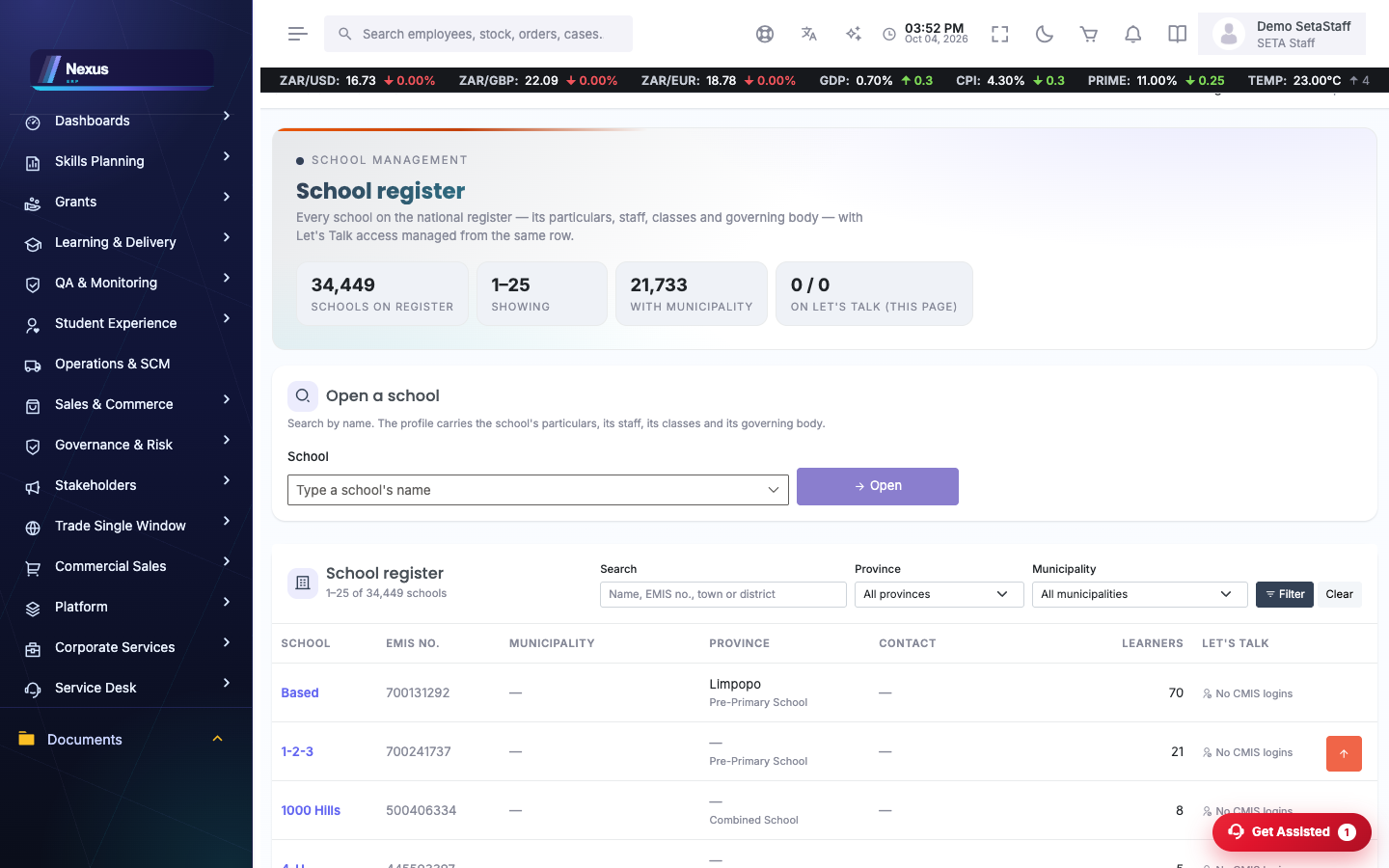
School register
/Schools/SchoolProfile/SchoolProfiles34 000+ schools, searchable by name, EMIS number, town or district, filtered by province and municipality.
- Search or filter to the school.
- Open its profile for particulars, staff, classes and governing body.
- Use the Let's Talk column to create accounts for everyone at the school with a CMIS login.
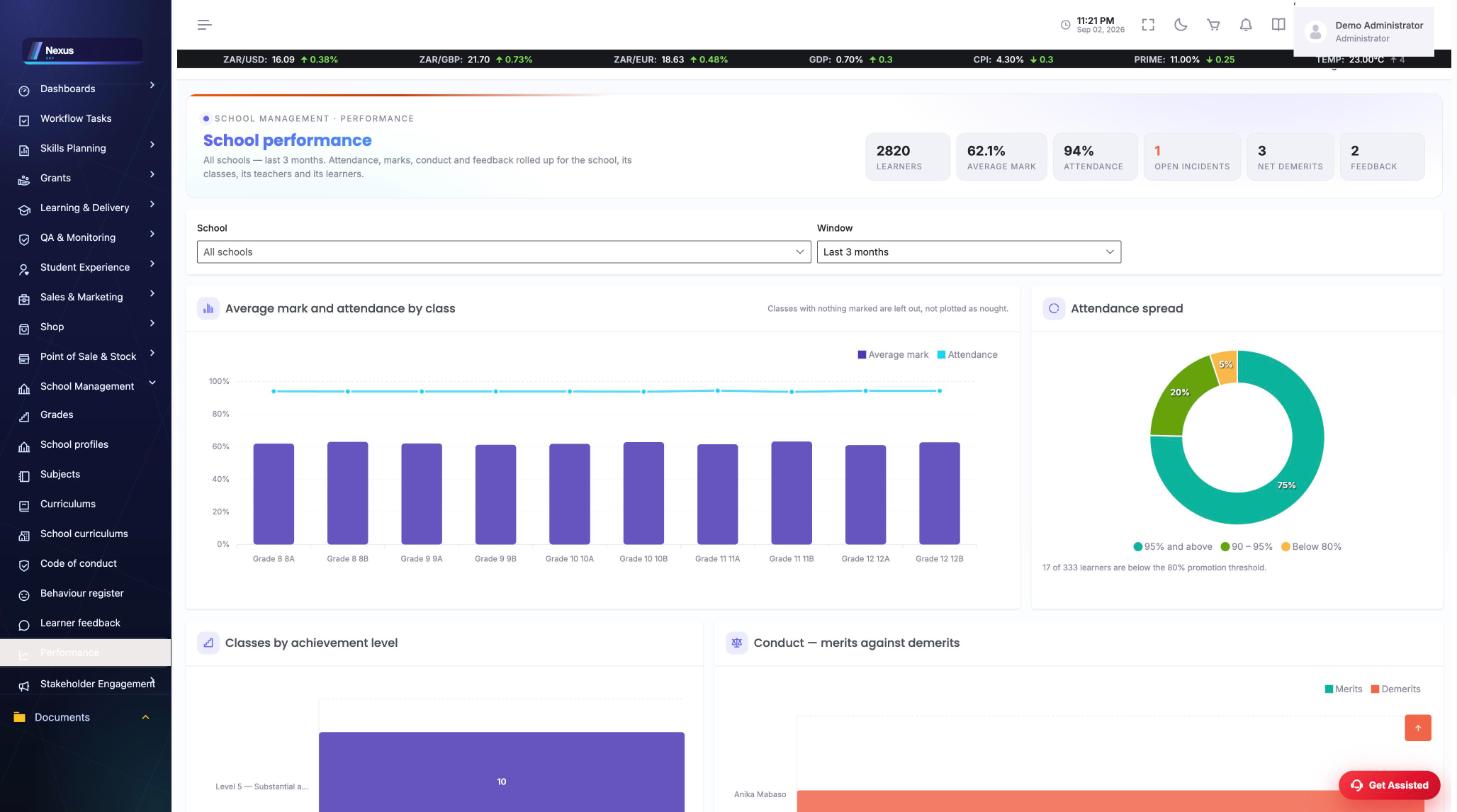
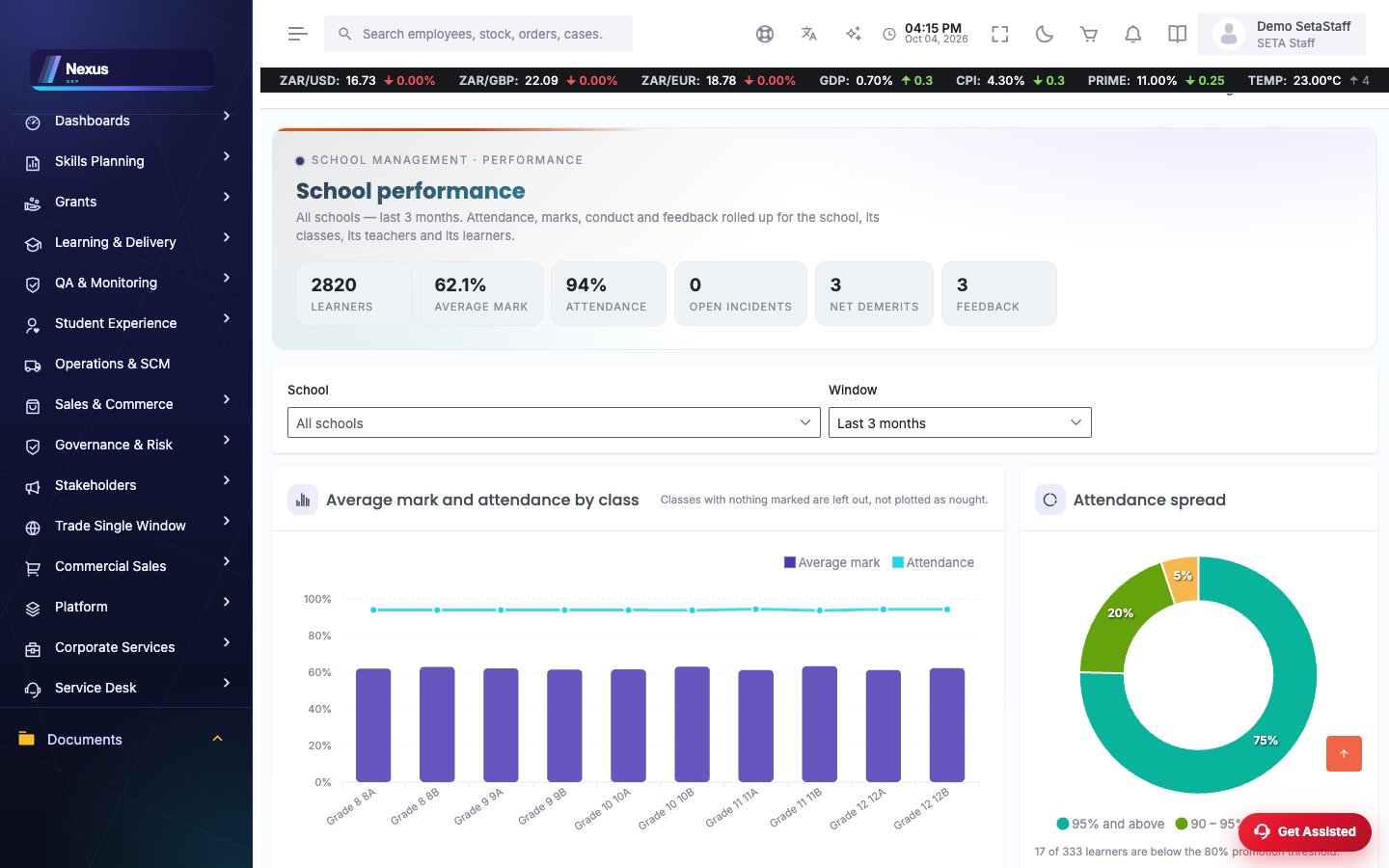
School performance dashboard
/Schools/Performance/DashboardLearners, average marks, attendance, open incidents, net demerits and feedback in one view, with charts.
- Pick the school, year and window.
- Drill into any panel for the classes and learners behind it.
Curriculum
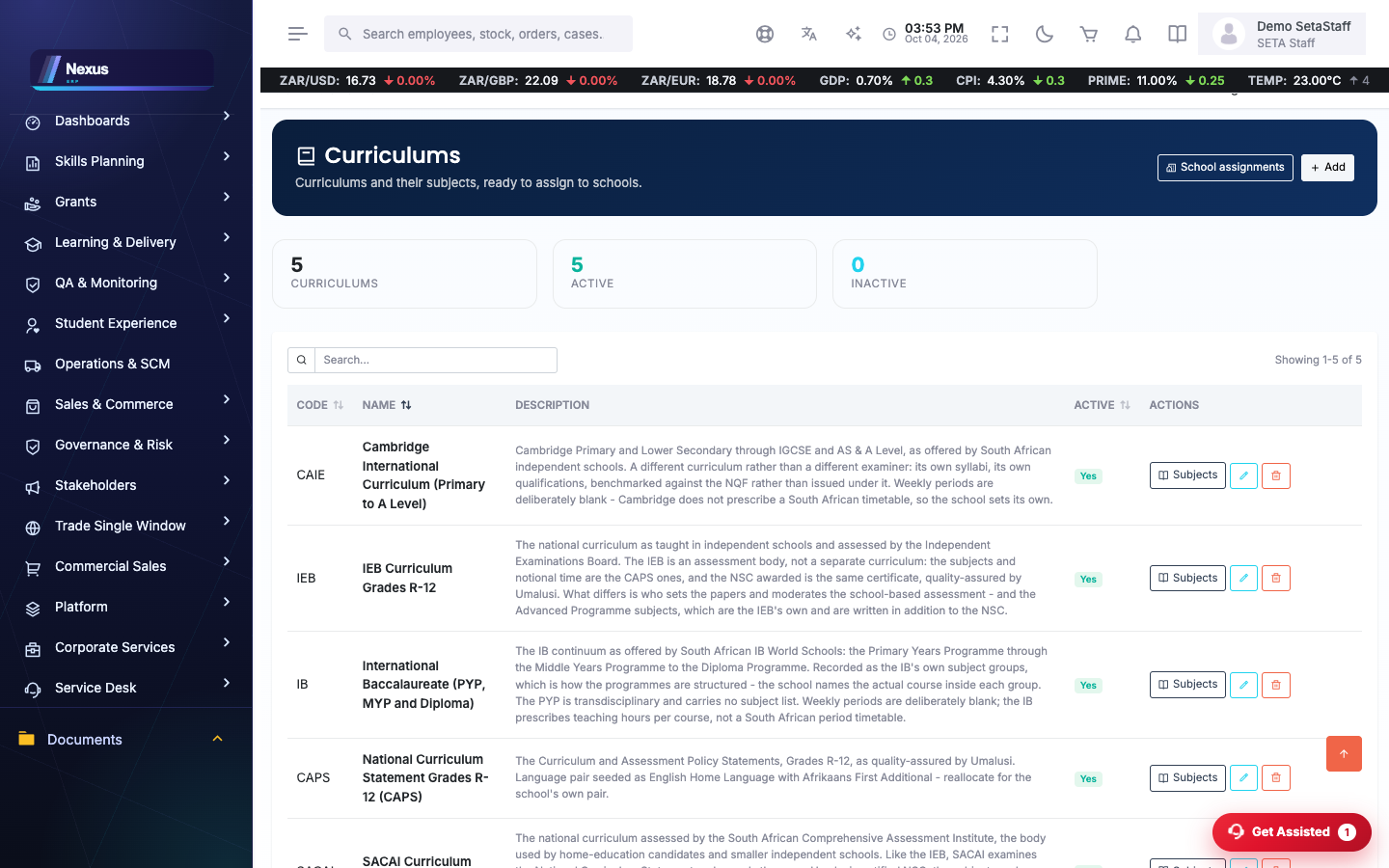
/Schools/Curriculum/CurriculumOverview- Maintain curricula and their per-grade subject allocations.
- Assign a curriculum to a school per academic year on /Schools/Curriculum/SchoolCurriculums.
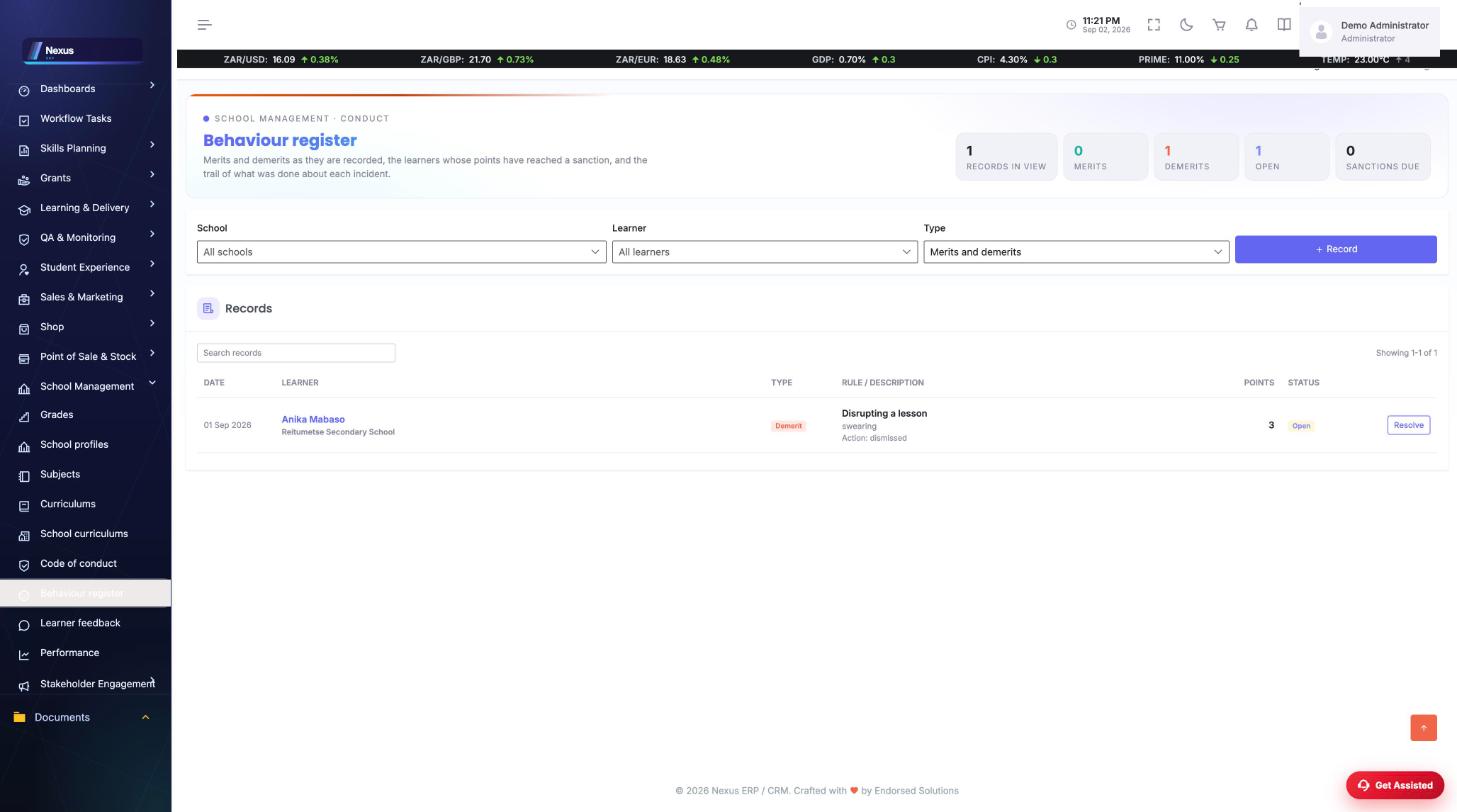
Behaviour register & code of conduct
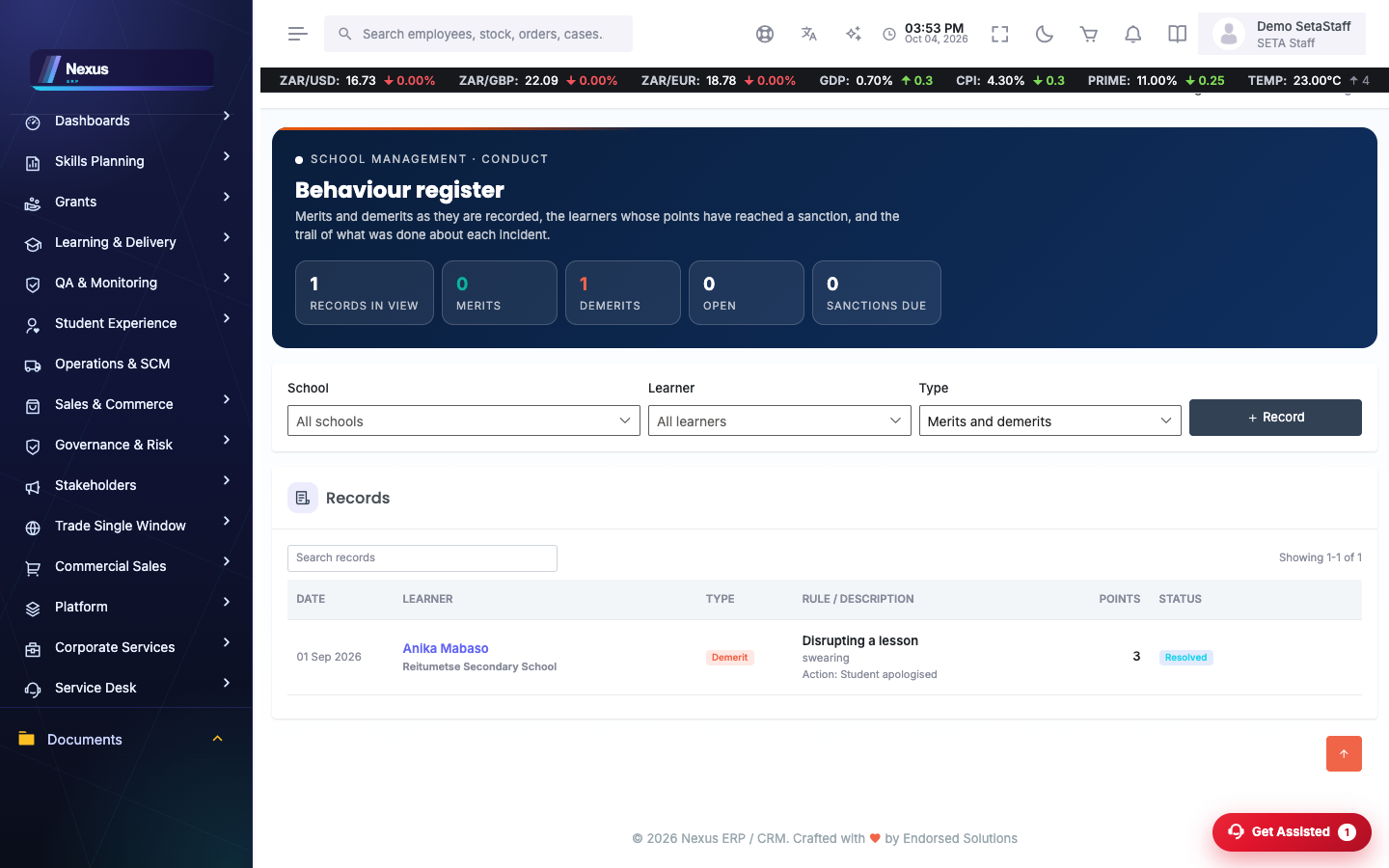
/Schools/Conduct/BehaviourOverview- Record merits and demerits against learners.
- Watch the sanctions-due list.
- Maintain rules and sanction levels on /Schools/Conduct/ConductRules.
Learner feedback
/Schools/Feedback/LearnerFeedback- Capture structured feedback for a learner.
- It rolls up into the performance dashboard.
FAQ & troubleshooting
Why does a school show 'No CMIS logins'?
Nobody at that school has a login yet, so no Let's Talk account can be created. Create the CMIS users first.
Why is the municipality column empty?
The register was imported from EMIS numbers and names; open a school and capture its particulars.