Nexus ERP · User Guide
SkillsBridge
The bridge from learning to work: illustrated career paths with stages, a board of opportunities with applications, SETA programme listings, and a verifiable achievements ledger.
Learners & job-seekersSETA staffEmployers
Demo sign-ins: demo.learner, demo.staff — shared password Demo@2026
How it flows
From career path to opportunity
Learner / studentExplore career pathsStages with AI-illustrated cards
→
Learner / studentApply to an opportunity
→
Staff / SETAReview applications
→
System / automaticAchievements written to the ledgerIndependently verifiable
Staff / SETALearner / studentSystem / automatic
1. Career Path Placement Process
From interest to a verifiable placement record.
1
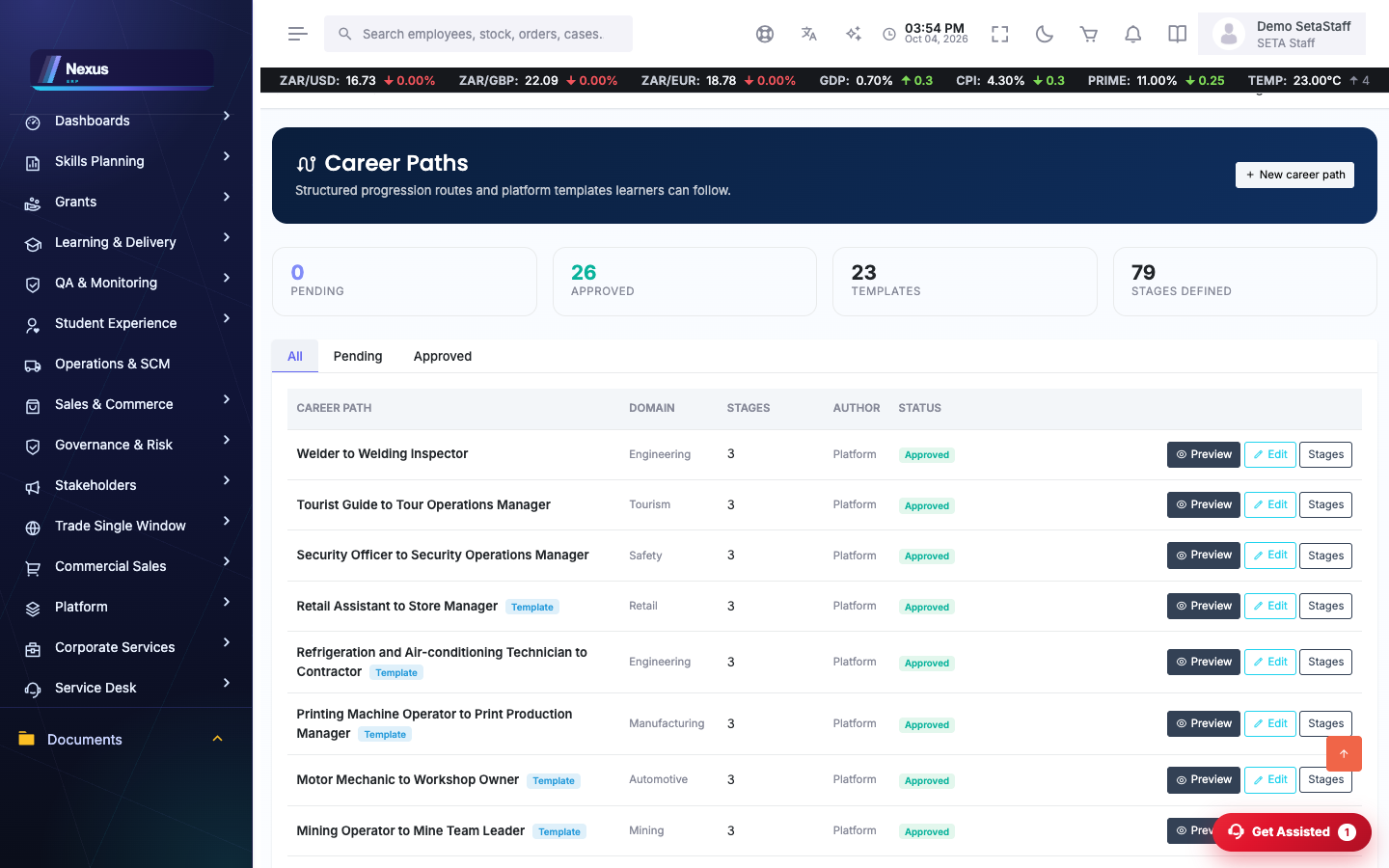
Explore career paths. /SkillsBridge/CareerPaths/CareerPathsOverview — published paths and templates show the route from where you are to the role you want.
↓
2
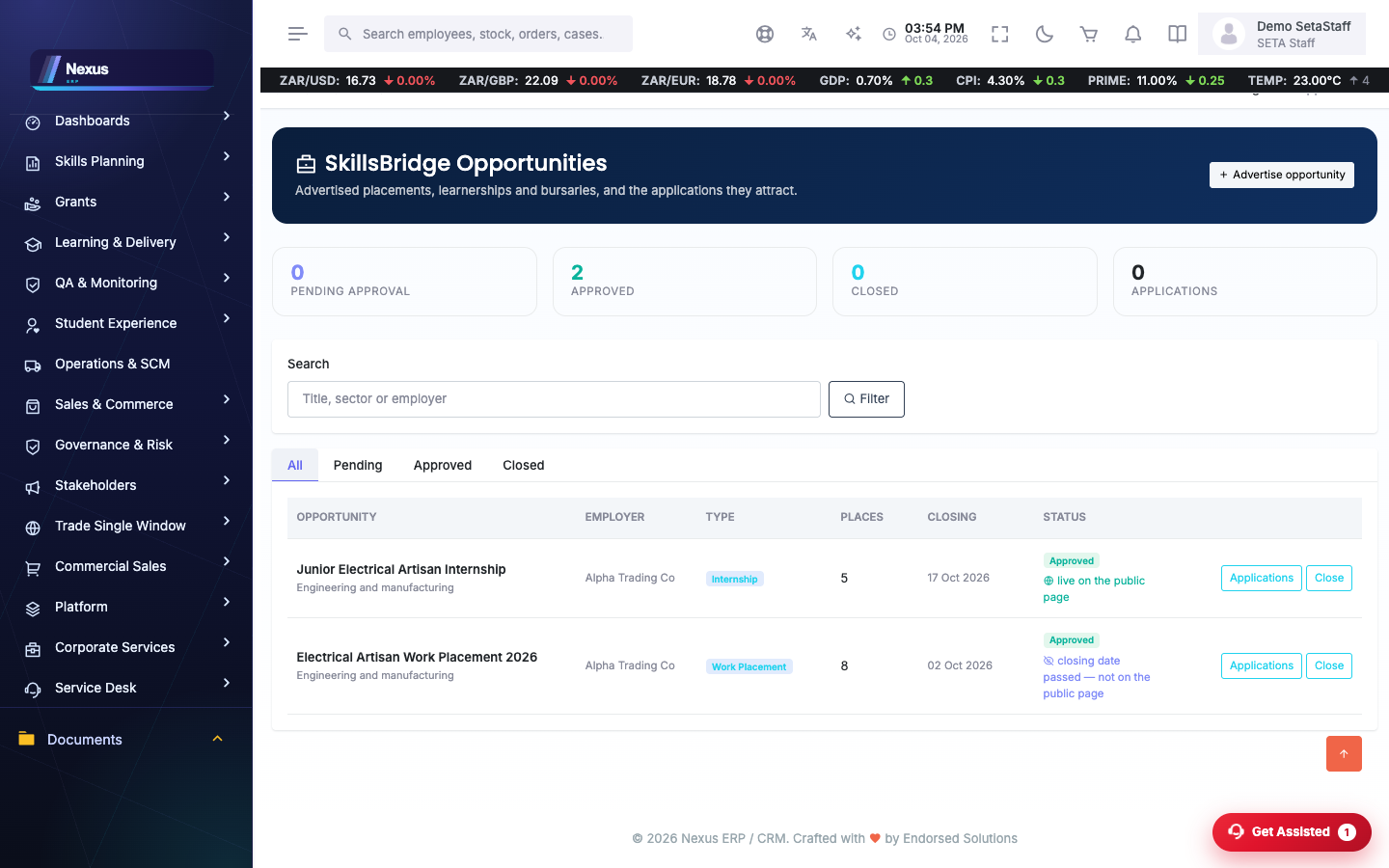
Find the opportunity. /SkillsBridge/Opportunities/OpportunitiesOverview — openings and programmes matched to the path.
↓
3
Apply, and train through a SETA programme where one fits. /SkillsBridge/SetaProgrammes/Index
↓
4
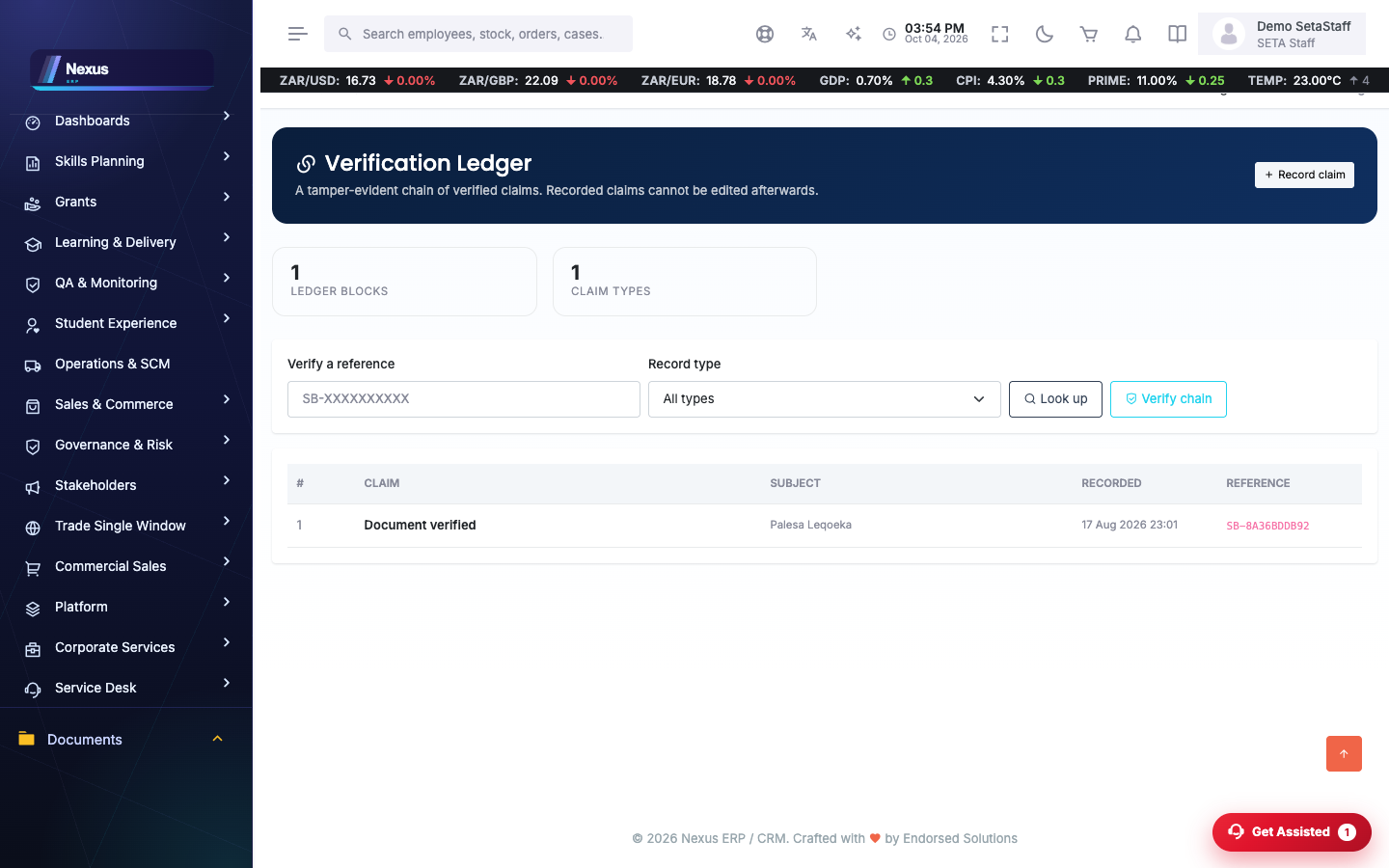
The ledger keeps the proof. /SkillsBridge/Ledger/LedgerOverview — an append-only, verifiable record of what was achieved along the way.
Screen-by-screen
Career paths
/SkillsBridge/CareerPaths/CareerPathsOverview- Browse published paths; each stage shows what to learn and where it leads.
- Staff build paths, add stages, generate or upload imagery, and publish.
Opportunities
/SkillsBridge/Opportunities/OpportunitiesOverview- Browse open opportunities.
- Apply; staff review the applications list per opportunity.
SETA programmes
/SkillsBridge/SetaProgrammes/Index- Browse programmes on offer across SETAs.
Achievements ledger
/SkillsBridge/Ledger/LedgerOverviewAn append-only ledger of achievements that third parties can verify.
- Records are appended, never edited.
- Use Verify to check any entry's integrity.
FAQ & troubleshooting
Can a ledger entry be corrected?
No — the ledger is append-only by design. A correction is a new entry; the history stays verifiable.