Service Desk & WhatsApp
A full service desk: cases with queues, assignment, comments and dashboards; a public portal for logging and tracking; and a WhatsApp channel where a bot takes messages in, opens cases, and agents reply from the desk — with delivery ticks on every outbound message.
Demo sign-ins: demo.staff, demo.admin — shared password Demo@2026
How it flows
A WhatsApp message becomes a case
A portal case
1. WhatsApp Case Intake Process
From a stranger’s message to a measured resolution, every hop recorded.
Screen-by-screen
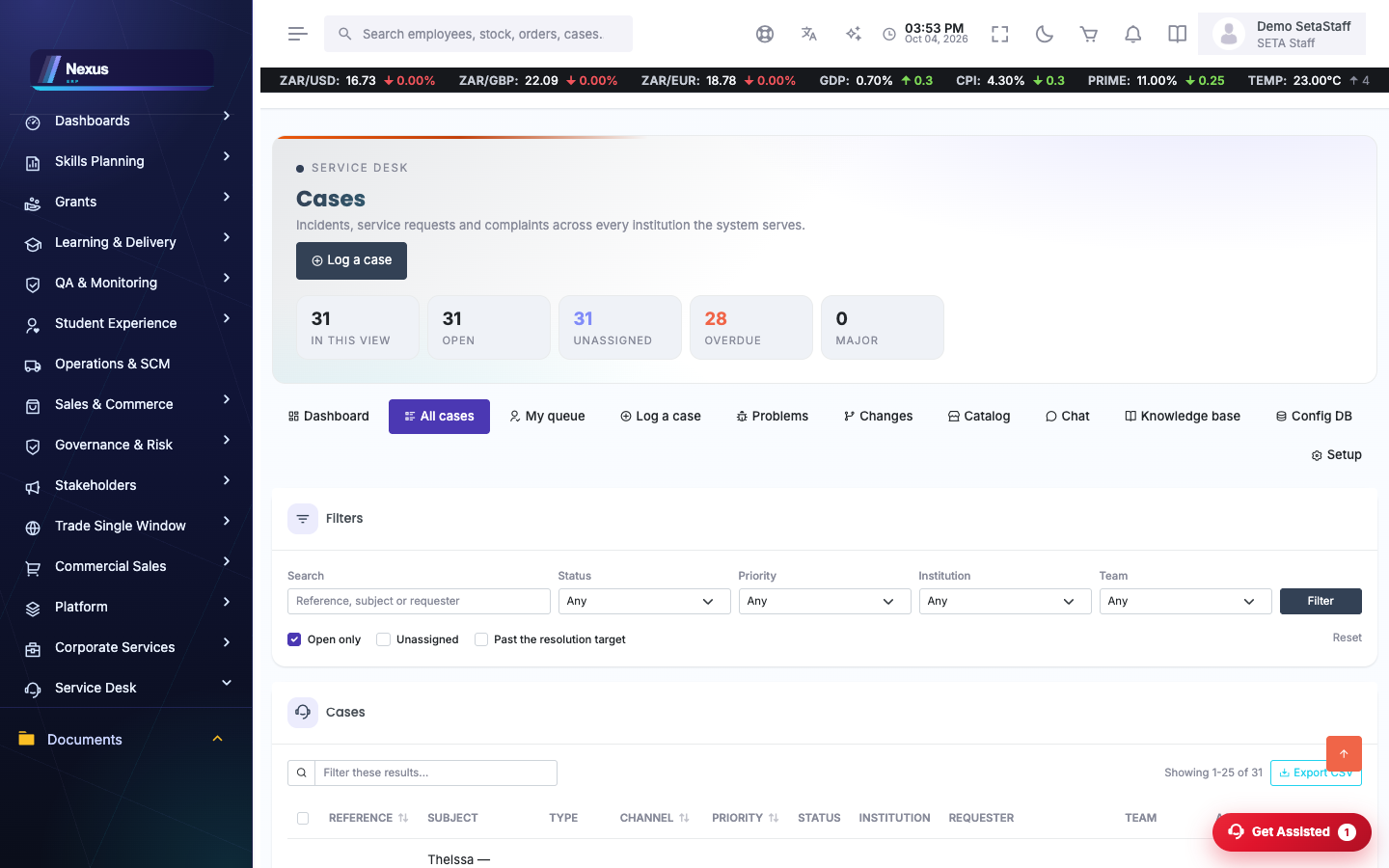
Cases
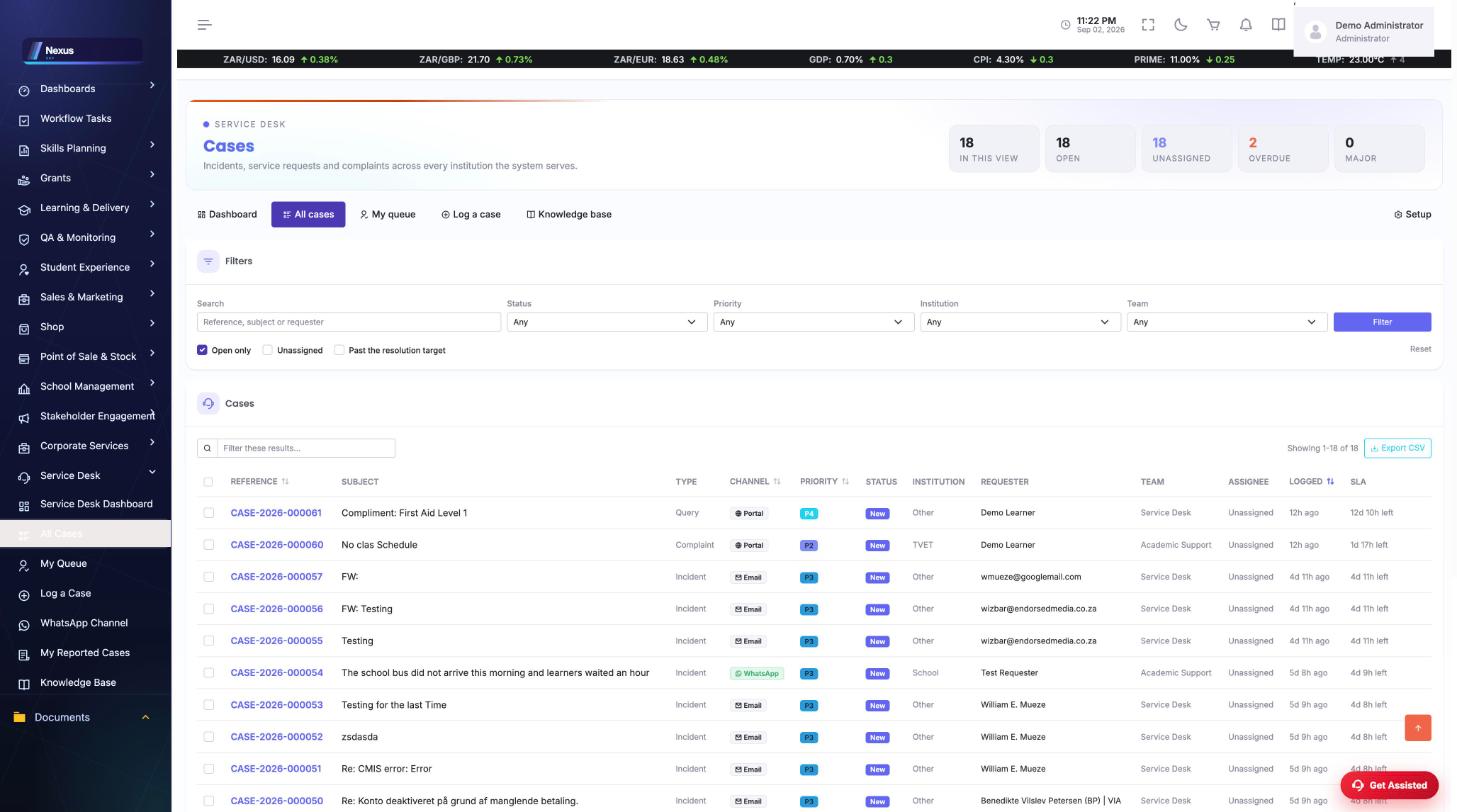
/ServiceDesk/Cases/Index- Work the list or My Queue.
- Open a case for its timeline, comments and assignment.
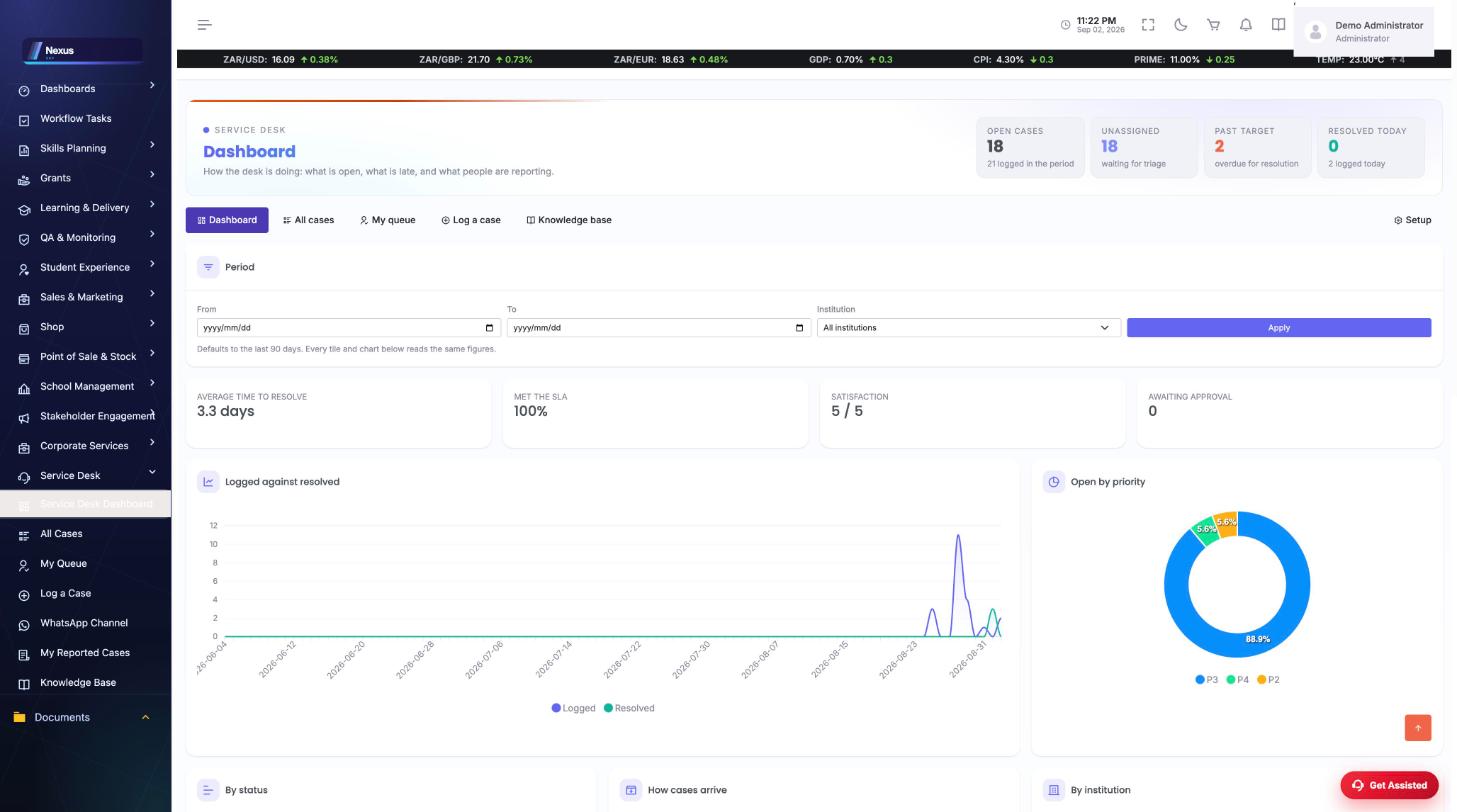
- The dashboard (/ServiceDesk/Cases/Dashboard) shows volumes, ageing and SLA position.
WhatsApp intake
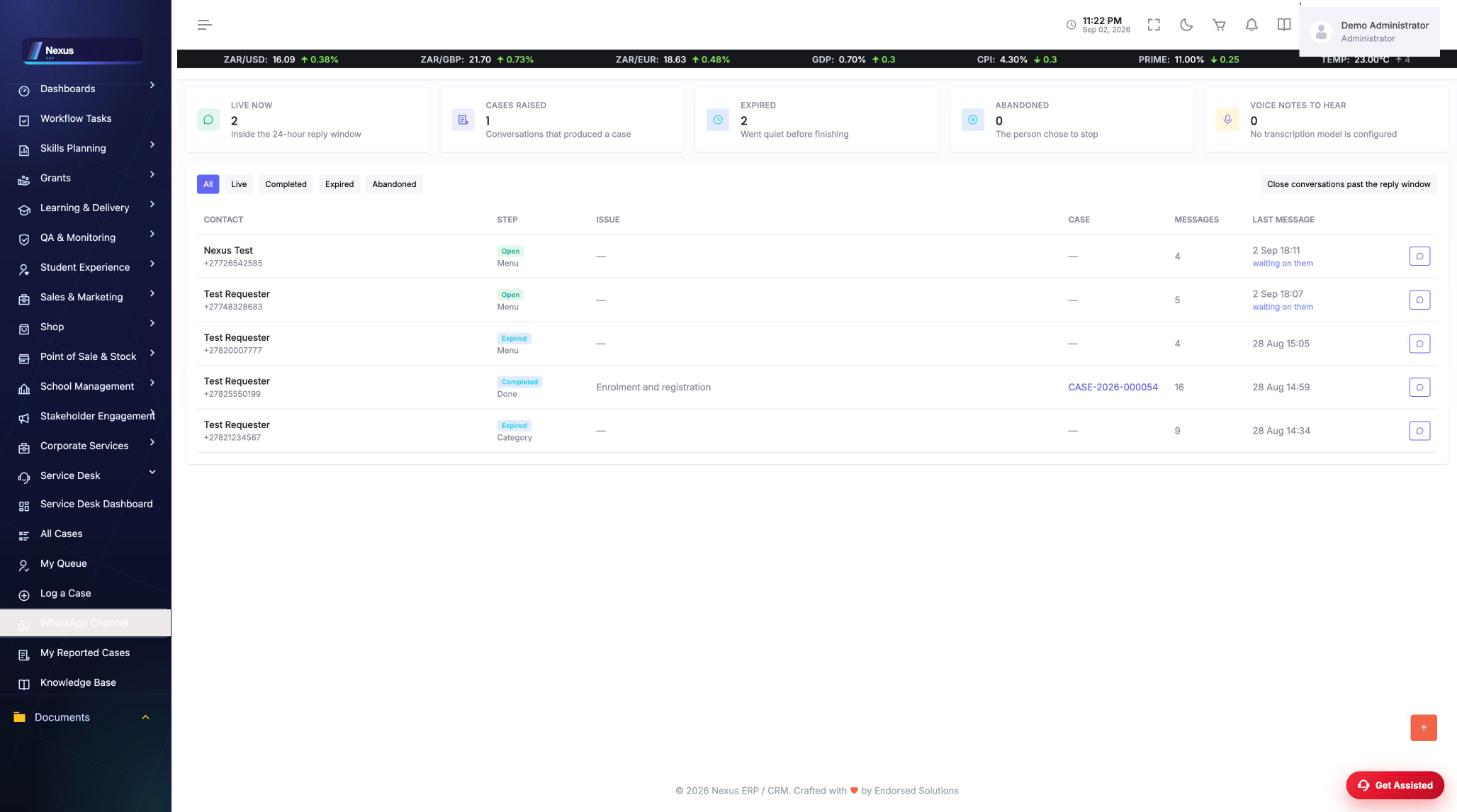
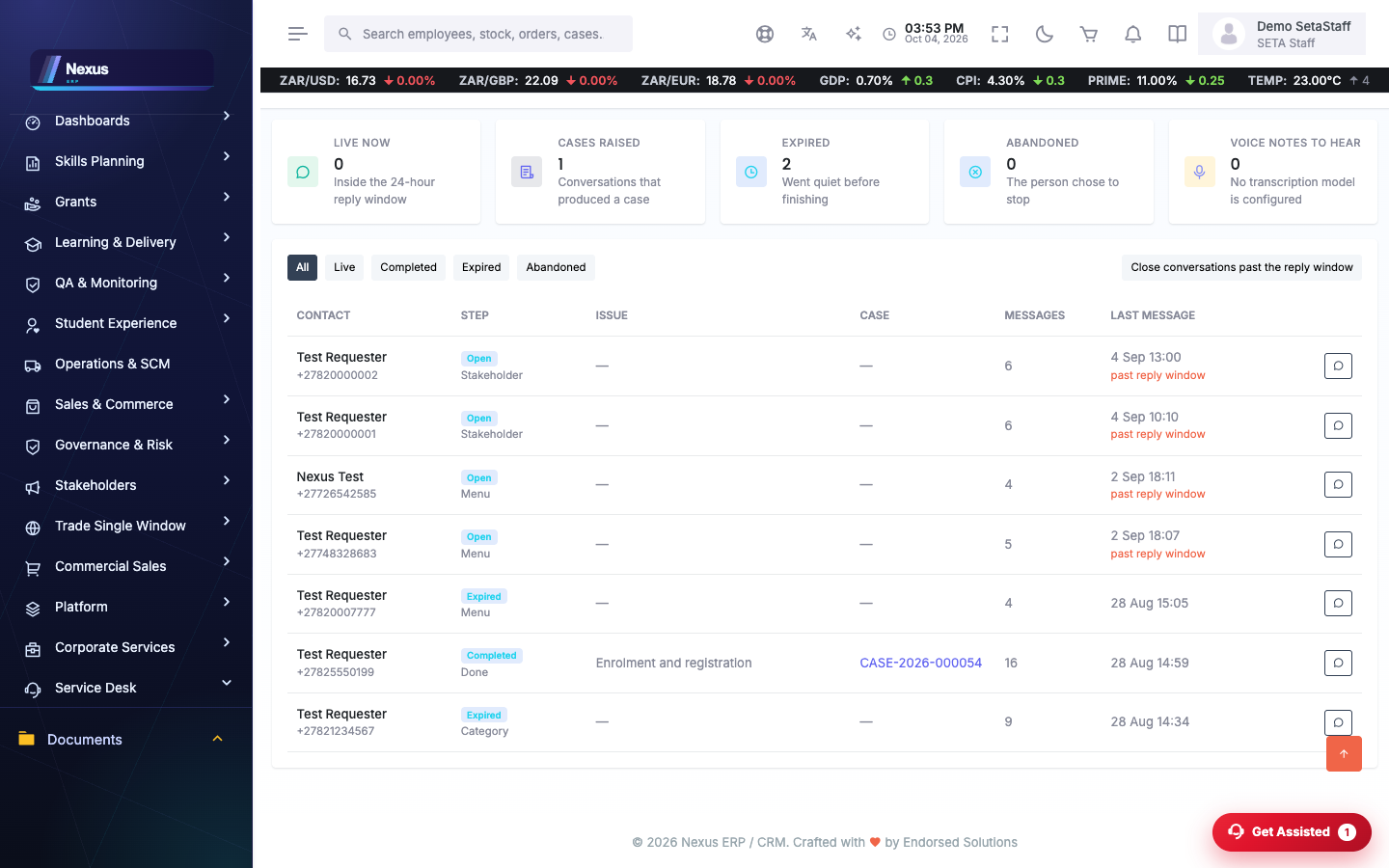
/ServiceDesk/WhatsApp/WhatsAppIntakeEvery WhatsApp conversation: who wrote, what the bot did, which case was opened, and the full thread.
- Open a conversation to read the thread — media and voice notes are filed on the case.
- Type in the reply box to answer on WhatsApp; outbound messages show ticks (one sent, two delivered, blue read, red failed).
- Close conversations past the reply window from the header button.
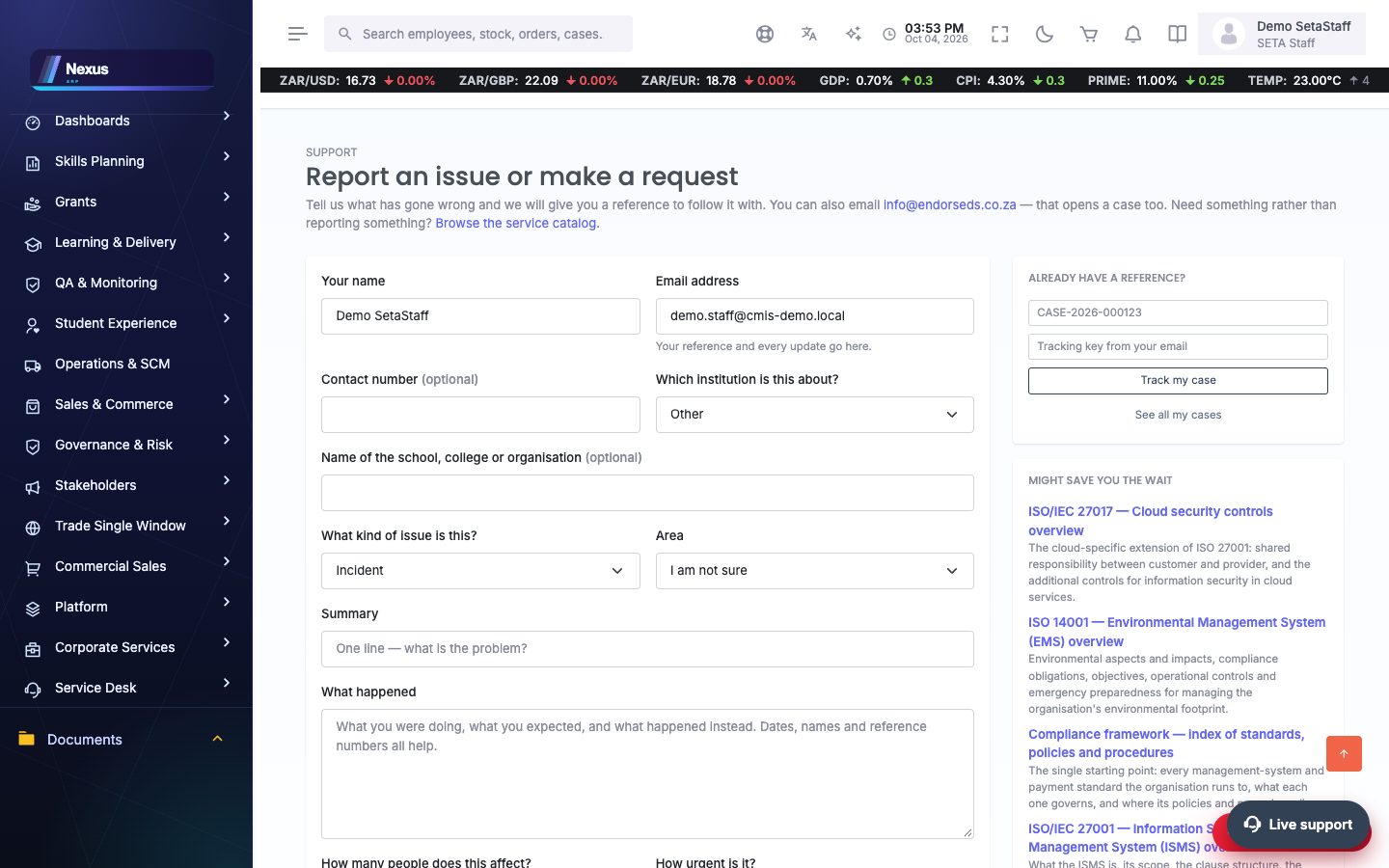
Public portal
/ServiceDesk/Portal/Index- The public logs issues, tracks by reference, comments, reopens and rates.
- The knowledge base answers common questions before a case is needed.
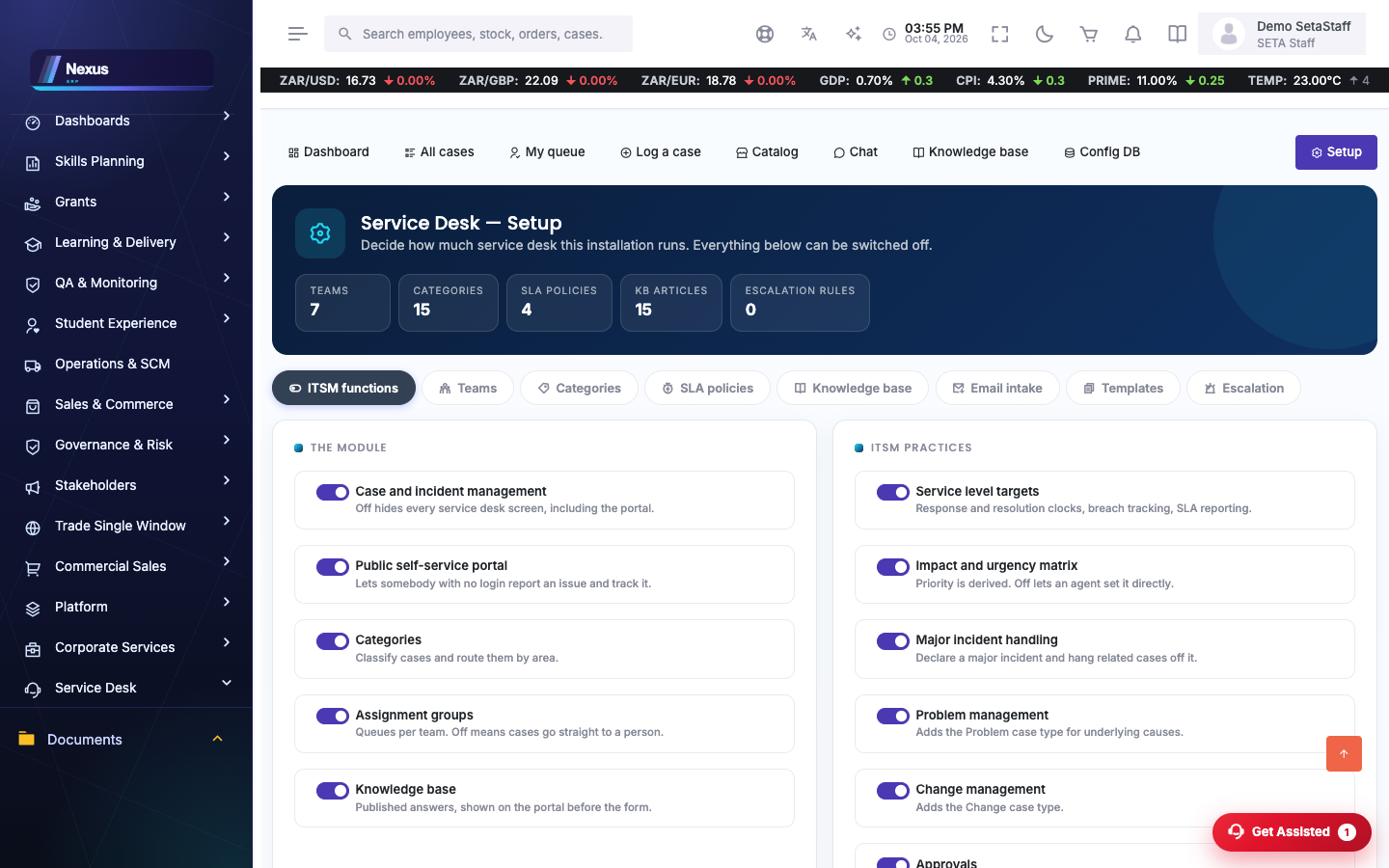
Setup
/ServiceDesk/Setup/Index- Categories, SLAs and channel settings.
- The WhatsApp webhook URL for the Twilio/Meta console is shown on the intake screen.
FAQ & troubleshooting
Why did my reply not send?
If the conversation is older than 24 hours, WhatsApp refuses free-form messages — the desk tells you before you type. Otherwise check the delivery tick: red means the provider reported a failure, with the error stored on the message.
A voice note came in — where is it?
Attached to the case, marked as awaiting transcription. Nothing pretends to have understood audio.