Campus Services
The physical campus: the library and its circulation desk, student residences with bed-level allocation and rent, and the transport fleet from routes to maintenance.
🗺Three services, one campus
How the module fits together end to end. Colours mark who acts: navy = staff/admin, cyan = external user, green = organisation, orange = the system.
🧭1. Library Loan Process
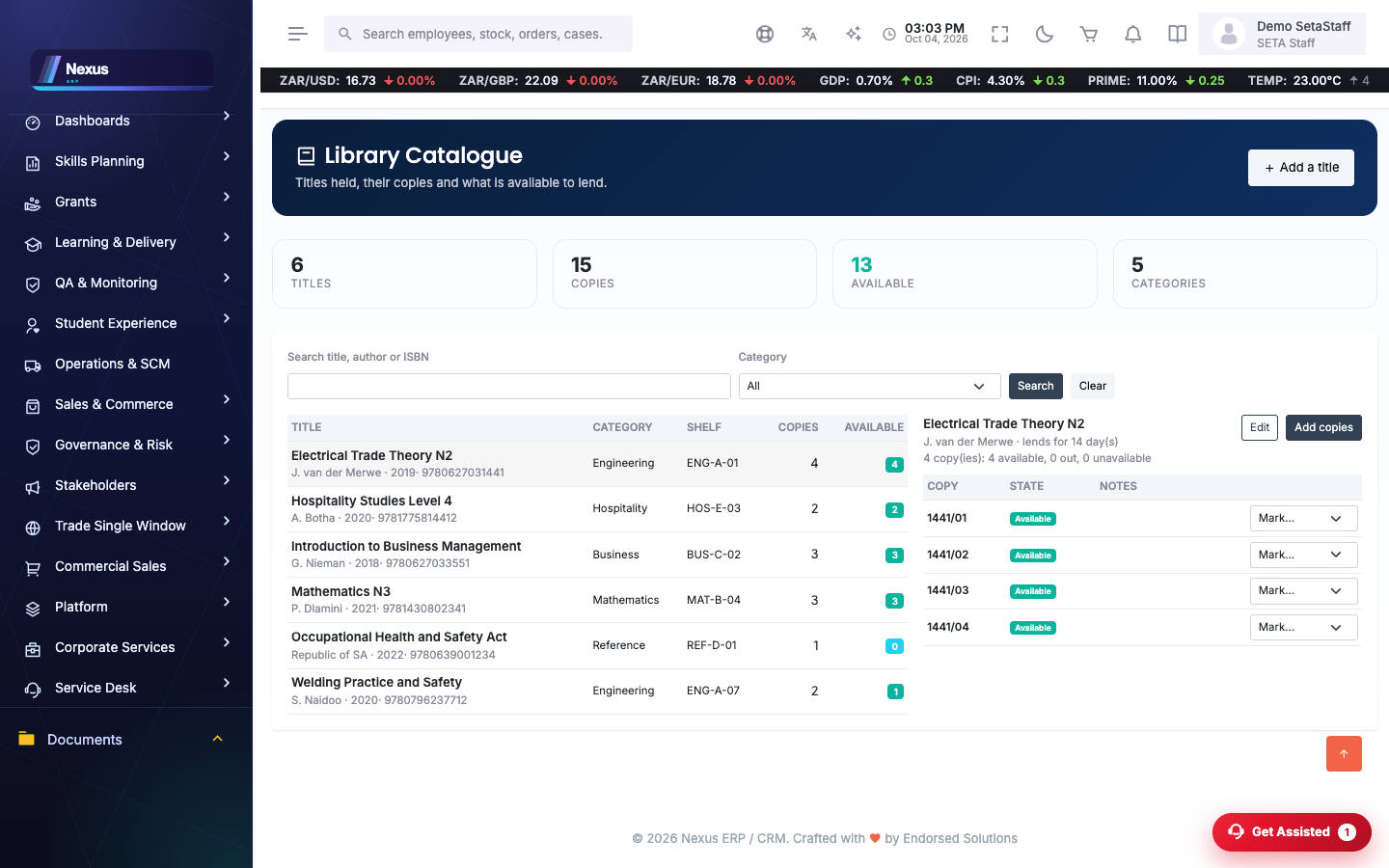
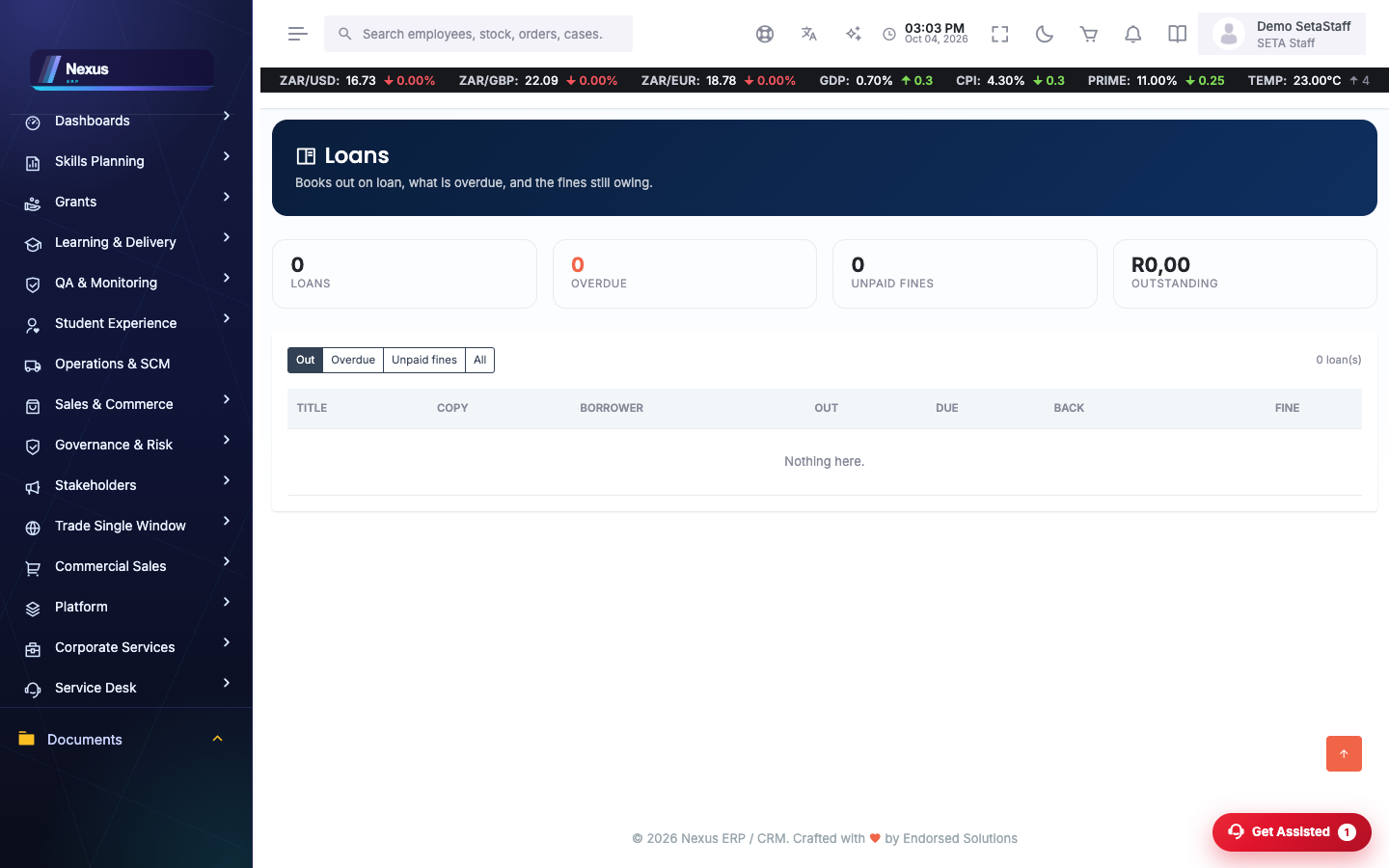
A book’s whole life on campus: catalogued, loaned, chased, returned, counted.
🧭2. Residence Allocation Process
From an empty bed to a paying resident.
📚Library
Catalogue /CampusServices/Library/CatalogueOverview
Every title and copy the library holds.
- Add titles with their copies; each copy gets its own barcode/state.
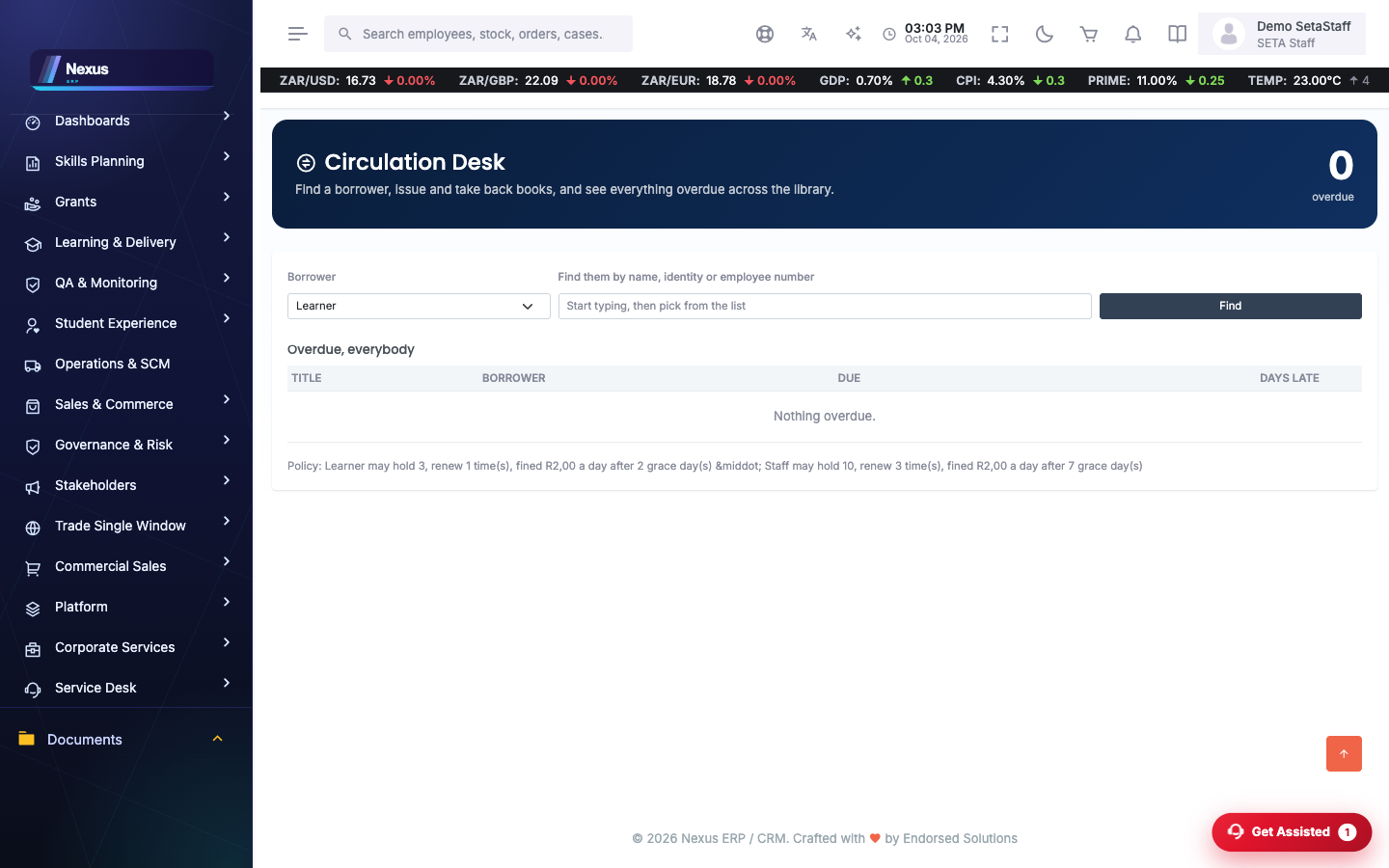
Circulation /CampusServices/Library/CirculationOverview
The issue-and-return desk: check items out to students and back in.
- Find the borrower.
- Scan or pick the copy.
- Issue — the due date follows the loan policy.
Loans & Reservations /CampusServices/Library/LoanOverview
What is currently out, what is overdue, and the reservation queue (/CampusServices/Library/ReservationOverview).
Stocktake /CampusServices/Library/StocktakeOverview
Periodic verification of the physical collection against the catalogue.
🏠Residence
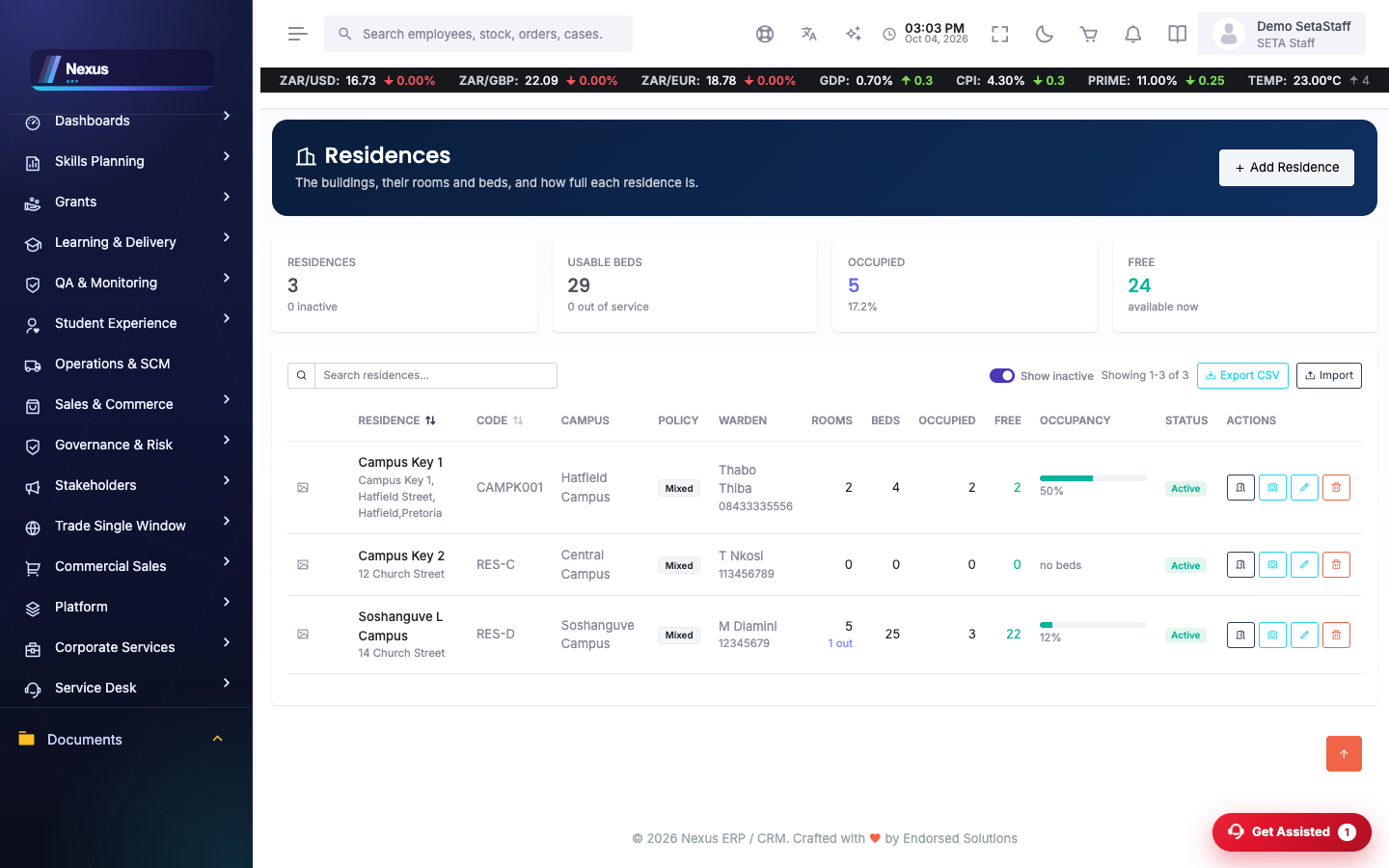
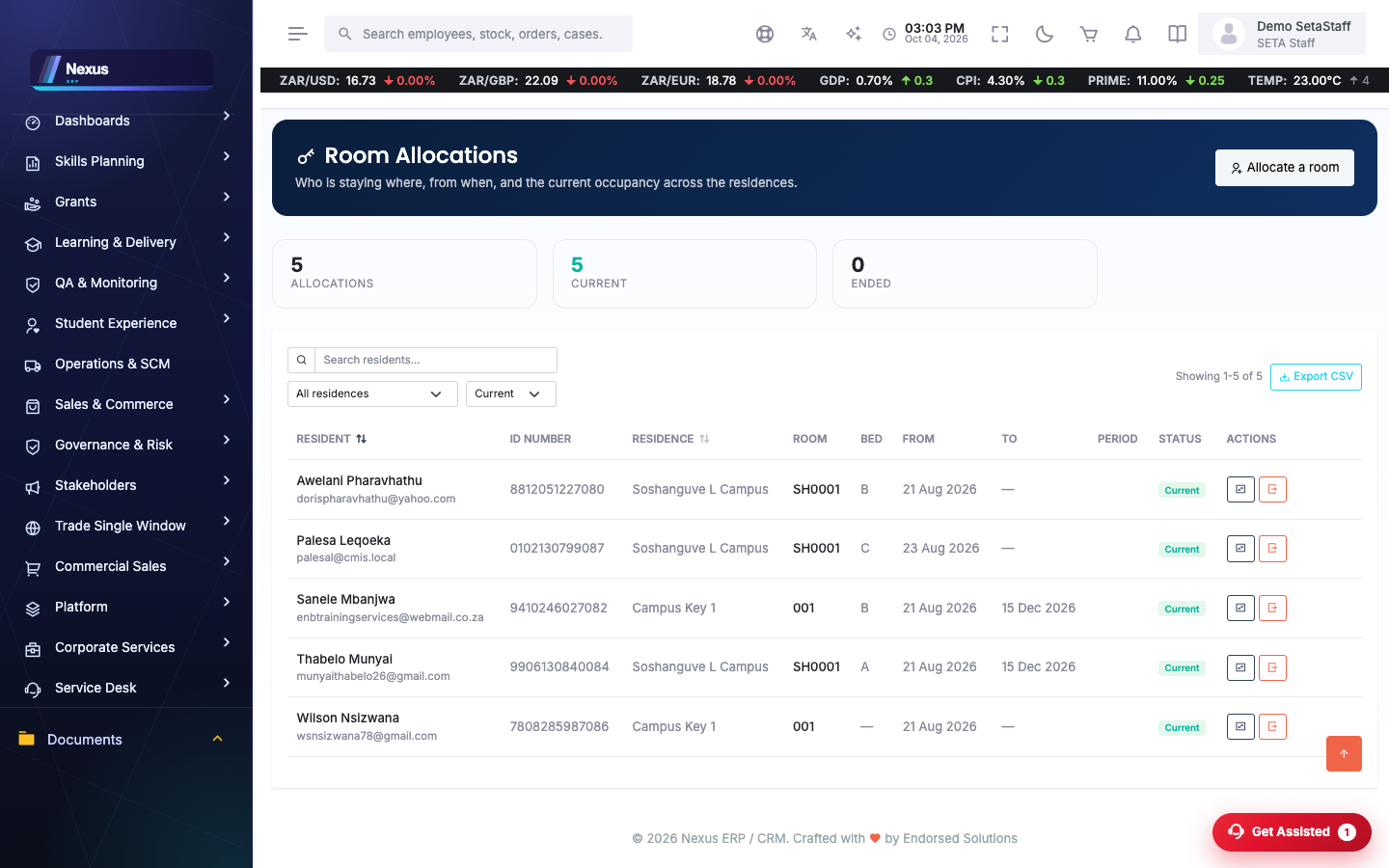
Residences, rooms and beds /CampusServices/Residence/ResidenceOverview
The housing estate: residences, their rooms (/RoomOverview) and bed inventory (/BedInventory). Room Showcase gives a student-facing gallery.
Allocations /CampusServices/Residence/AllocationOverview
Placing a student in a bed for a period.
- Pick the student.
- Pick residence → room → bed.
- Set the period and confirm.
Rent /CampusServices/Residence/RentOverview
Rent billing per allocation, feeding Student Finance.
🚌Transport
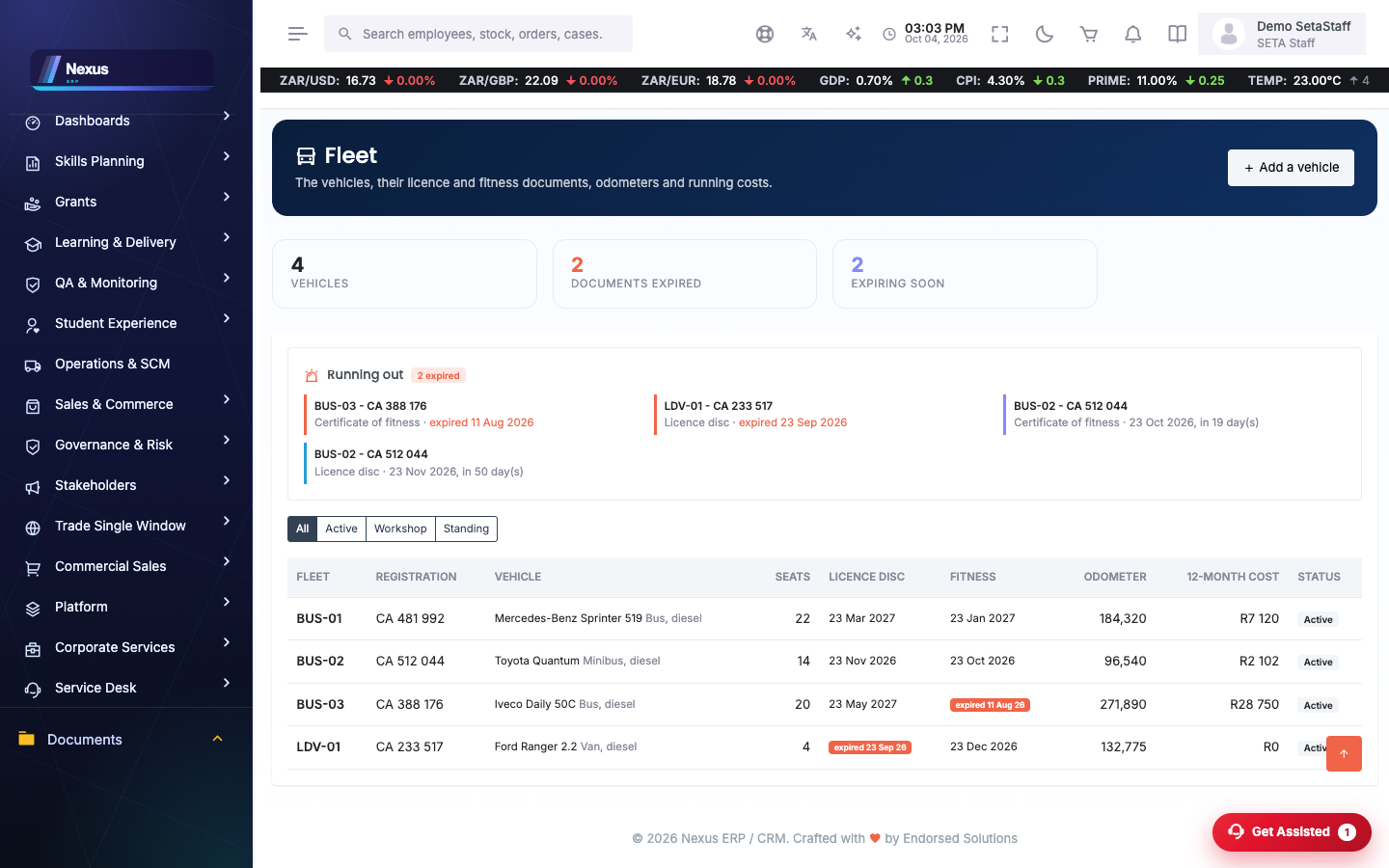
Fleet, drivers and routes /CampusServices/Transport/FleetOverview
Vehicles (/FleetOverview), the people licensed to drive them (/DriverOverview) and the routes they serve (/RouteOverview).
Trips & duty /CampusServices/Transport/TripOverview
Scheduled trips on routes and the duty roster (/DutyOverview) that staffs them.
Maintenance, incidents & tracking /CampusServices/Transport/MaintenanceOverview
Service history per vehicle, incident register (/IncidentOverview) and live tracking (/TrackingOverview).
❓FAQ & troubleshooting
Can a student have two active bed allocations?
No — end the current allocation first, then create the new one.
Where do library fines come from?
From the loan policy screen; circulation applies them automatically on late returns.
Who uses this module?
Campus staff (demo.staff) run all three services; students see their own loans, room and transport info through their profiles.