Configuration
The control room: system settings, email branding, menus and permissions, intervention types, required documents, letter templates and grant windows — behaviour changed without code.
🗺Configured once, applied everywhere
How the module fits together end to end. Colours mark who acts: navy = staff/admin, cyan = external user, green = organisation, orange = the system.
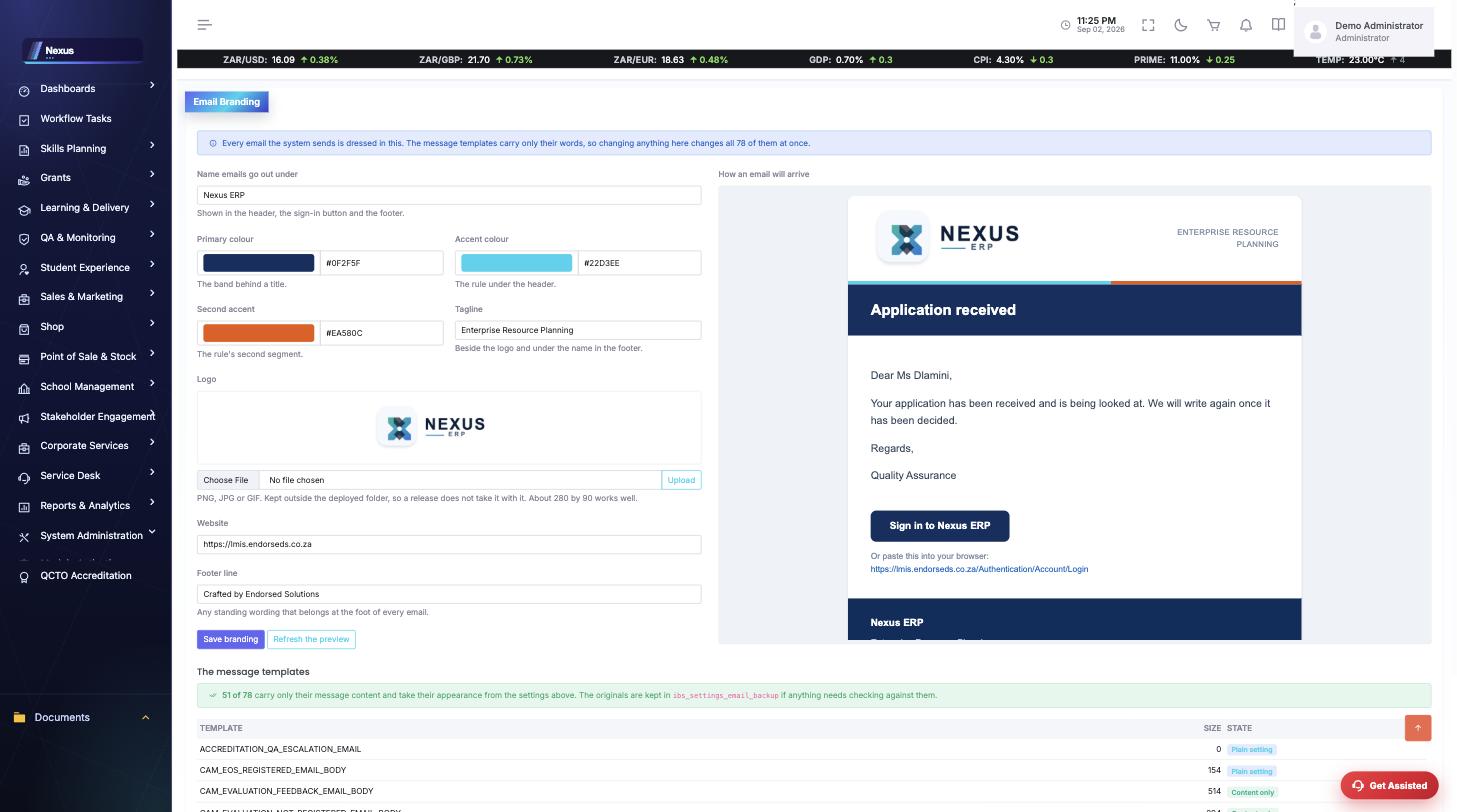
🧭1. Email Branding Process
Dress every email the system sends — once.
🧭2. Menu & Function Publishing Process
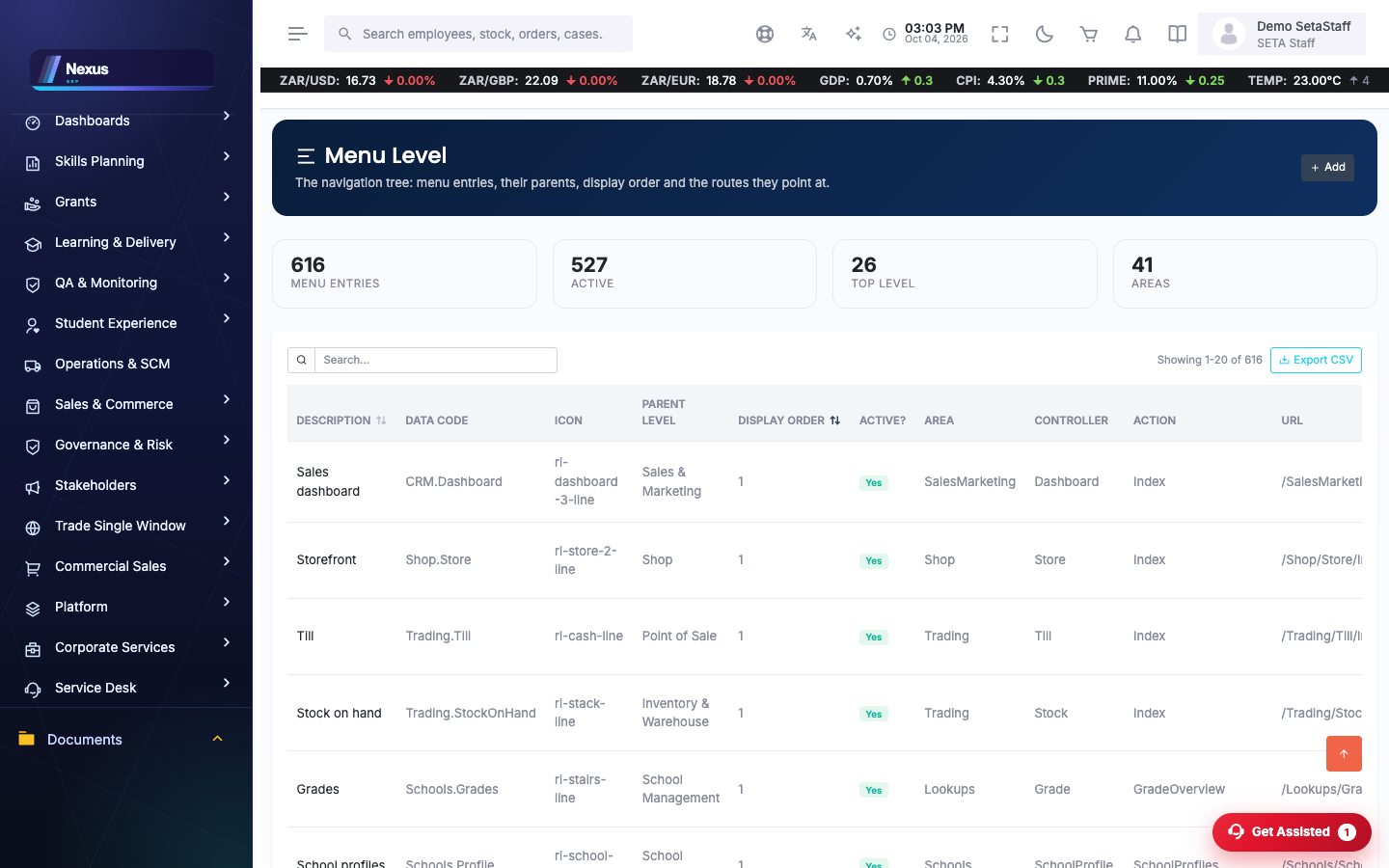
A new screen reaches a user’s sidebar through four gates.
⚙️System-wide settings
System Settings /Configuration/SystemSettings/SystemSettingsOverview
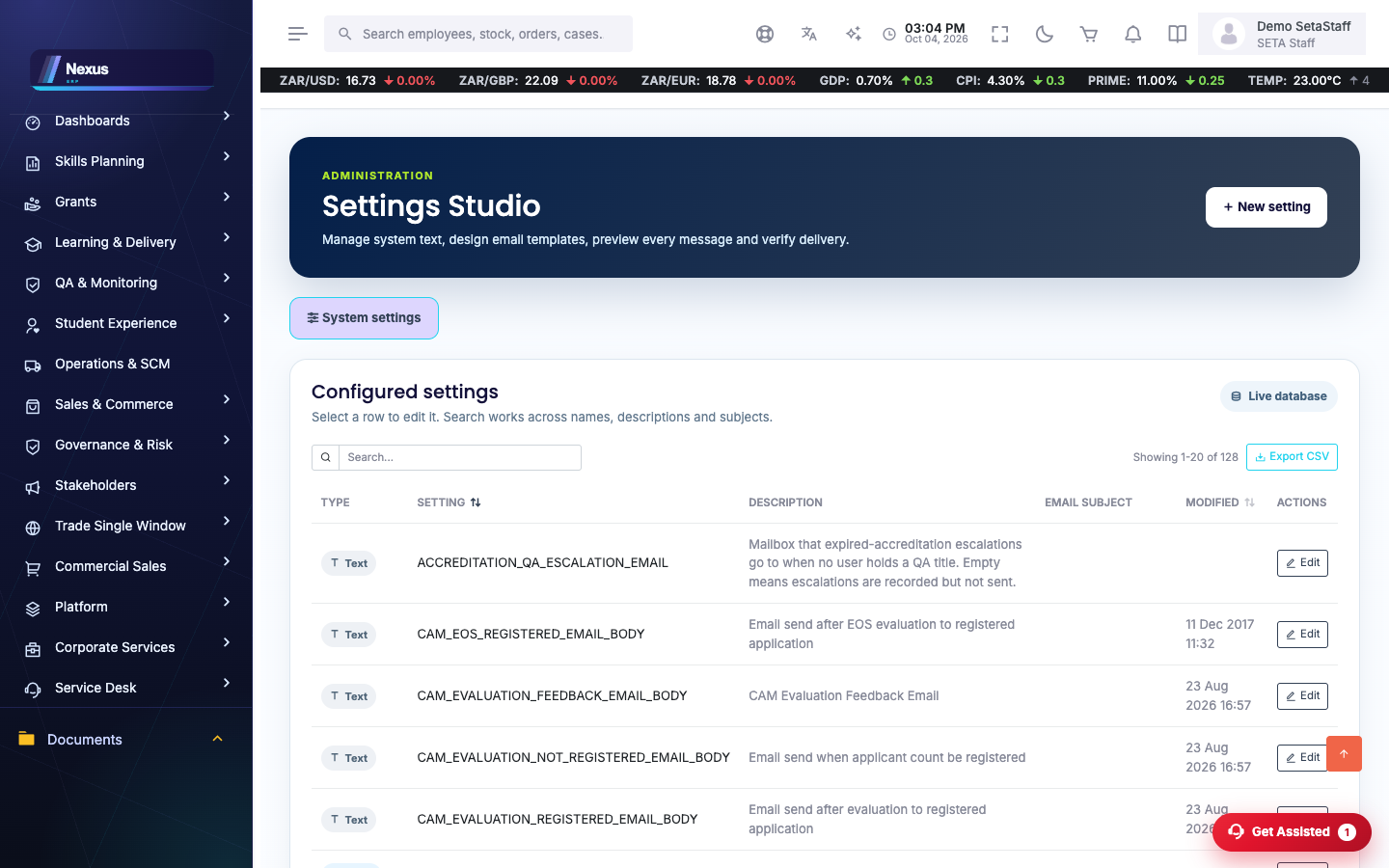
The key-value register behind system behaviour: email templates, feature flags, integration keys.
- Search the setting by name.
- Edit its value — it applies on the next read (some values are cached briefly).
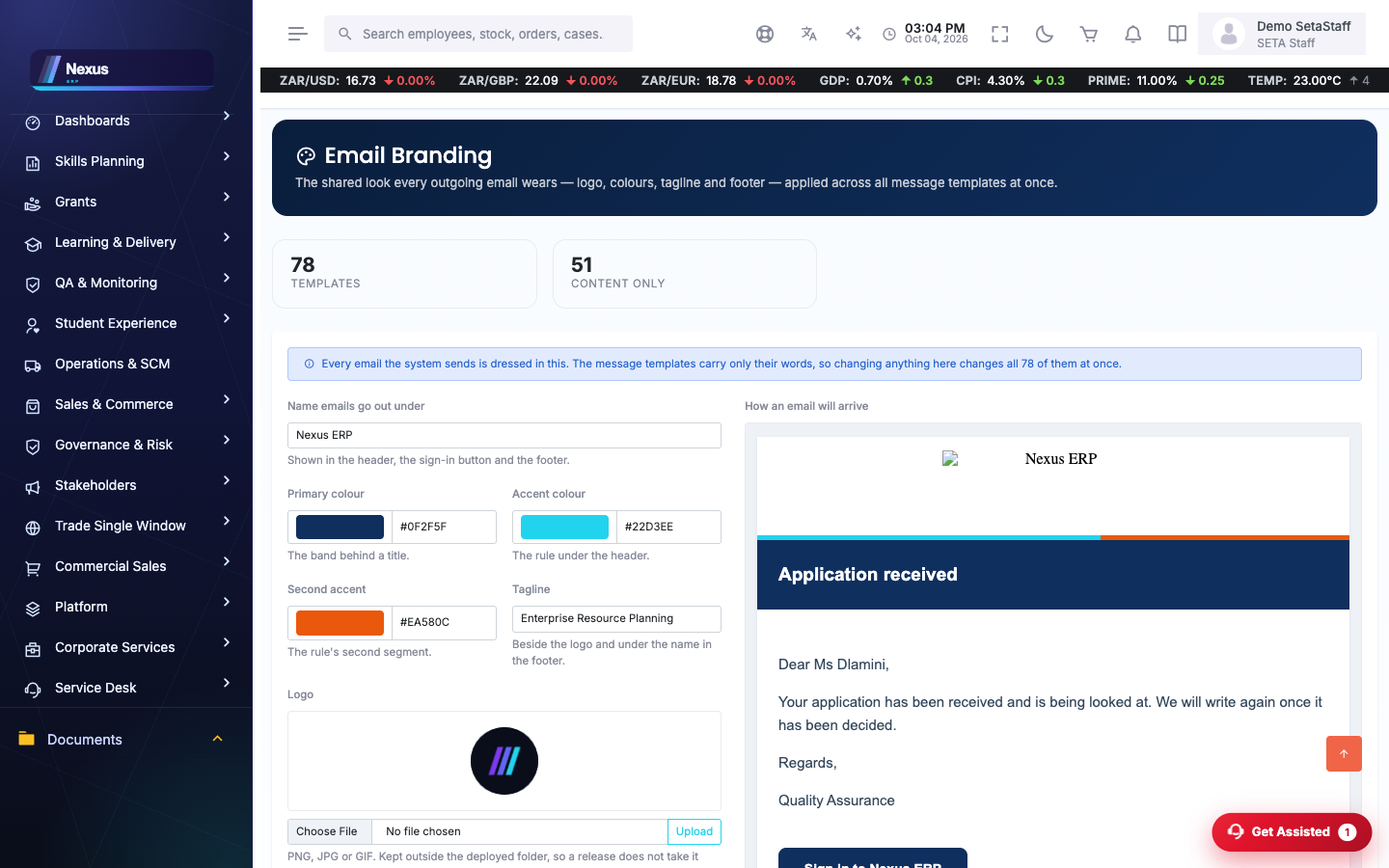
Email Branding /Configuration/EmailBranding/EmailBrandingOverview
What outgoing email looks like: the name it goes out under, logo, primary/accent/second-accent colours, tagline, footer and website. A live preview shows exactly how a message will arrive.
- Set the name and tagline.
- Upload a logo (about 280×90 works best; PNG/JPG).
- Pick the colours or type hex values.
- Save — it applies to the next email sent.
🔑Menus, functions and access
Menu Levels /Configuration/Menu/MenuLevelOverview
The sidebar itself: groups and items, their icons, order and target URLs.
- Add an item under the correct parent group.
- Give it the data code matching its function so access checks work.
Functions & Group Functions /Configuration/GroupFunctions/GroupFunctionsOverview
Functions are the permission atoms; Group Functions grant them per user type and title.
🛠️Programme configuration
Learning Unit Types /Configuration/LearningUnitType/LearningUnitTypeOverview
The intervention types (learnership, skills programme, bursary…) the QA and DG modules run on.
Learner Intervention Documents /Configuration/LearnerInterventionDocs/LearnerInterventionDocsOverview
Which learner documents each intervention requires — this narrows the upload dialog on learner profiles.
Letter Templates /Configuration/LetterTemplate/LetterTemplatesOverview
The letters the system generates (approvals, awards, confirmations), editable with placeholders.
DG / MG Windows /Configuration/DGWindow/DGWindowOverview
The application windows for Discretionary and Mandatory Grants — applications outside a window are refused.
❓FAQ & troubleshooting
I changed a setting and nothing happened.
Some values are cached for a few minutes; menus for up to three hours. Sign out and in, or wait briefly.
Who should have access here?
Administrators only — this module changes behaviour for everyone.
Where do email colours show up?
On every system email: the title band, the sign-in button, the rule under the header, and the footer.