E-Learning
Courses from upload to certificate: SCORM import or native module building, a progress-tracking player, authored assessments with results, and live class sessions.
🗺Author → publish → learn → assess
How the module fits together end to end. Colours mark who acts: navy = staff/admin, cyan = external user, green = organisation, orange = the system.
🧭1. Course Publishing Process
From a SCORM file on a desk to a recorded result.
🎓Learning catalogue & player
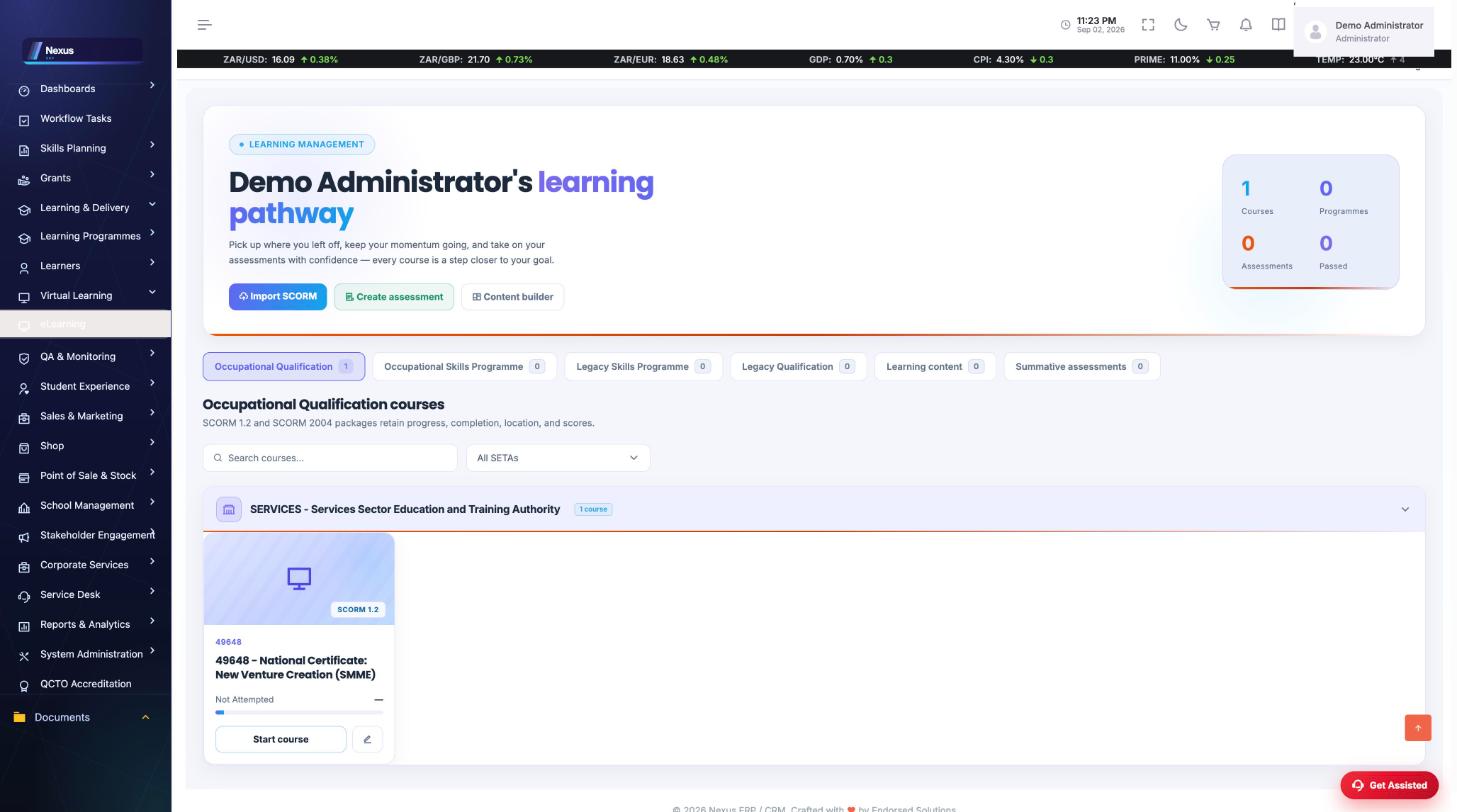
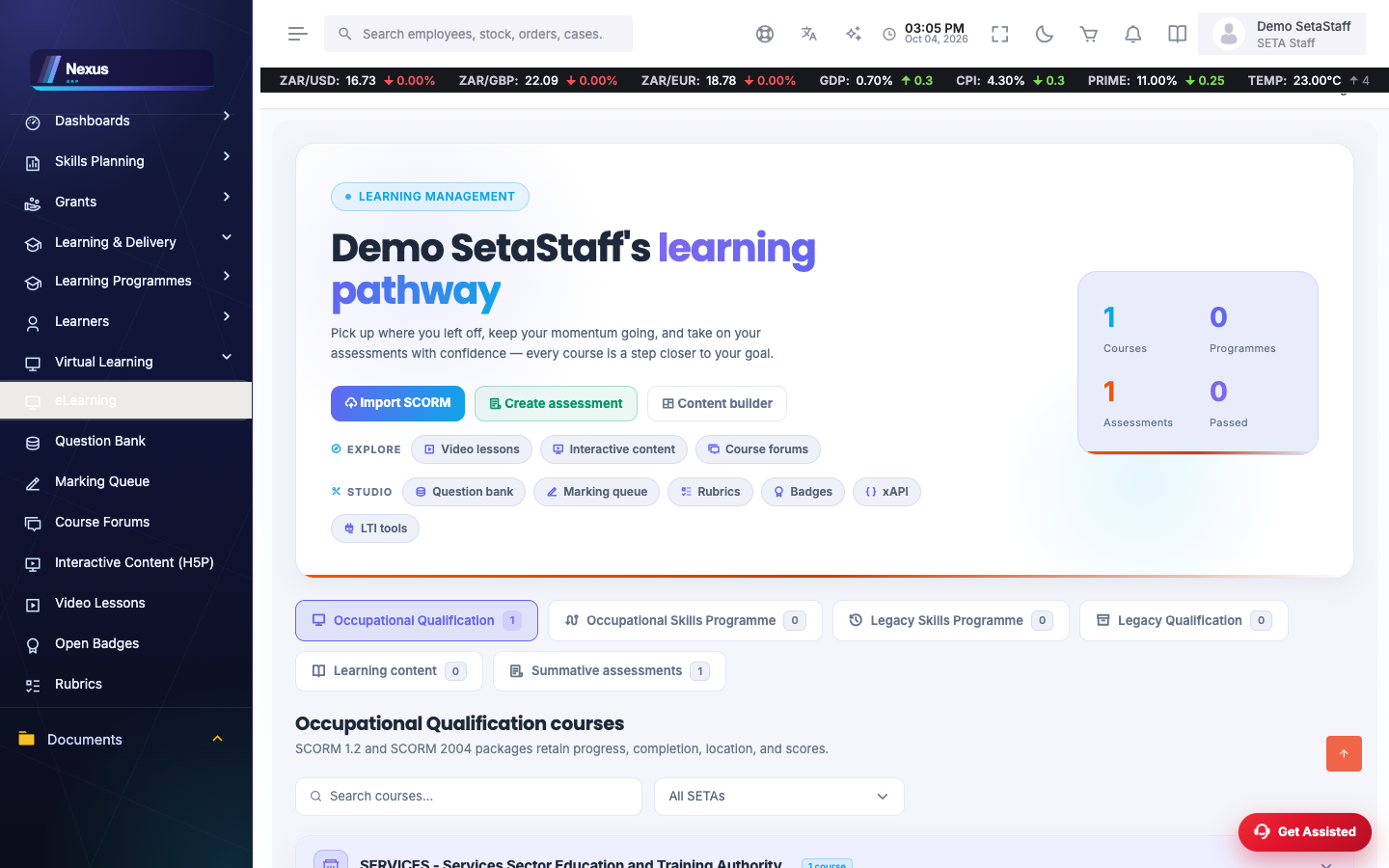
Learning Index /ELearning/Learning/Index
The course catalogue in the Nexus dark shop style: what is available, what is in progress, and completion state per course.
- Pick a course card.
- Continue where you left off — progress is stored per learner.
Launch /ELearning/Learning/Launch
The player: SCORM packages and built modules run here, with progress tracking; live class sessions can be joined via Let's Talk where a facilitator has started one.
🔧Authoring
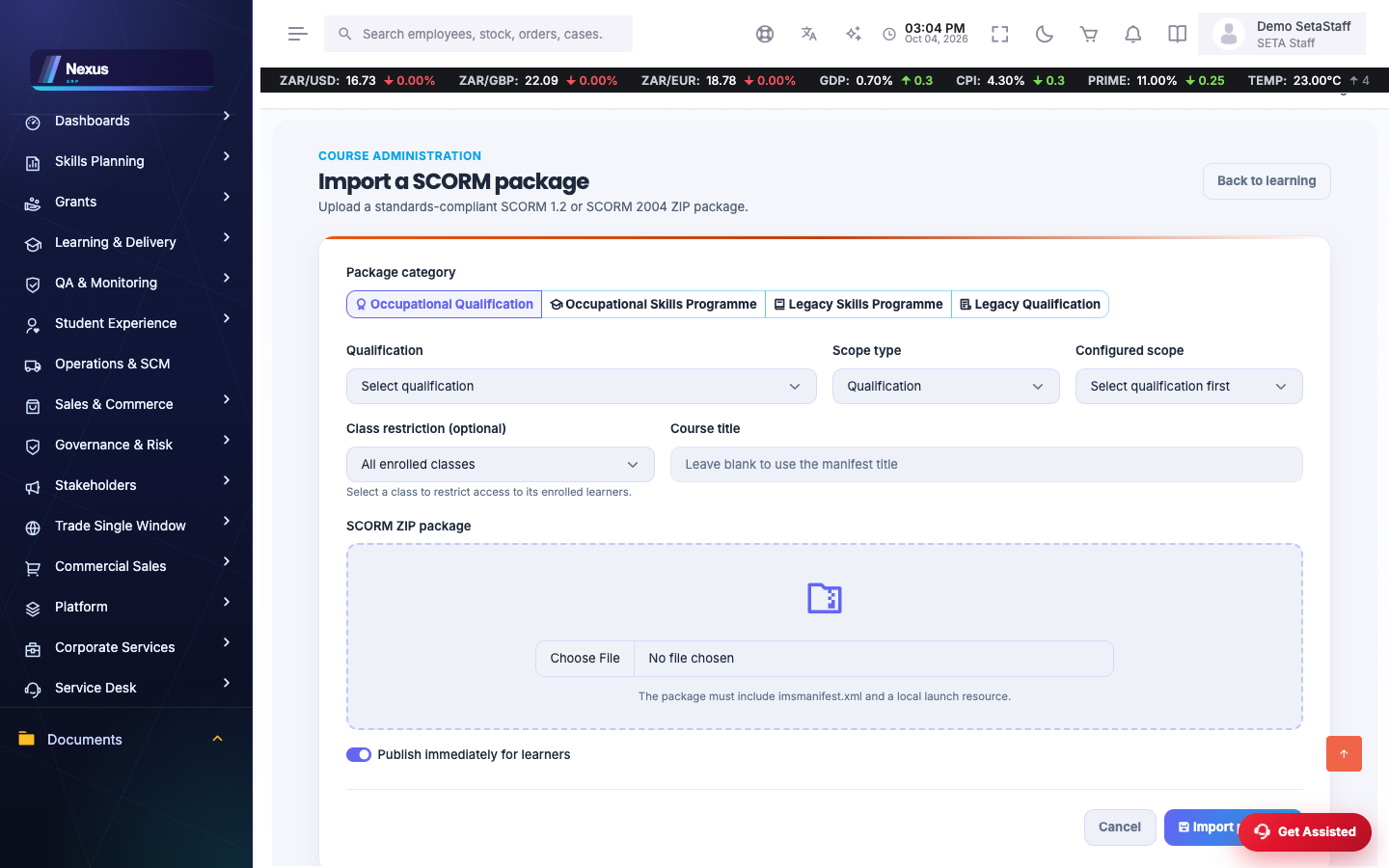
Upload SCORM /ELearning/Learning/UploadScorm
Import a SCORM package as a course.
- Choose the .zip package.
- Upload — the manifest is read and the course appears in the catalogue.
Module Builder /ELearning/Module/Builder
Build native modules without SCORM: sections, content and media assembled in the browser.
Assessment Editor /ELearning/Learning/AssessmentEditor
Author assessments: questions, options, pass mark. Learners write at /ELearning/Learning/Assessment and see results at /AssessmentResult.
❓FAQ & troubleshooting
A learner cannot open a course.
Check /ELearning/Learning/AccessRestricted reasons: the course may be limited to enrolled learners or a specific intervention.
Does progress survive sign-out?
Yes — the player checkpoints progress; the catalogue shows per-course completion.
Can facilitators run live sessions?
Yes — class sessions integrate with Let's Talk; the facilitator starts the room and learners join from the class or player.