Marketing & Communications
Outbound at scale with governance: approval-gated mass communication with a live branded preview, surveys with results, events with check-in and badges, and campaign roll-ups.
🗺Draft → approve → release → engage
How the module fits together end to end. Colours mark who acts: navy = staff/admin, cyan = external user, green = organisation, orange = the system.
🧭1. Mass Communication Approval Process
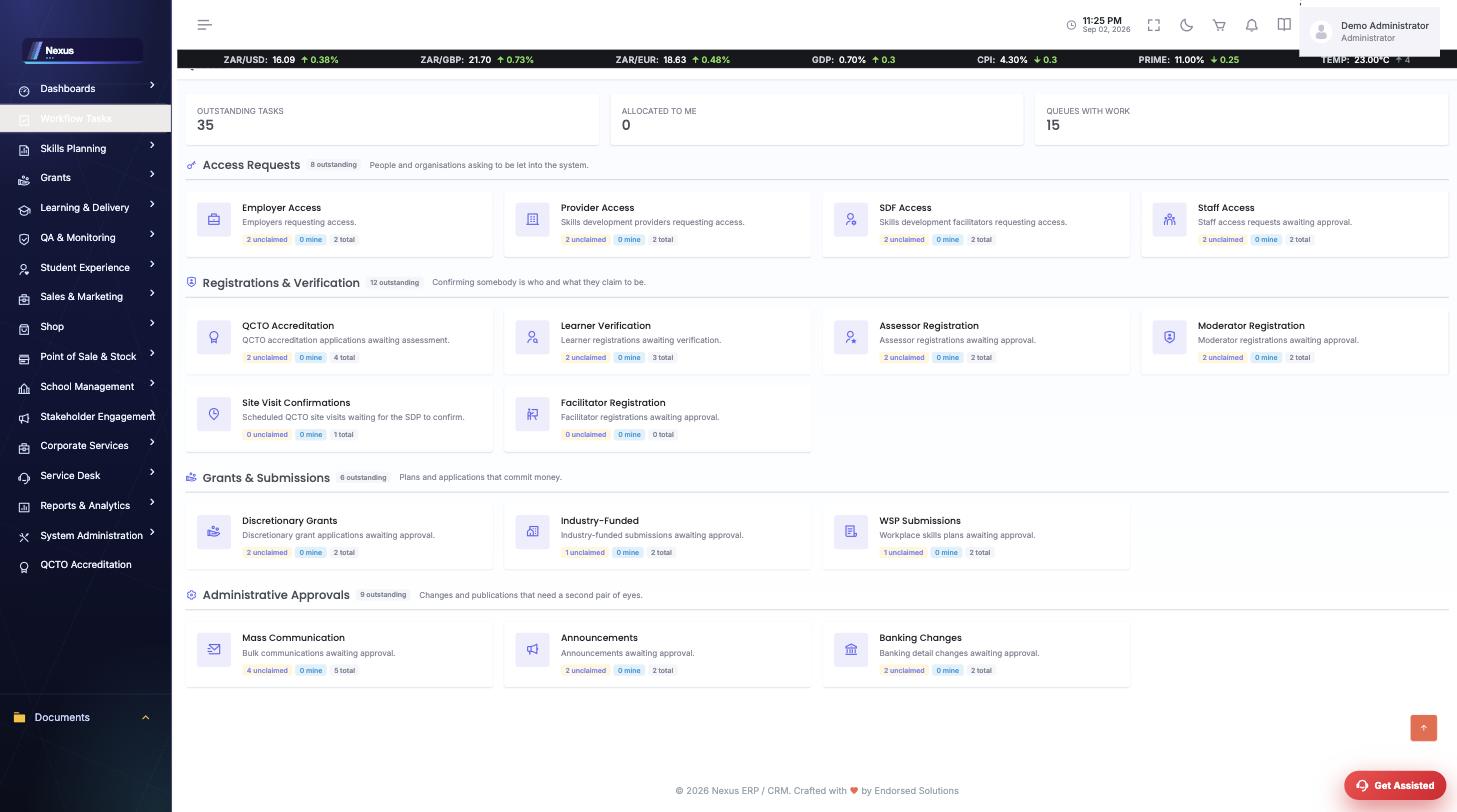
Nothing reaches an audience until a second pair of eyes releases it. Follow one message all the way.
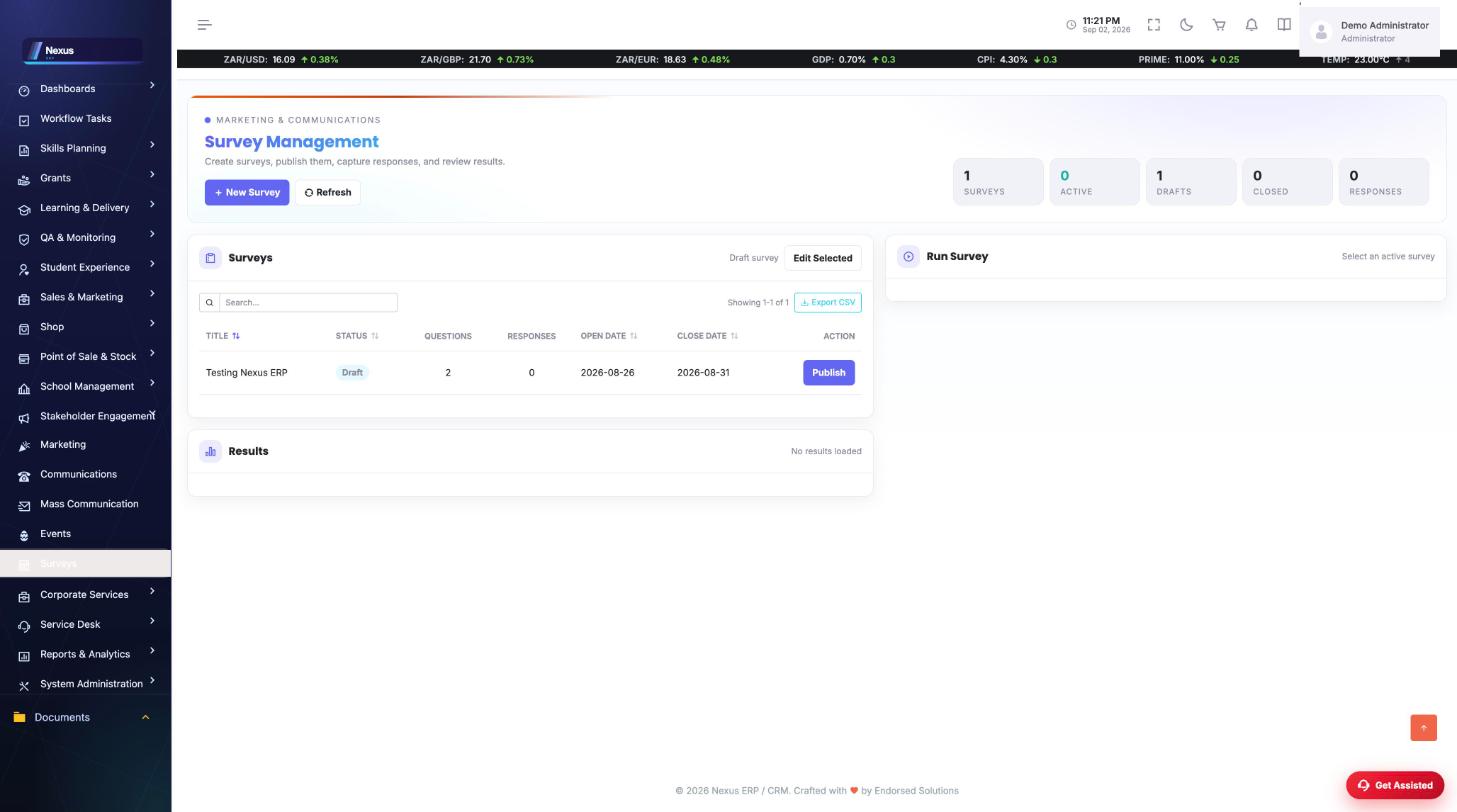
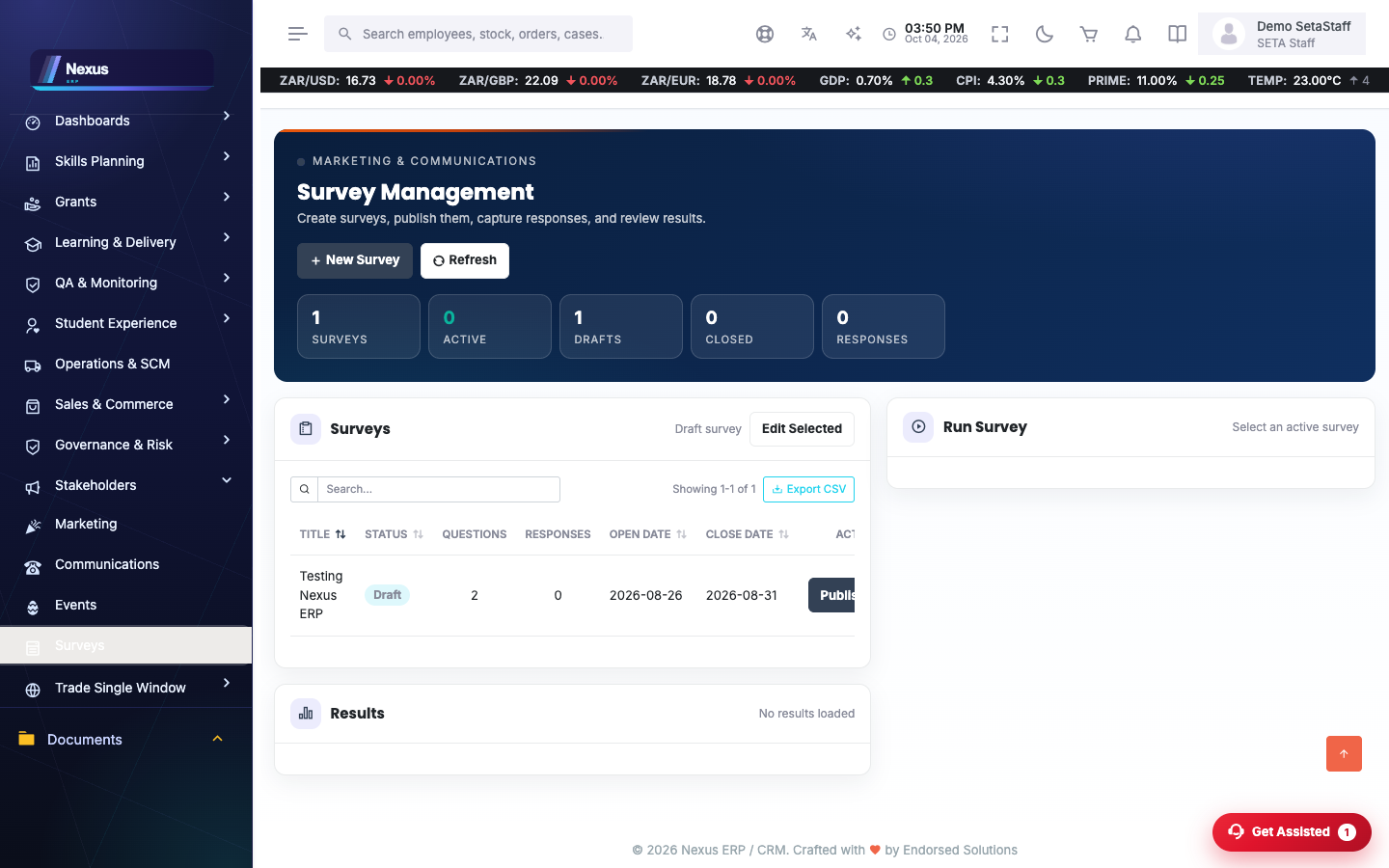
🧭2. Survey Process
Ask, publish, collect, read — one screen carries the survey from draft to results.
📨Mass communication
Mass Communication /MarketingAndComms/MassCommunication/MassCommunicationOverview
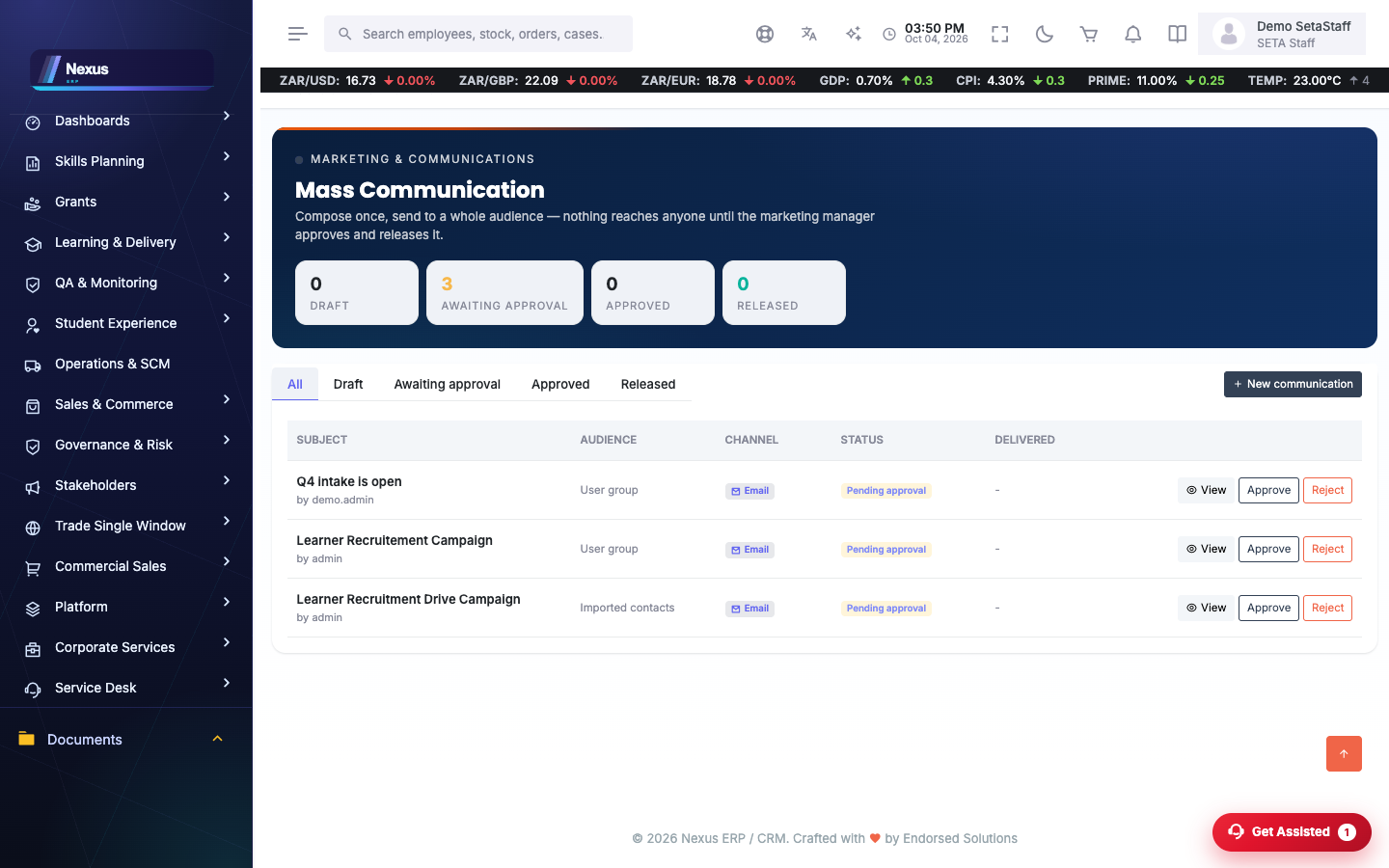
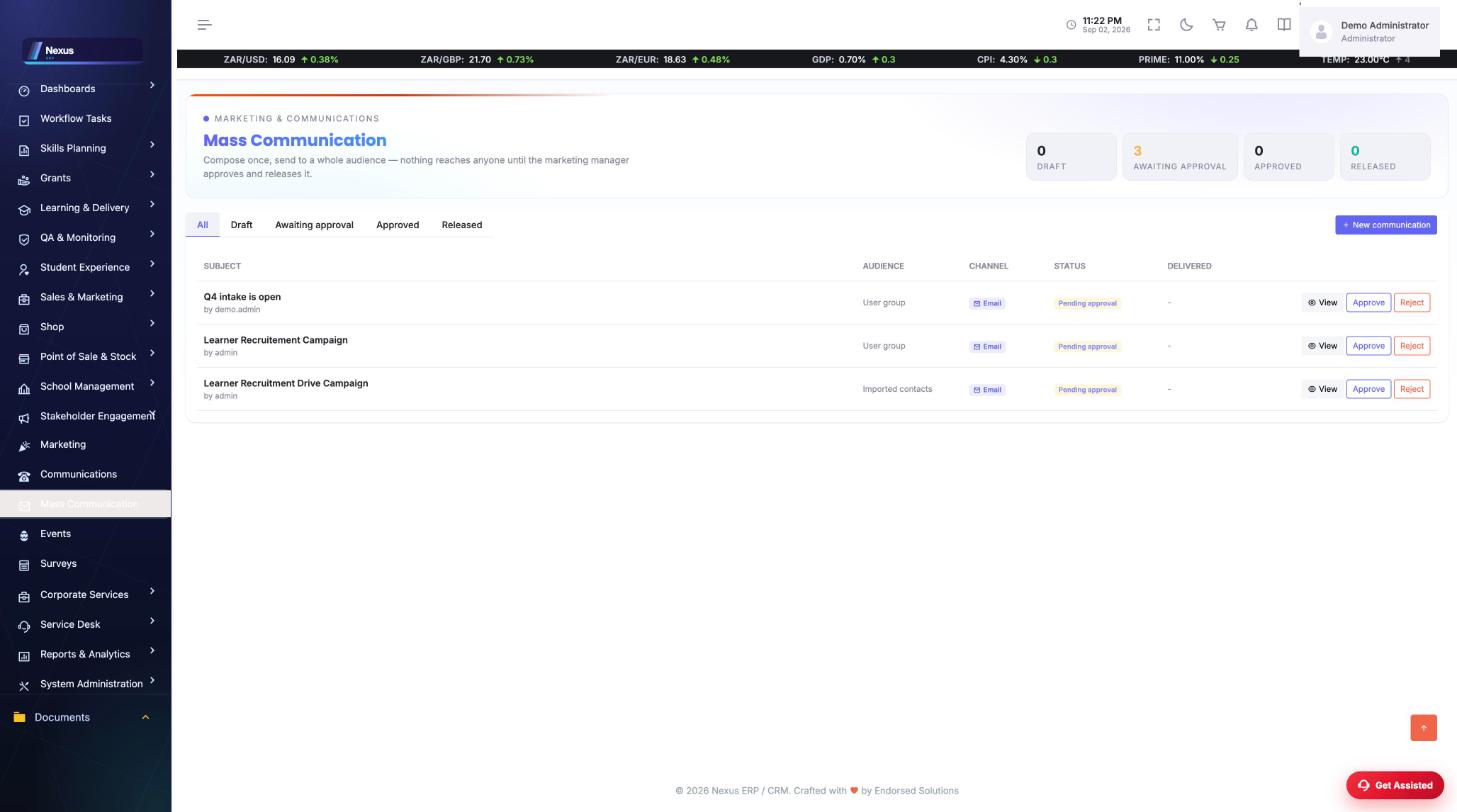
Bulk messages under an approval gate: draft, awaiting approval, approved, released. The compose dialog carries a live email preview with desktop and mobile frames.
- Create the message: subject, channel, audience (a user group or imported contacts), CC/BCC oversight copies.
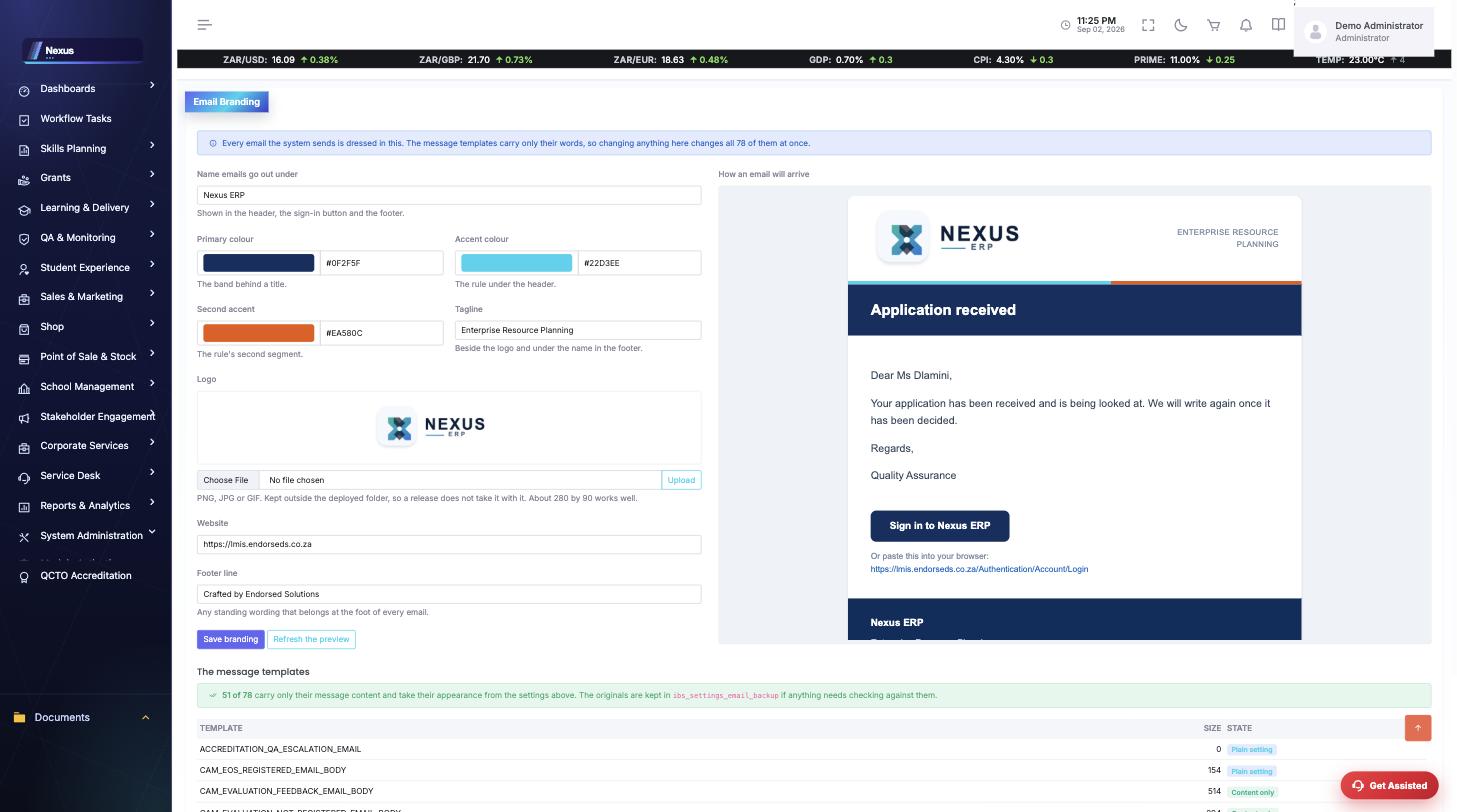
- Watch the live preview — it renders with the system's email branding.
- Submit; an approver releases it. Each recipient is mailed individually.
📋Surveys
Surveys /MarketingAndComms/Survey/SurveyOverview
Design surveys, run them, and read results with response bars — drafts, active and closed each counted on the hero.
- Build questions in the editor.
- Publish to open responses; close to freeze results.
🎪Events
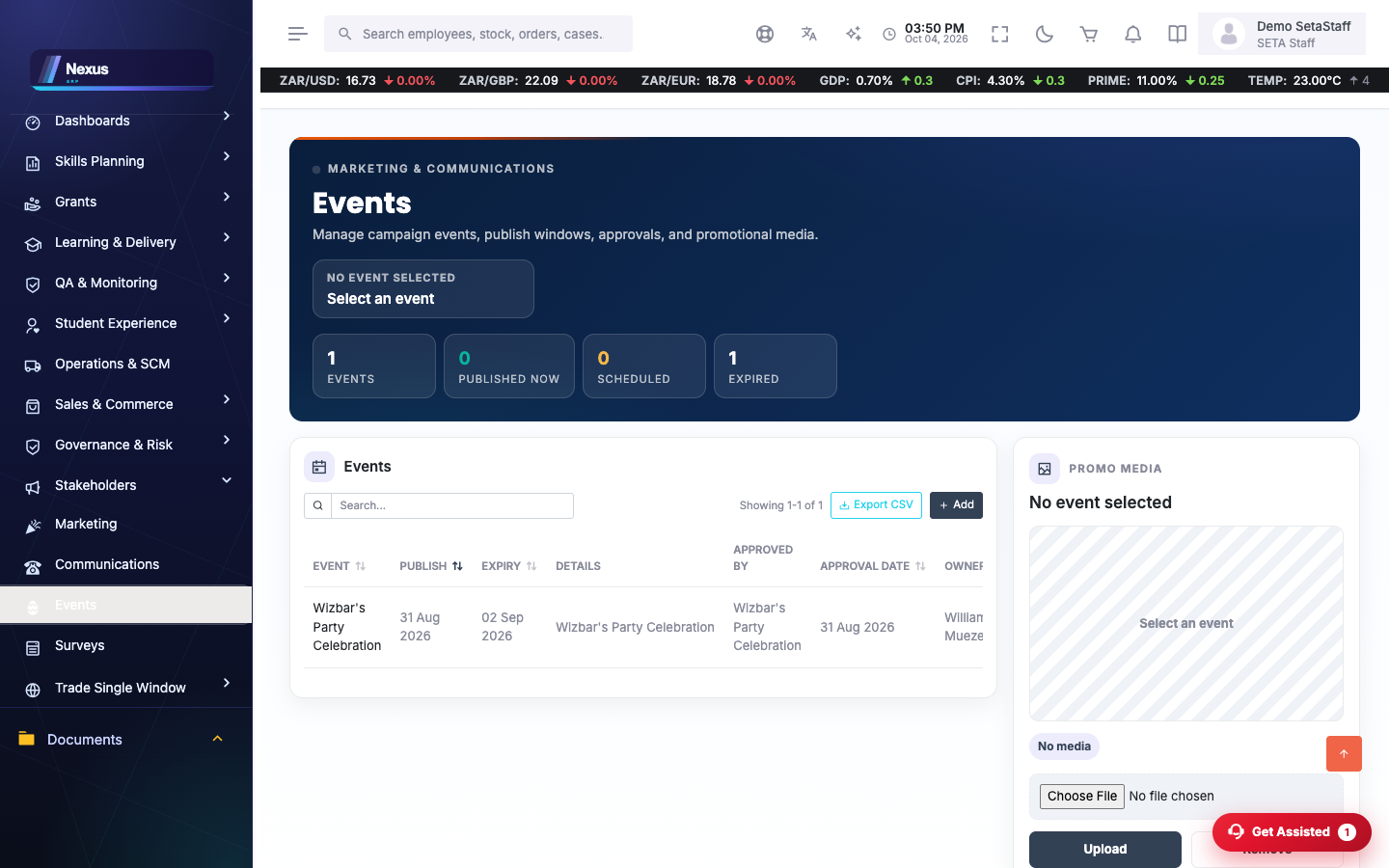
Events /MarketingAndComms/Events/EventsOverview
The event register with publish windows and promo media; badges (/Events/Badge), attendee check-in (/Events/CheckIn), a public listing (/Events/PublicEvents) and a dashboard (/Events/Dashboard).
- Create the event with its publish window.
- Upload promo media; share the public page.
- On the day, check attendees in and print badges.
📢Campaign overviews
Marketing & Communications overviews /MarketingAndComms/Marketing/MarketingOverview
Roll-ups of marketing activity and communications history (/MarketingAndComms/Communication/CommunicationsOverview).
❓FAQ & troubleshooting
Why can't I edit my message?
It is pending approval — read-only by design. Ask the approver to decline it back to draft if changes are needed.
Do recipients see each other?
No. Each person is mailed individually; CC/BCC are oversight copies receiving one message.
What branding do the emails carry?
The system email brand from Configuration → Email Branding — currently Nexus ERP.