Nexus ERP · User Guide
Travel Management
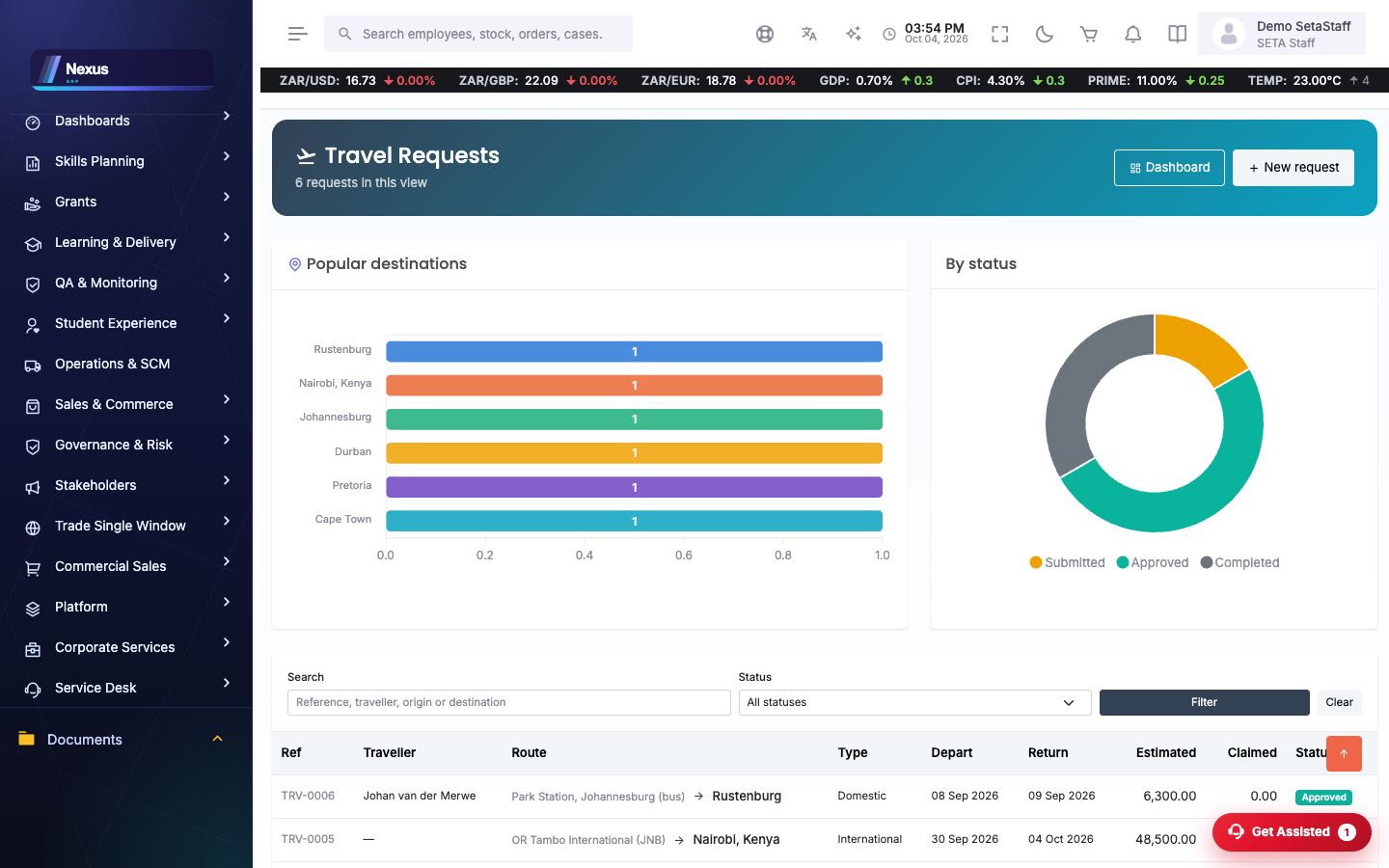
Trip requests from flying-from to destination — with the nearest airport or bus station chosen automatically and correctable — plus expenses and popular-destination insights.
demo.admindemo.staff
✈️Trip requests
Requests /Travel/Travel/Requests
Every trip request in one place, with graphs that show the most popular destinations at a glance.
📍Requesting a trip
New trip /Travel/Travel/Trip
A request runs from where you fly from to where you are going. Nexus works out your current position and picks the nearest airport or bus station for you — and you can correct it if it chose the wrong one.
- Start a new trip; the flying from origin is filled in from your nearest airport or bus station.
- Correct the origin if needed, then choose the destination and the dates.
- Add the purpose and submit for approval.
Only the destination used to be captured; the origin is now determined automatically and stays yours to correct.
💵Trip expenses
Capture the expenses against a trip so the cost of travel is recorded where the trip is, not scattered across finance.