Lookups & Master Data
The single source of truth: fifty-plus lookup registers, the company register with a registry-searching capture wizard, the person master, and role-scoped document libraries.
🗺Captured once, referenced everywhere
How the module fits together end to end. Colours mark who acts: navy = staff/admin, cyan = external user, green = organisation, orange = the system.
🧭1. Subject to Classroom Process
A subject captured once travels through curriculum and school to timetables and marks.
🔖Lookups
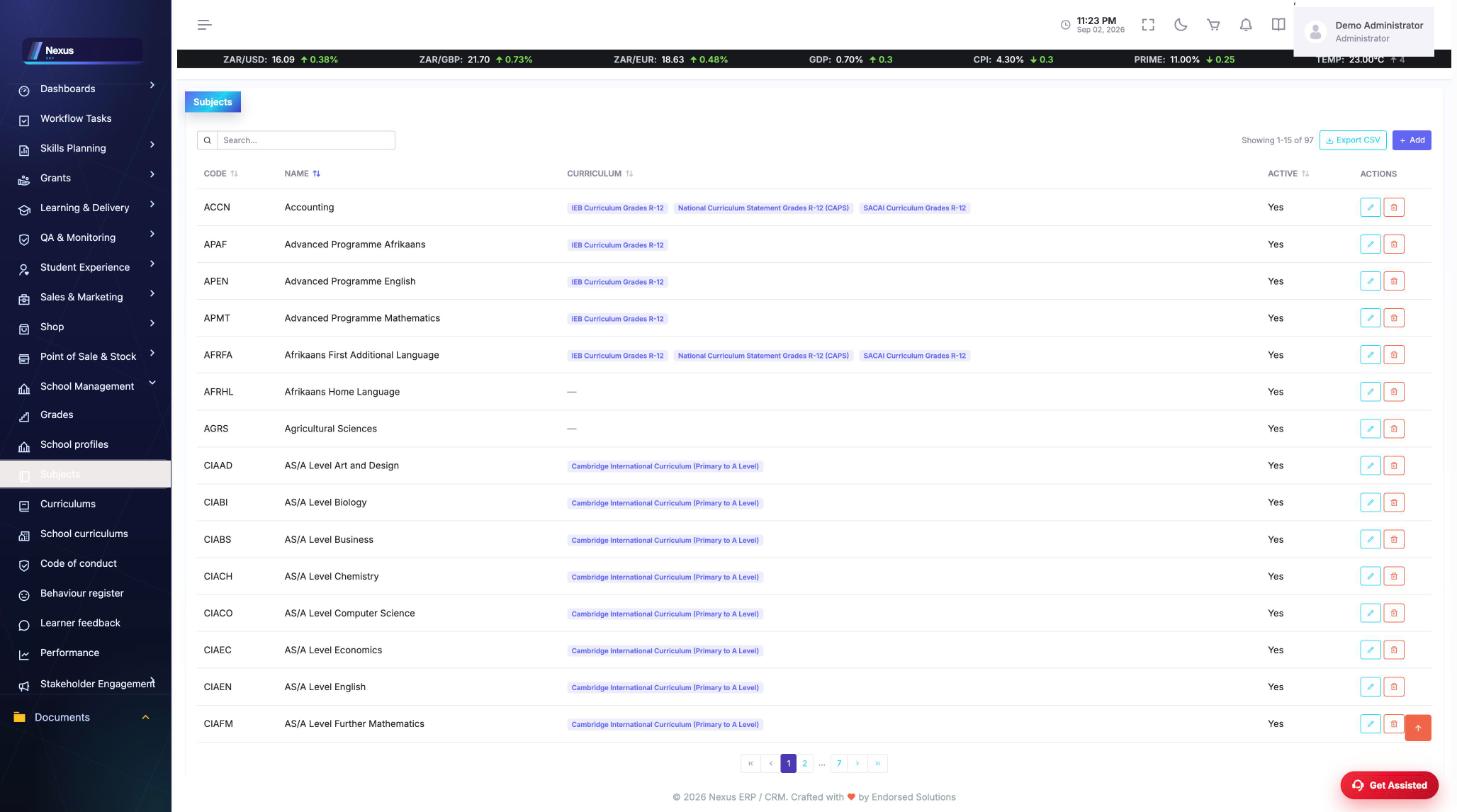
The lookup registers /Lookups/<Register>/<Register>Overview
Fifty-plus reference registers every module draws from: provinces and municipalities, NQF levels, OFO codes (major to unit), SIC codes, banks, genders, languages, qualification types, subjects (with their curriculums), grades (with phases), SETAs and more.
- Open the register from the Lookups menu.
- Add or edit inline — each grid searches, sorts and exports.
/Lookups/<Register>/<Register>Overview
🏢Companies
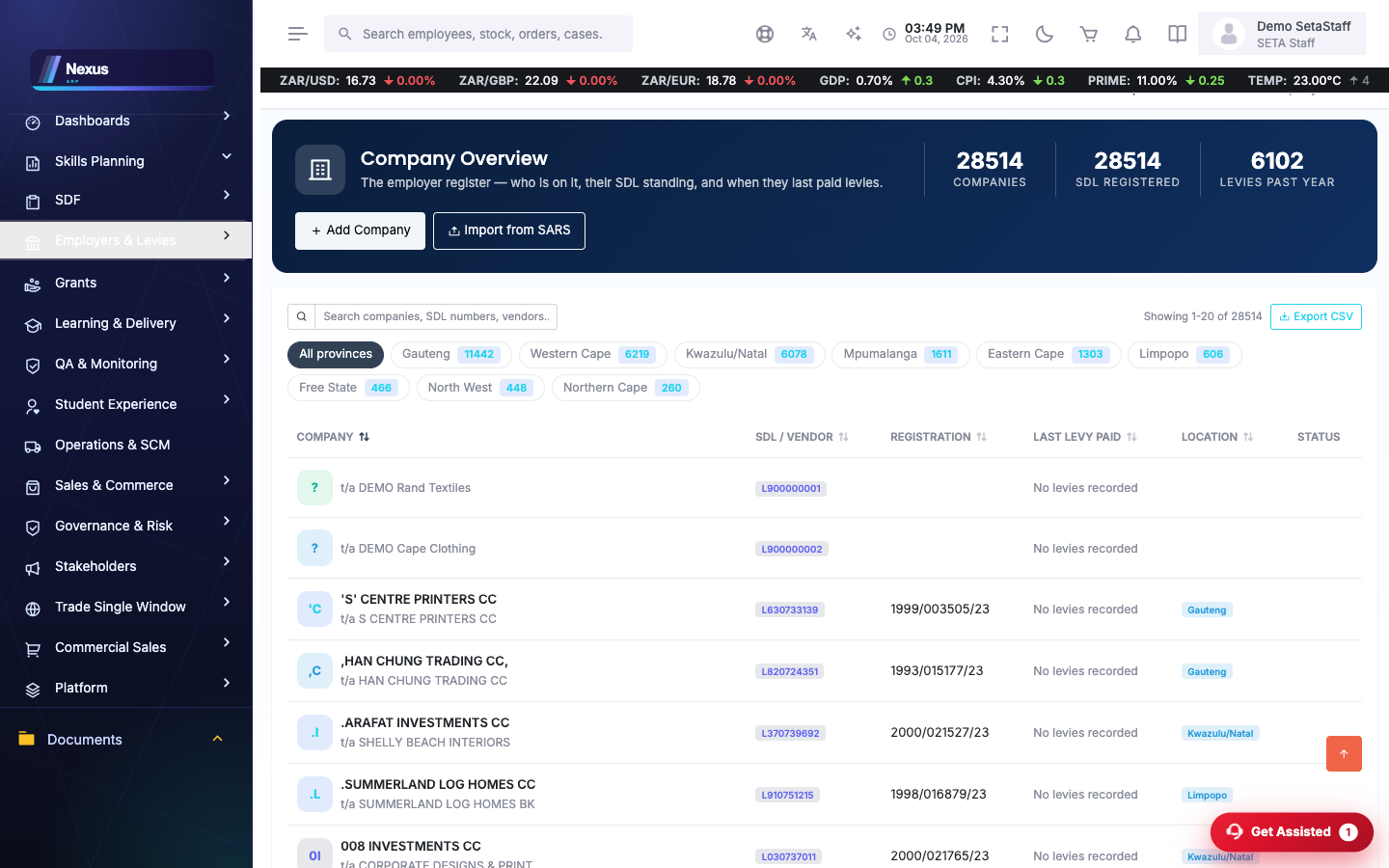
Companies /MasterData/Companies/CompaniesOverview
The employer/company register; each opens to a full profile (/MasterData/Companies/CompanyProfile) with contacts, banking, branding (Brand Studio) and documents.
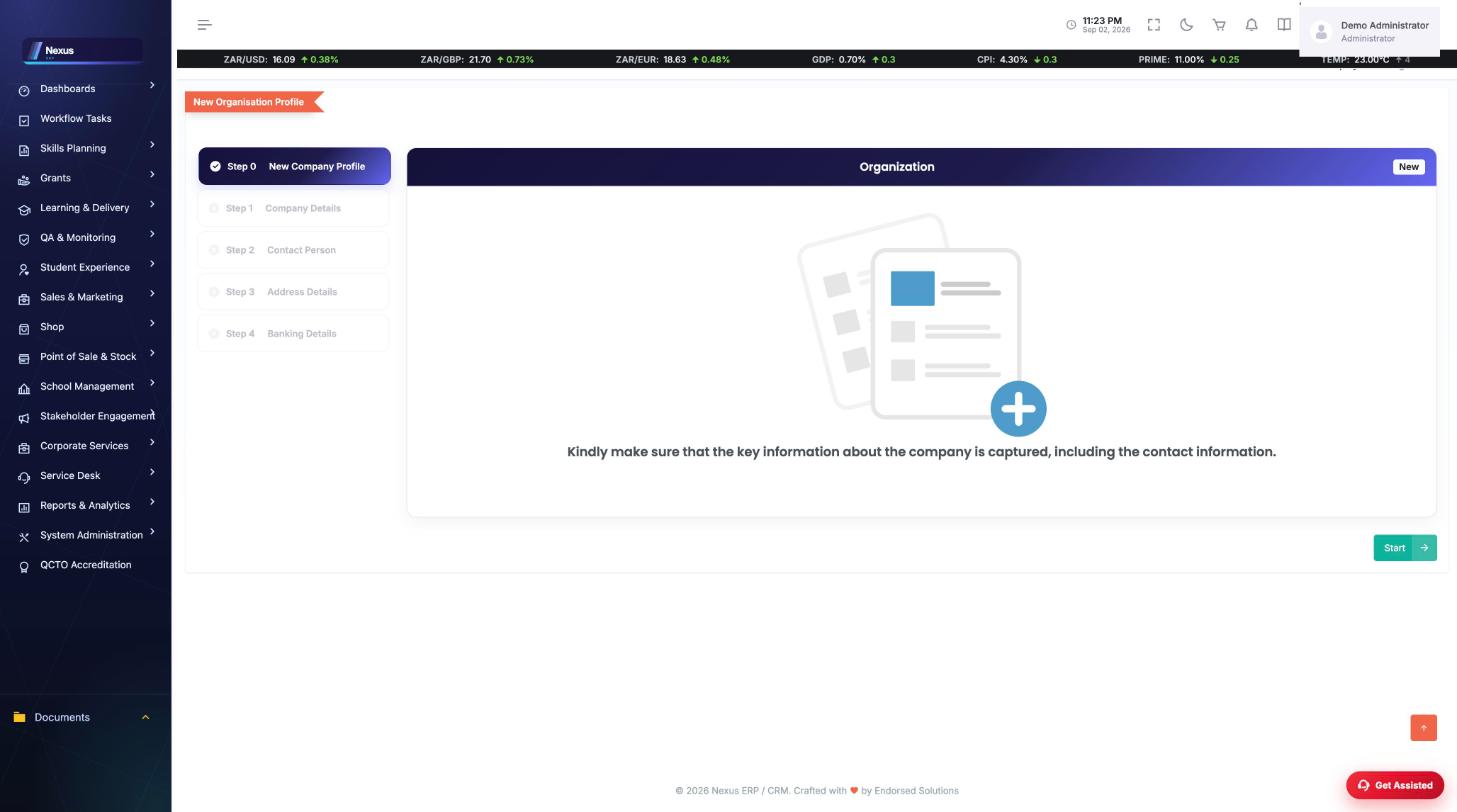
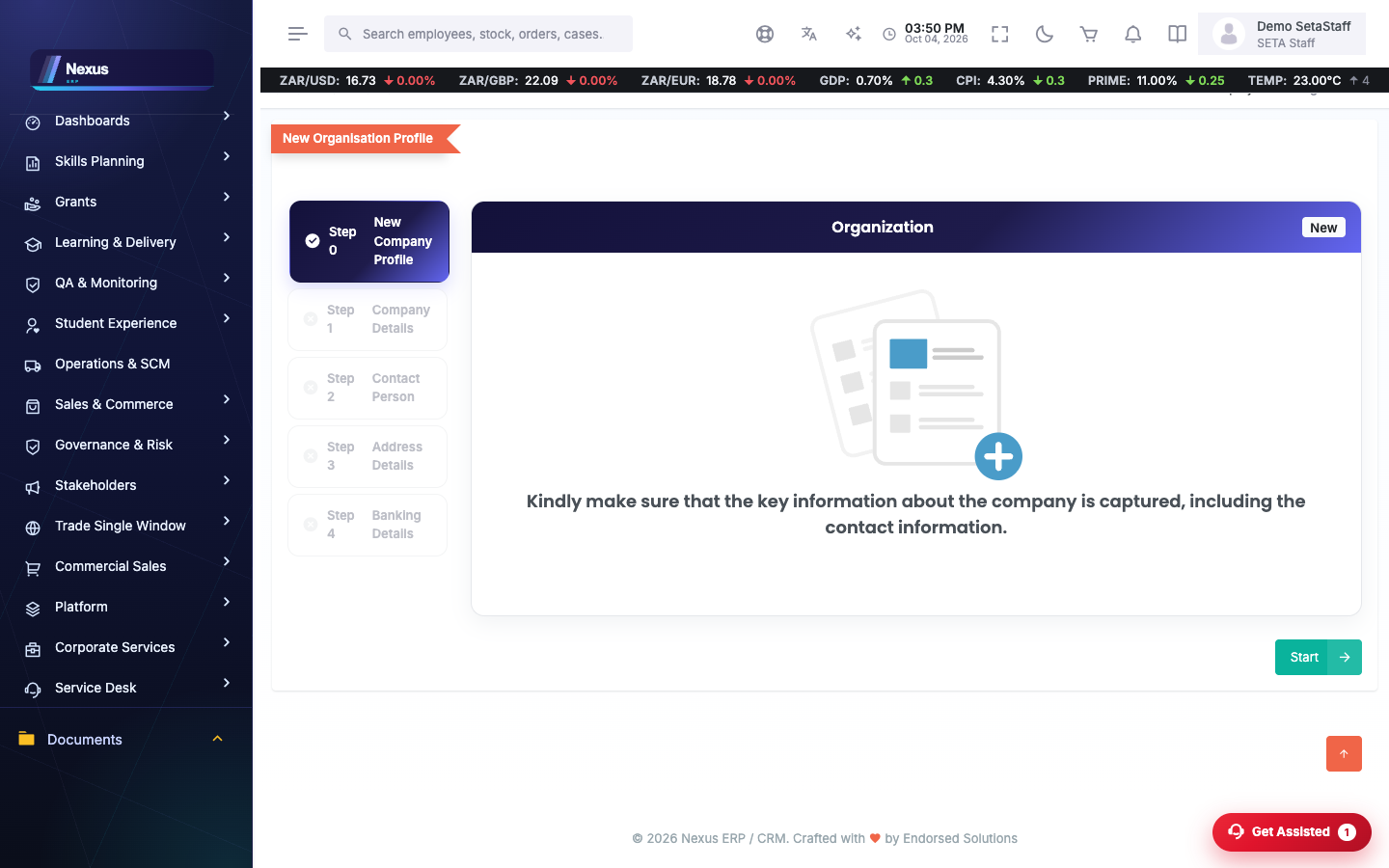
Add Company (wizard) /MasterData/Companies/AddCompanyProfile
The capture wizard. Typing a trading name searches the companies registry; pick from the match list and the details — including the director's information and the primary contact — fill themselves.
- Type the trading name (5+ characters) and pick from the registry matches, or capture manually.
- Complete contacts — one contact person is required; telephone numbers are optional.
- Address needs GPS coordinates for a company.
- Save — if you arrived from a supplier register, the company is linked back as a supplier automatically.
👤People & documents
Persons /MasterData/Person/PersonOverview
The person master: identity, demographics, education and work history — learners, staff and contacts all resolve to a person.
Documents & File Manager /MasterData/FileManager/FileManager
The document libraries, scoped per role: Staff see all, SDPs their own provider's files plus shared training material, Employers their company's.
❓FAQ & troubleshooting
The registry search finds nothing for a company.
Capture manually — the dialog offers it; registration number entry unlocks.
Why can't I delete a lookup value?
Values in use are protected; deactivate instead so history stays intact.
Who sees which documents?
Access is scoped server-side: staff everything, organisations their own libraries only.